The 12 Best Podcast Editing Software Options for 2026 (Ranked and Reviewed)
Choosing the right software is one of the most critical decisions a podcaster can make. The wrong tool can turn editing into a chore, kill your creative momentum, and leave your audio sounding amateur. The best podcast editing software, however, streamlines your workflow, cleans up messy recordings, and empowers you to produce a show that sounds professional and polished.
But with so many options, from all-in-one AI platforms to professional digital audio workstations (DAWs), how do you decide which is right for you? This comprehensive guide cuts through the noise. We have meticulously evaluated the top 12 tools, breaking them down by their ideal use case, key features, pricing, and practical limitations. We provide direct links and screenshots for each entry to simplify your evaluation process.
Whether you are a solo creator on a budget, a video editor repurposing audio, or part of a multi-host team recording remote interviews, this list has a solution tailored to your specific needs. We’ll explore everything from simple, automated platforms to advanced software for audio perfectionists.
Furthermore, we will show how specialized AI tools like Isolate Audio can supercharge any editing workflow. By offering advanced noise removal and precise dialogue isolation, it complements every tool on this list, helping you achieve pristine audio quality regardless of your primary editor. This guide provides the clarity you need to select the perfect software and elevate your podcast's sound.
1. Isolate Audio
Isolate Audio takes a revolutionary approach to audio cleanup, positioning itself as an essential companion to traditional podcast editing software rather than a direct replacement. Its core strength lies in its powerful AI that understands natural language prompts, allowing podcasters to surgically remove unwanted sounds with unparalleled precision. Instead of being limited to generic stems like "vocals" or "music," you can type specific commands like "remove dog barking" or "isolate the guest's voice," and the platform generates two clean tracks: the isolated element and the remaining audio.
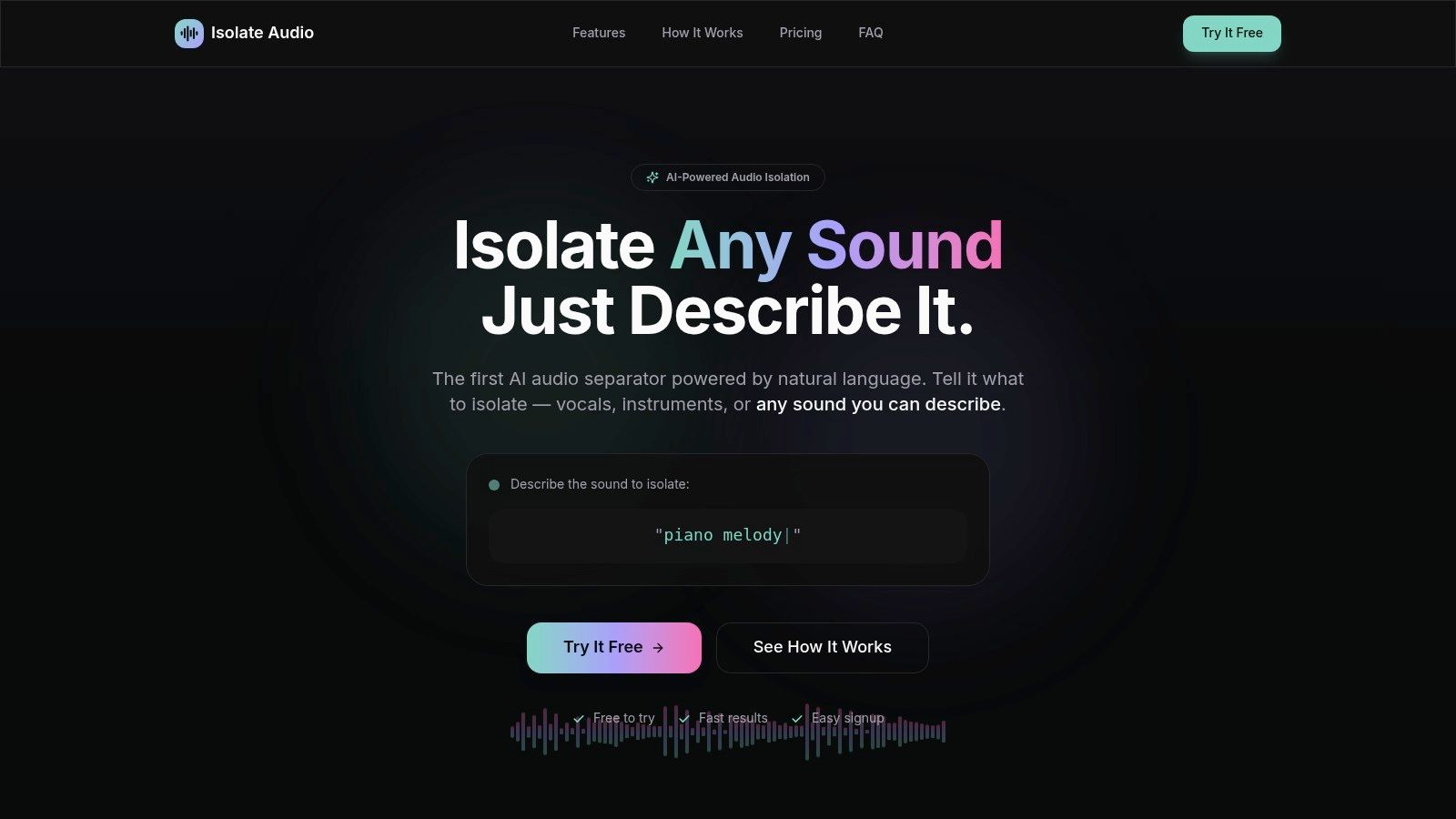
This web-based tool streamlines the often-tedious process of noise reduction. By handling the complex cleanup before the main edit, it saves immense time and effort, especially for interviews recorded in less-than-ideal environments. The dual-track output is a significant advantage, giving you complete creative control to recombine, adjust, or discard audio elements as needed. This makes it an indispensable tool for achieving pristine dialogue clarity.
Key Features & Use Cases
- Natural Language Processing: The ability to target any describable sound offers flexibility far beyond standard tools. This is perfect for removing unexpected interruptions like a phone ringing, a siren passing by, or construction noise from a remote guest's feed.
- Dual-Track Separation: Getting both the isolated sound and the "remainder" track is incredibly useful. You can lower the volume of distracting background hum without removing it entirely, preserving the natural ambiance of the recording.
- Precision Mode: For recordings where multiple voices or sounds overlap, the Pro plan's Precision Mode provides a more intensive analysis, delivering cleaner separation in challenging audio situations.
Pricing & Platform Details
Isolate Audio operates on a freemium model, making it accessible for various production scales.
| Plan | Price | Key Features | Best For |
|---|---|---|---|
| Free | $0/month | 5 separations/month, 5-min file limit, MP3 output | Testing the platform or cleaning short clips |
| Pro | $19/month | Unlimited separations, 30-min file limit, Lossless WAV/FLAC output, Precision Mode | Serious podcasters and professional editors |
| Enterprise | Custom | API access, bulk processing, dedicated support | Production houses and businesses with high-volume needs |
Website: https://isolate.audio
2. Descript
Descript revolutionizes podcast editing by transforming your audio and video files into an editable text document. Instead of manipulating waveforms, you edit the automatically generated transcript; deleting a word or sentence in the text removes the corresponding media. This "doc-style" editing makes it one of the best podcast editing software options for creators who prioritize speed and simplicity for spoken-word content.
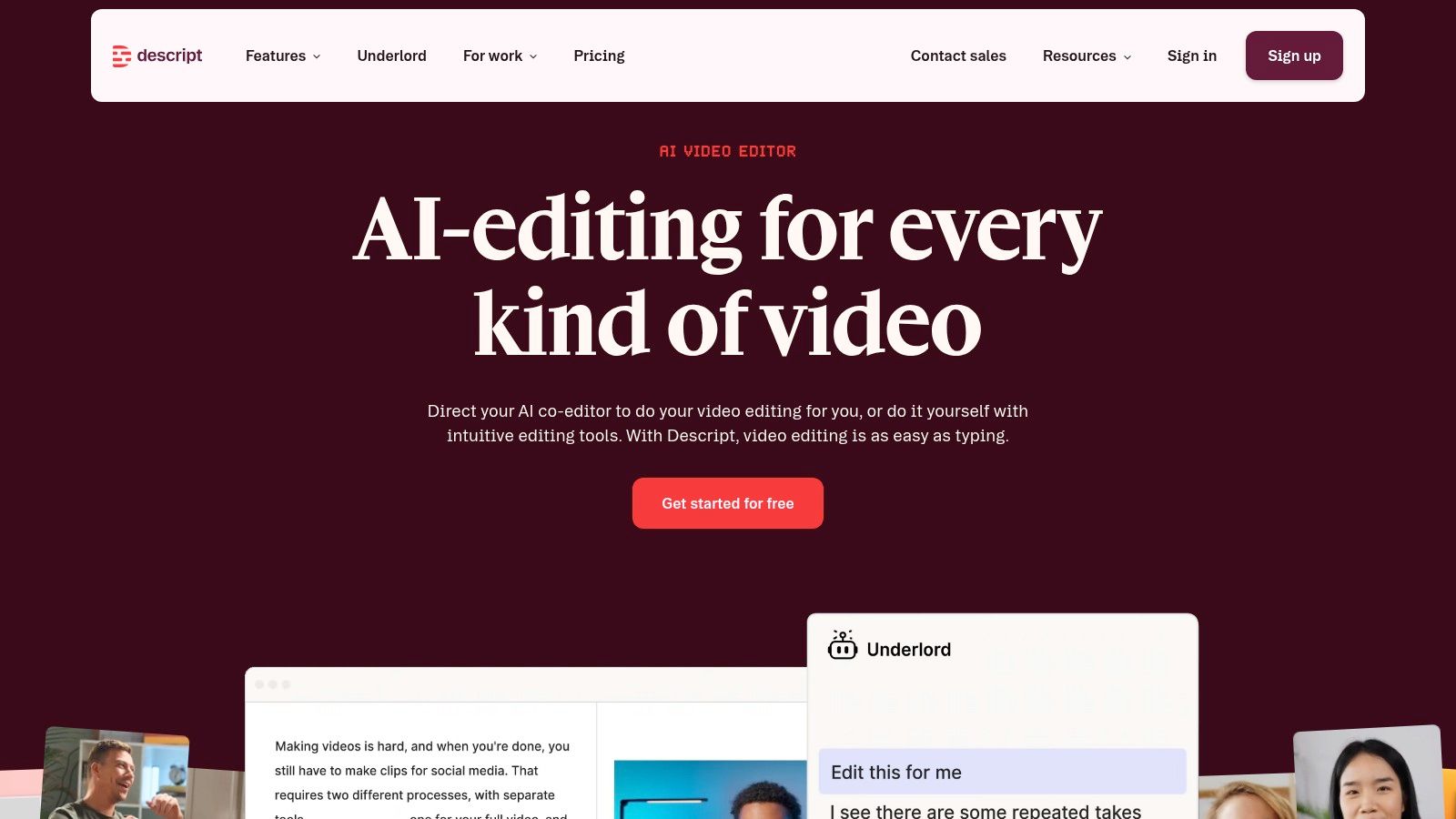
The platform is an all-in-one ecosystem for recording, editing, and publishing. Its AI features, like one-click filler word removal ("uhms" and "ahs") and "Studio Sound" for background noise reduction, automate tedious tasks. This integrated workflow is ideal for solo podcasters and teams needing to produce content quickly without deep audio engineering knowledge.
Key Features & Use Cases
- Best For: Podcasters and video creators who want the fastest possible rough cut and a streamlined workflow from recording to publishing.
- Editing Style: Text-based editing synced to media timelines.
- Key Features: Automatic transcription, AI-powered filler word removal, Studio Sound enhancement, screen and webcam recorder, and collaborative workspaces.
- Pricing: Starts with a free plan; paid tiers begin at $12/editor per month (billed annually).
- Website: https://www.descript.com
How Isolate Audio Integrates
While Descript’s Studio Sound is great for general noise reduction, it's a single-click enhancement. For surgical control over your audio, you may need more power. You can export your final audio from Descript and process it with Isolate Audio to achieve professional-grade dialogue isolation or background noise removal when you need to rescue a particularly noisy recording or separate co-host tracks recorded on a single microphone. This gives you the speed of Descript for the initial edit and the precision of Isolate Audio for the final polish.
3. Adobe Audition
Adobe Audition is a professional digital audio workstation (DAW) that offers a comprehensive toolkit for podcasters demanding precise control over their sound. As part of the Adobe Creative Cloud, it provides an industry-standard environment for recording, editing, mixing, and mastering audio. Its robust feature set makes it one of the best podcast editing software choices for creators who need advanced dialogue repair and deep waveform manipulation.
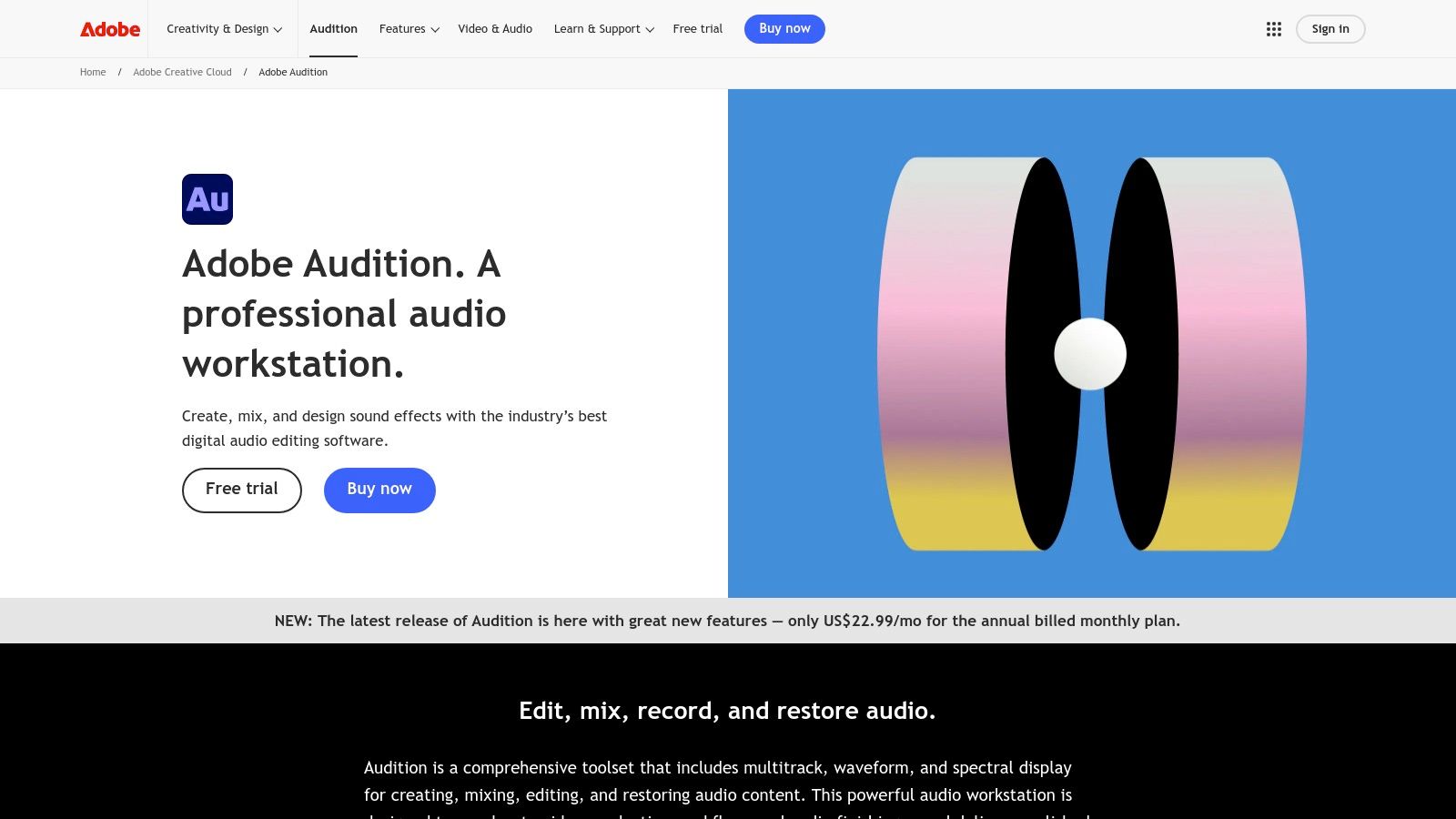
The platform excels with its detailed multitrack and waveform editors, allowing for surgical edits that simpler tools cannot match. Features like the Spectral Frequency Display help you visually identify and remove unwanted noises, while the Essential Sound panel streamlines the mixing process with presets for dialogue, music, and sound effects. Its seamless integration with Premiere Pro is a major advantage for video podcasters looking for a professional audio-for-video workflow.
Key Features & Use Cases
- Best For: Audio professionals, video podcasters, and creators who need advanced audio repair tools and integration with the Adobe Creative Cloud ecosystem.
- Editing Style: Traditional waveform and multitrack editing.
- Key Features: Advanced noise reduction and audio restoration, Essential Sound panel, Spectral Frequency Display, round-trip editing with Premiere Pro, and robust effects rack.
- Pricing: Available through a Creative Cloud subscription, starting at $22.99/month for Audition alone or as part of the All Apps plan.
- Website: https://www.adobe.com/products/audition.html
How Isolate Audio Integrates
Audition’s built-in noise reduction tools are powerful, but they often require manual tweaking and can sometimes introduce artifacts if not used carefully. For a faster and more modern approach, you can process your audio files with Isolate Audio before importing them into Audition. By using Isolate Audio for initial background noise removal or to separate co-host tracks recorded on one mic, you start your Audition session with clean, high-quality stems. This simplifies the mixing process, allowing you to focus on creative editing and sweetening rather than tedious cleanup.
4. Hindenburg
Hindenburg is designed from the ground up for spoken-word audio, making it a powerful choice for journalists, interviewers, and podcasters. Unlike DAWs adapted from music production, its feature set is entirely focused on dialogue. This commitment to voice clarity and efficient storytelling workflows makes it one of the best podcast editing software solutions for creators who value audio quality and broadcast standards over complex musical tools.
The software excels at automating technical tasks that often frustrate podcasters. Features like Magic Levels automatically adjust loudness, ensuring consistent volume between different speakers and segments. It also simplifies the process of meeting industry loudness standards (LUFS), so your podcast sounds professional across all listening platforms without manual tweaking. This focus on automated audio processing allows you to concentrate on crafting a compelling narrative.
Key Features & Use Cases
- Best For: Journalists, audiobook narrators, and podcasters who need broadcast-quality audio without a steep learning curve.
- Editing Style: Traditional multitrack timeline with story-focused tools.
- Key Features: Automatic level and loudness normalization (Magic Levels), manuscript-style editing, clipboard for organizing audio clips, and integrated publishing tools.
- Pricing: Hindenburg Lite is $99 (one-time), Pro is $11.99/month (billed annually) or a perpetual license.
- Website: https://hindenburg.com
How Isolate Audio Integrates
Hindenburg’s automated tools are excellent for balancing well-recorded tracks. However, when dealing with challenging audio, like an interview recorded in a noisy cafe or with significant microphone bleed, you may need more precise control. You can export the problematic audio file, process it with Isolate Audio for advanced background noise removal, and then re-import the clean track back into your Hindenburg project. This workflow combines Hindenburg’s narrative efficiency with Isolate Audio’s specialized cleanup power.
5. Auphonic
Auphonic is not a traditional editor but an intelligent, cloud-based audio post-production service that automates the final polish of your podcast. Instead of manually adjusting levels and cleaning up audio, you upload your mixed file, and Auphonic's algorithms handle loudness normalization, dynamic range compression, and basic noise reduction. This makes it an essential final step for many podcasters who want consistent, broadcast-standard quality without deep audio engineering skills.
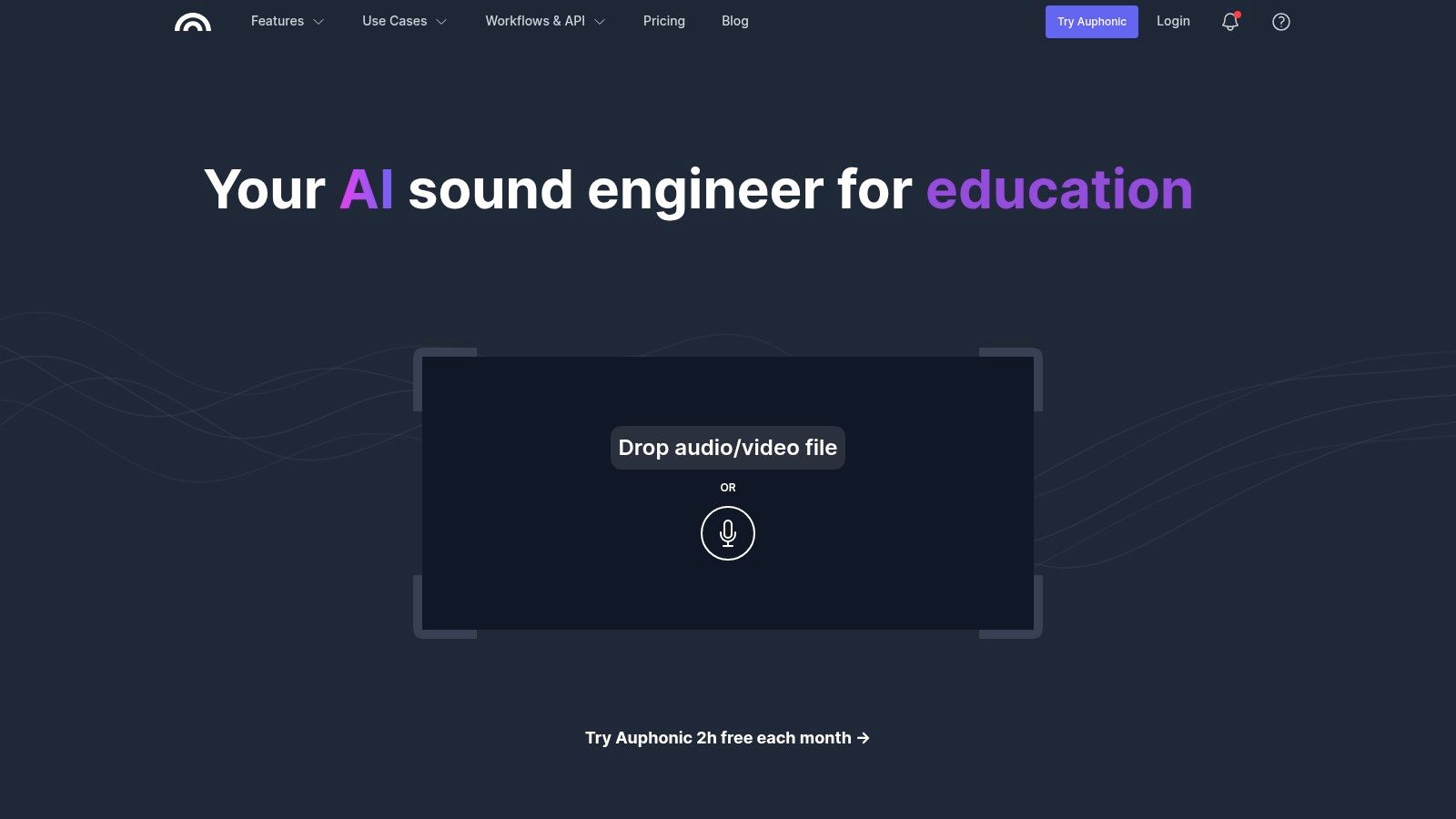
The platform shines with its "set-it-and-forget-it" workflow, which is perfect for batch processing multiple episodes or for creators who use simpler editors that lack advanced mastering tools. By automatically balancing levels between different speakers, music, and segments, it saves a significant amount of time on the most tedious parts of audio finalization, positioning it as a powerful complementary tool rather than a standalone podcast editing software solution.
Key Features & Use Cases
- Best For: Podcasters who have already edited their content and need a fast, automated final polish for loudness, leveling, and basic cleanup.
- Editing Style: Automated post-production and mastering service.
- Key Features: Intelligent Leveler to balance speakers, Loudness Normalization to LUFS standards, automatic hum and hiss reduction, and batch processing capabilities.
- Pricing: Free plan with 2 hours of audio per month; paid plans start at $11/month for 9 hours of audio. Pay-as-you-go credits are also available.
- Website: https://auphonic.com
How Isolate Audio Integrates
Auphonic provides excellent general noise and hum reduction, but it isn't designed for complex audio rescue situations. Before sending your file to Auphonic for its final leveling, you can first process challenging recordings with Isolate Audio. Use Isolate to perform surgical background noise removal or separate overlapping speakers recorded on one track. This pre-processing step ensures that the audio you upload to Auphonic is as clean as possible, allowing its algorithms to focus on what they do best: leveling and mastering for a professional, consistent sound.
6. iZotope RX
iZotope RX is less a traditional podcast editor and more an industry-standard audio repair suite. It excels at fixing problematic recordings that other software can't handle. Think of it as a powerful companion tool for rescuing interviews recorded in noisy environments, removing harsh reverb from an echoey room, or repairing distorted audio clips. It's some of the best podcast editing software for post-production and audio rescue.
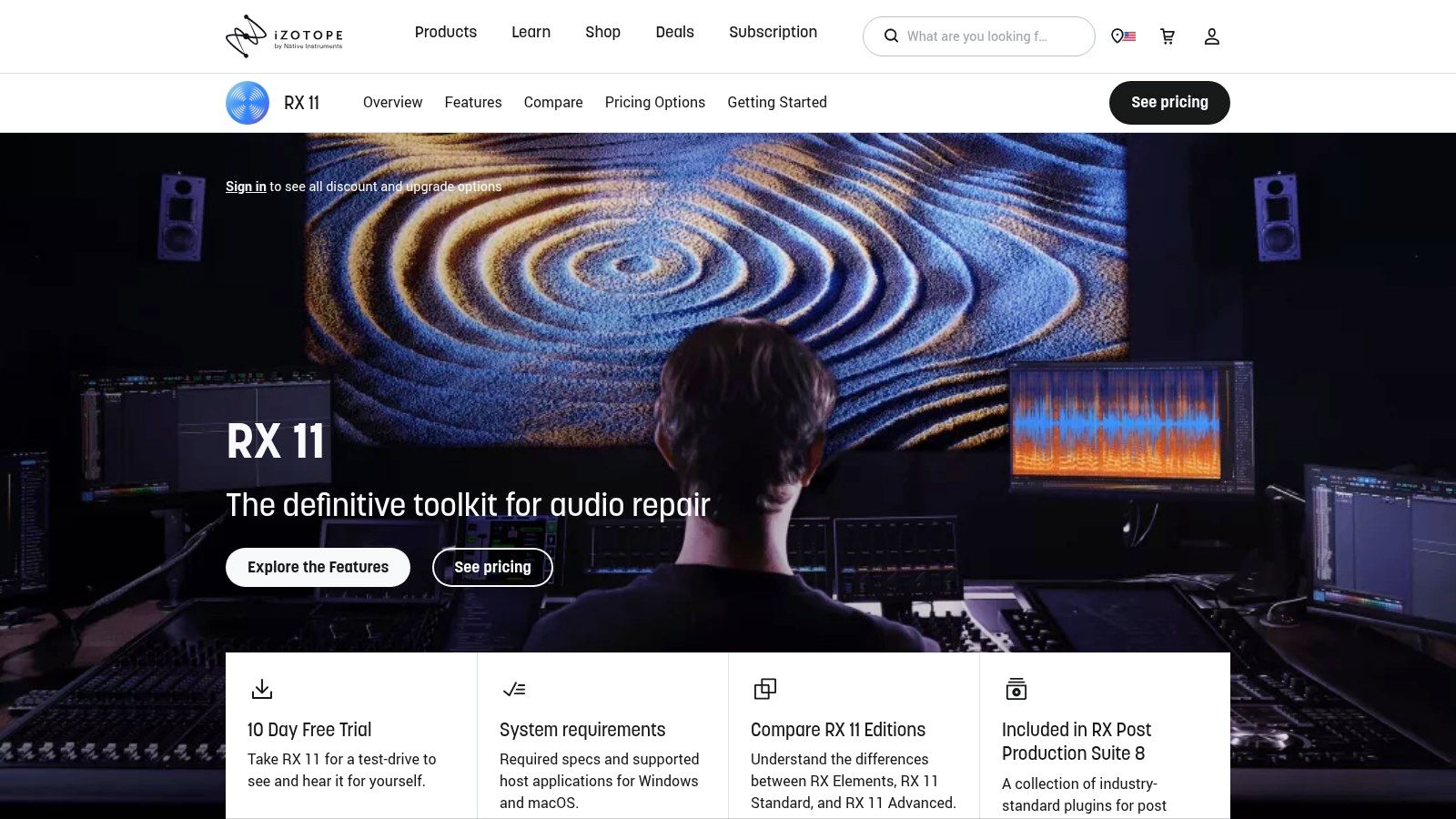
Rather than assembling a podcast from scratch, you use RX to surgically clean individual audio files before or after your main edit. Its collection of modules-like Voice De-noise, De-reverb, and mouth De-click-provide granular control over audio imperfections. The Spectral Editor allows you to visually identify and remove unwanted sounds like a dog bark or a phone ringing, making it an indispensable tool for professional podcasters who can't afford a re-shoot.
Key Features & Use Cases
- Best For: Podcasters and audio engineers who need to rescue or significantly clean up challenging audio recordings.
- Editing Style: Surgical audio repair and restoration using specialized modules and spectral editing.
- Key Features: Advanced modules for voice de-noise, de-reverb, de-clip, and de-hum; Spectral Repair for visual sound removal; Repair Assistant for AI-powered suggestions.
- Pricing: RX Elements starts around $49; Standard and Advanced tiers are more expensive, often bundled in subscriptions.
- Website: https://www.izotope.com/en/products/rx.html
How Isolate Audio Integrates
iZotope RX is a powerful, but often complex and expensive, solution. For podcasters who need high-quality results without the steep learning curve or cost, Isolate Audio offers a streamlined alternative. You can use Isolate Audio for powerful, AI-driven background noise removal and dialogue enhancement with a much simpler interface. This is perfect for podcasters who need the power of advanced repair without the full suite of a complex tool like RX.
7. REAPER
REAPER is a powerful and highly customizable digital audio workstation (DAW) that offers professional-grade features at an exceptionally affordable price point. Known for its stability, lightweight footprint, and deep flexibility, it appeals to podcasters who want full control over their editing environment without being locked into a subscription model. It functions as a complete multitrack audio editor, supporting complex routing, extensive plugin formats, and scripting.
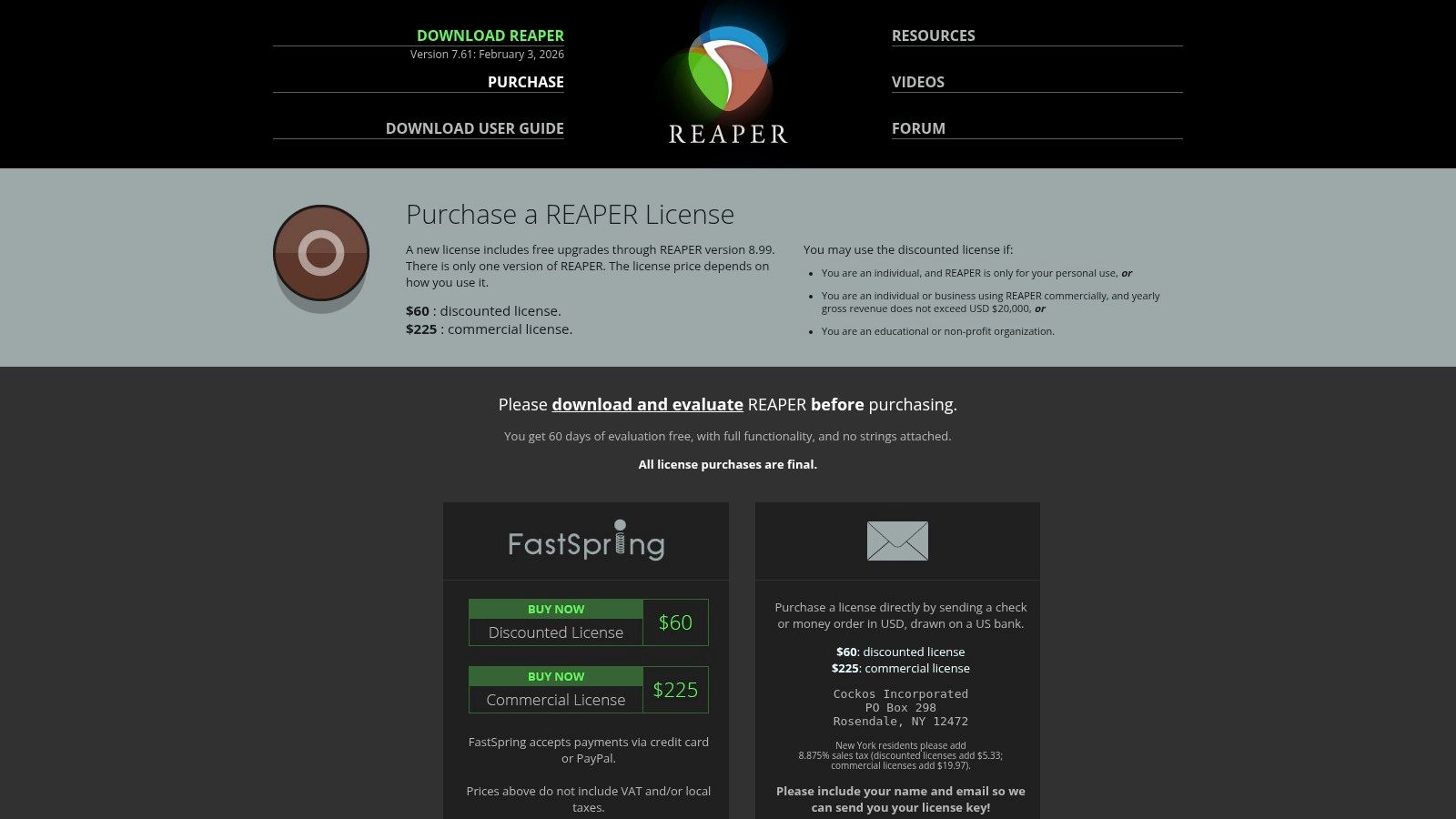
Unlike more specialized tools, REAPER is a blank slate that can be tailored to any workflow through custom actions, macros, and community-developed scripts. While its interface is more utilitarian and requires initial setup to optimize for podcasting, its performance and one-time license fee make it one of the best podcast editing software choices for technical-minded creators on a budget. The 60-day, fully functional free trial allows users to explore its extensive capabilities thoroughly before purchasing.
Key Features & Use Cases
- Best For: Budget-conscious podcasters and audio engineers who demand deep customization and are comfortable configuring their own software workflow.
- Editing Style: Traditional multitrack waveform editing.
- Key Features: Full 64-bit audio processing, extensive plugin support (VST, VST3, AU), powerful scripting engine, customizable user interface and toolbars, and a lightweight application.
- Pricing: A 60-day full-featured free trial; a discounted license is $60, and a commercial license is $225 (one-time fee).
- Website: https://www.reaper.fm/purchase.php
How Isolate Audio Integrates
REAPER's strength lies in its VST plugin support, making it a perfect host for advanced audio processing tools. You can integrate Isolate Audio directly as a VST3 plugin on any audio track. This allows you to perform sophisticated background noise removal or music separation on a specific clip or an entire track non-destructively. This workflow is ideal for cleaning up interview tracks with persistent background hum or isolating a co-host's voice from ambient noise, all within REAPER’s powerful and efficient editing environment.
8. Logic Pro
Logic Pro is Apple's flagship digital audio workstation (DAW), offering a professional-grade suite of tools for Mac users. While renowned for music production, its powerful multitrack editing, advanced vocal processing, and comprehensive plugin library make it an exceptional choice for podcasters who demand granular control and high production value. Its one-time purchase model is a compelling alternative to subscription-based software for those invested in the Apple ecosystem.
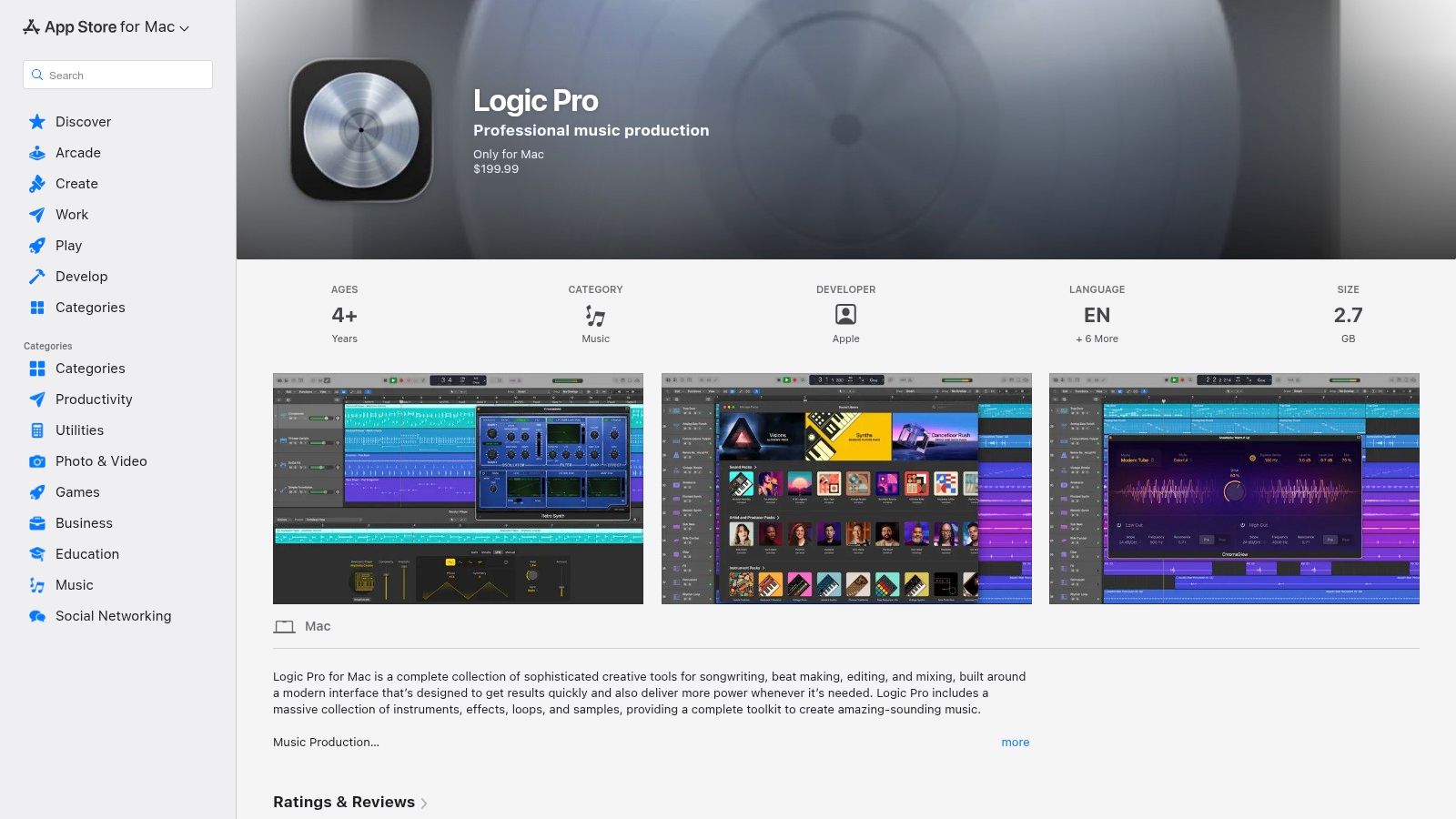
The platform shines with features like Flex Time for precise timing adjustments and Flex Pitch for correcting vocal pitch without artifacts. Its new AI-powered Mastering Assistant and Stem Splitter tools streamline complex tasks, allowing you to easily separate voice from background music or enhance overall loudness for distribution. This deep feature set makes it one of the best podcast editing software options for creators who also produce music or intricate sound design for their shows.
Key Features & Use Cases
- Best For: Mac-based podcasters, audio engineers, and musicians who need a full-featured DAW for both podcasting and music production without a monthly subscription.
- Editing Style: Traditional multitrack timeline editing with advanced audio manipulation tools.
- Key Features: Professional multitrack recording and editing, Flex Time and Flex Pitch, AI-driven Mastering Assistant and Stem Splitter, extensive library of built-in plugins and effects, and seamless video workflow integration.
- Pricing: A one-time purchase of $199.99 on the Mac App Store.
- Website: https://apps.apple.com/us/app/logic-pro/id634148309
How Isolate Audio Integrates
Logic Pro's built-in Stem Splitter is great for separating elements within a mixed track, but it's designed for general-purpose use. When you encounter challenging audio, such as an interview recorded in a noisy cafe or a remote guest with significant background hum, you need more specialized tools. You can export the problematic audio track from Logic and process it through Isolate Audio for targeted background noise removal. Re-importing the clean track back into your Logic session gives you a pristine vocal stem to mix, preserving the professional quality of your final podcast.
9. Riverside
Riverside is a premier remote recording platform that ensures studio-quality audio and video by capturing separate, high-resolution tracks locally for each participant. This double-ender recording method eliminates concerns about internet-related glitches, making it a go-to choice for interview-based podcasts. The platform offers a seamless workflow from recording to post-production, positioning it as more than just a recording tool and earning its spot among the best podcast editing software solutions.
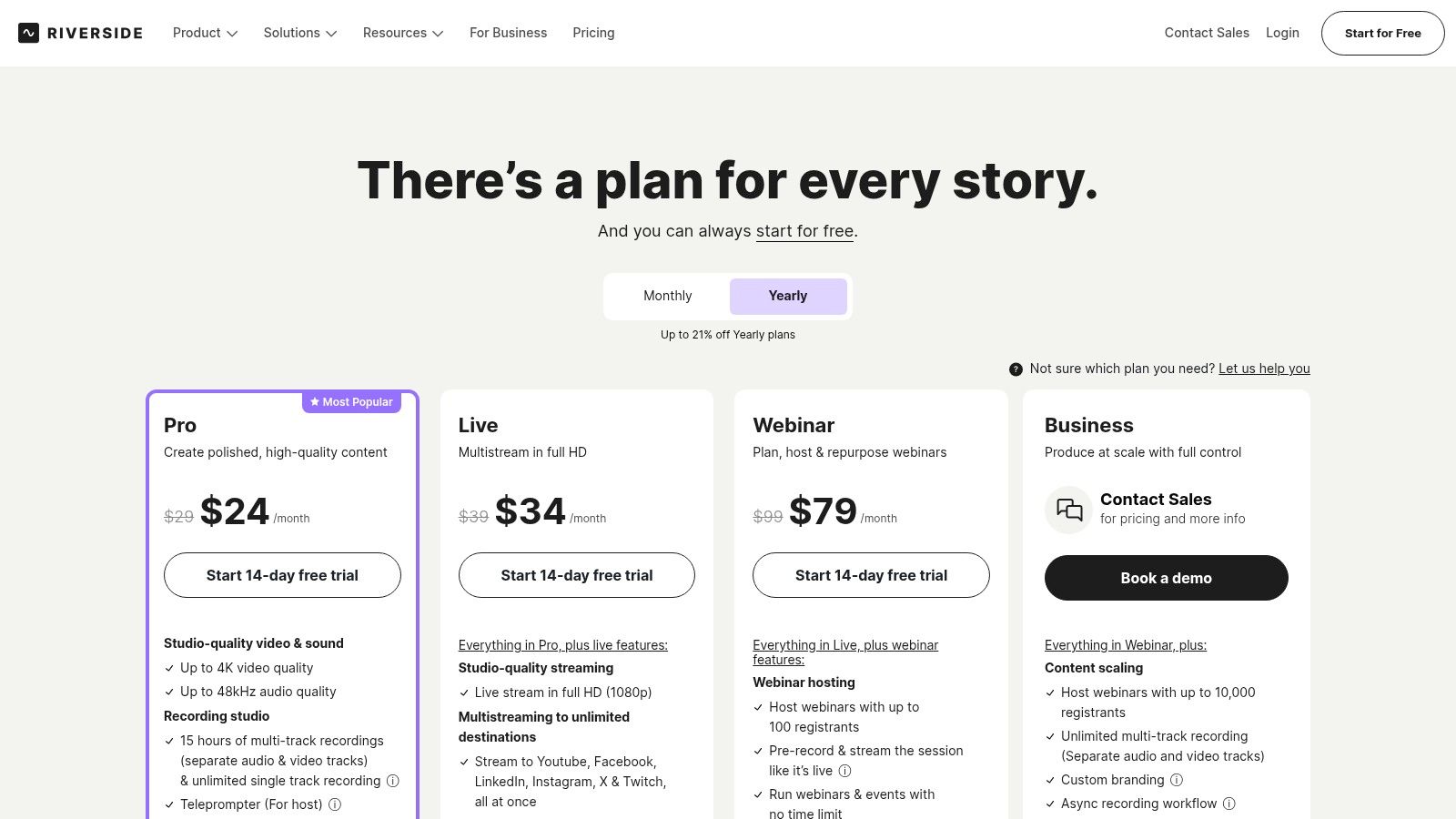
After recording, Riverside's integrated editor allows you to arrange your audio and video tracks, make cuts, and use AI tools to generate transcripts or create short, shareable clips for social media. This all-in-one approach is designed to dramatically reduce the time spent moving files between different applications, making it ideal for creators who prioritize reliability and efficiency for remote productions.
Key Features & Use Cases
- Best For: Podcasters and video creators who regularly conduct remote interviews and need pristine, separately recorded tracks.
- Editing Style: Traditional timeline editing combined with AI-powered clip generation and transcription.
- Key Features: Local multi-track recording (up to 4K video, 48 kHz WAV audio), AI transcription, Magic Clips for social media, text-based editor, and live streaming capabilities.
- Pricing: Free plan available; paid plans start at $15/month (billed annually).
- Website: https://riverside.fm
How Isolate Audio Integrates
Riverside excels at capturing clean, isolated tracks for each guest. However, if a guest is recording in a challenging environment with unavoidable background noise (like a café or street sounds), you may need more advanced cleanup. After downloading the individual WAV files from Riverside, you can process them through Isolate Audio. This allows for targeted background noise removal or dialogue enhancement on a specific speaker's track without affecting the quality of the others, ensuring every voice in your interview is perfectly clear.
10. Alitu
Alitu is an all-in-one web-based platform designed to automate and simplify podcast production for beginners. Marketed as "The Podcast Maker," it guides users from recording and editing to publishing within a single, streamlined interface. Its core strength lies in automating technical tasks like audio cleanup, loudness normalization, and adding intro/outro music, making it an excellent choice for creators who want a polished final product without learning complex audio engineering.
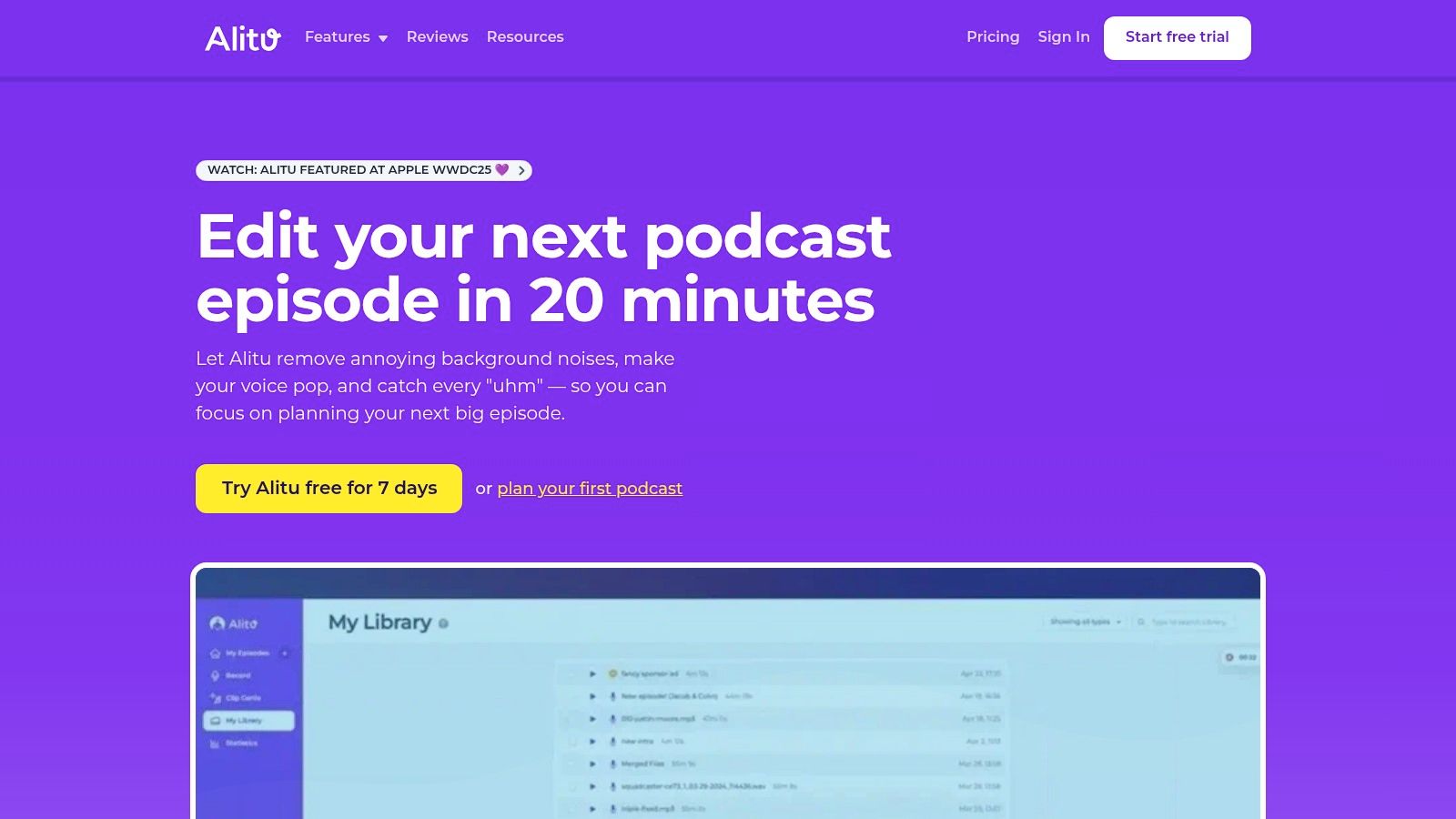
The platform combines recording, editing, and hosting, removing the need to juggle multiple subscriptions and software. With features like remote call recording, AI-powered show note generation, and a simple editor for trimming mistakes, Alitu offers the fastest path from idea to published episode. This makes it one of the best podcast editing software options for non-technical users who prioritize speed and convenience over granular control.
Key Features & Use Cases
- Best For: Solo creators and beginners who feel intimidated by traditional DAWs and want a fast, automated workflow.
- Editing Style: Simplified waveform and text-based editing with automatic processing.
- Key Features: Automatic audio cleanup (noise reduction, leveling), built-in remote recording, AI-generated show notes and transcripts, integrated music library, and podcast hosting.
- Pricing: Offers a 7-day free trial; paid plans start at $38/month.
- Website: https://alitu.com
How Isolate Audio Integrates
Alitu’s one-click audio cleanup is fantastic for general improvements but may not be sufficient for rescuing a recording with significant background noise or overlapping speakers. If an important interview was recorded in a noisy cafe, you can export the audio from Alitu before publishing. By processing it with Isolate Audio, you can perform targeted background noise removal to salvage the conversation, ensuring your automated workflow still results in a professional-sounding final episode.
11. Podcastle
Podcastle offers a complete, browser-based studio for podcasters, making it one of the best podcast editing software choices for those who want an all-in-one web platform. It simplifies the entire production process, from recording high-quality multitrack interviews with remote guests to editing and publishing your final episode. The intuitive interface and powerful AI features are designed to get you from concept to finished product with minimal friction.
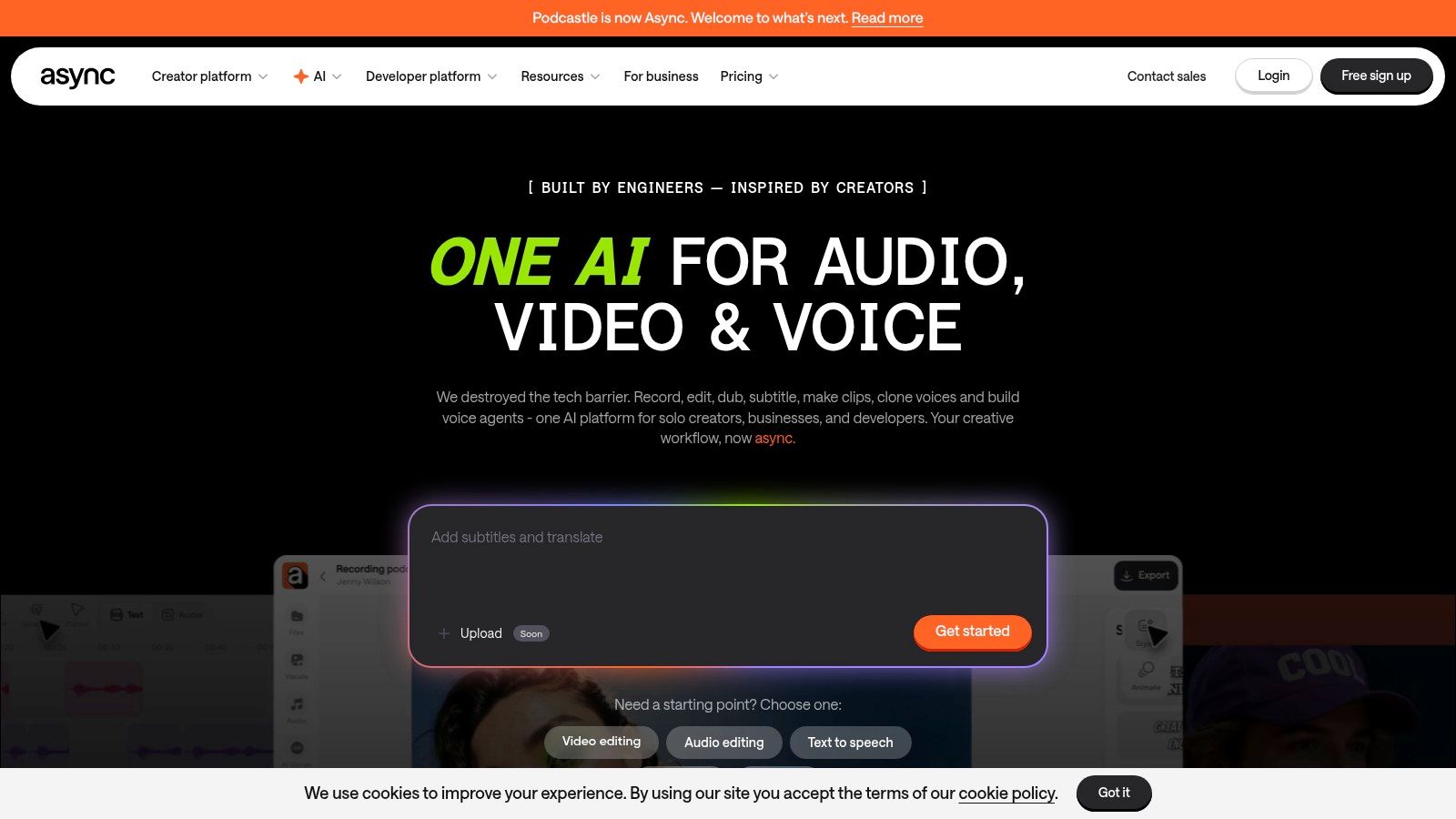
The platform's strength lies in its comprehensive toolset that includes local multitrack recording, a web-based editor, and AI enhancements. Features like "Magic Dust" provide one-click noise and hum removal, while text-to-speech and voice cloning add creative possibilities. Since it's browser-based, performance can depend on your computer and internet connection, but it removes the need for complex software installation, making it highly accessible.
Key Features & Use Cases
- Best For: Podcasters who need a simple, end-to-end solution for recording remote interviews and publishing episodes without leaving their browser.
- Editing Style: Traditional timeline-based editing with integrated text-based options.
- Key Features: Local multitrack recording, AI-powered "Magic Dust" for audio cleanup, automatic transcription, text-to-speech and voice cloning, and integrated podcast hosting.
- Pricing: Offers a free plan; paid plans start at $11.99/creator per month (billed annually).
- Website: https://podcastle.ai
How Isolate Audio Integrates
Podcastle’s "Magic Dust" feature is effective for general audio sweetening, but it operates as a broad, automated enhancement. When you encounter a recording with complex, overlapping background noise or need to cleanly separate a guest's audio from environmental sounds, its all-in-one approach may not be enough. You can export the final audio mix from Podcastle and use Isolate Audio for advanced background noise removal. This two-step process leverages Podcastle's fast workflow for the main edit and Isolate Audio's powerful separation for critical audio repair and final polish.
12. Audacity
For decades, Audacity has been the go-to free, open-source audio editor for countless creators. It offers powerful multitrack recording and destructive waveform editing, making it a capable and completely no-cost starting point for podcasters. Its cross-platform availability on Windows, macOS, and Linux ensures anyone can access it, regardless of their operating system.
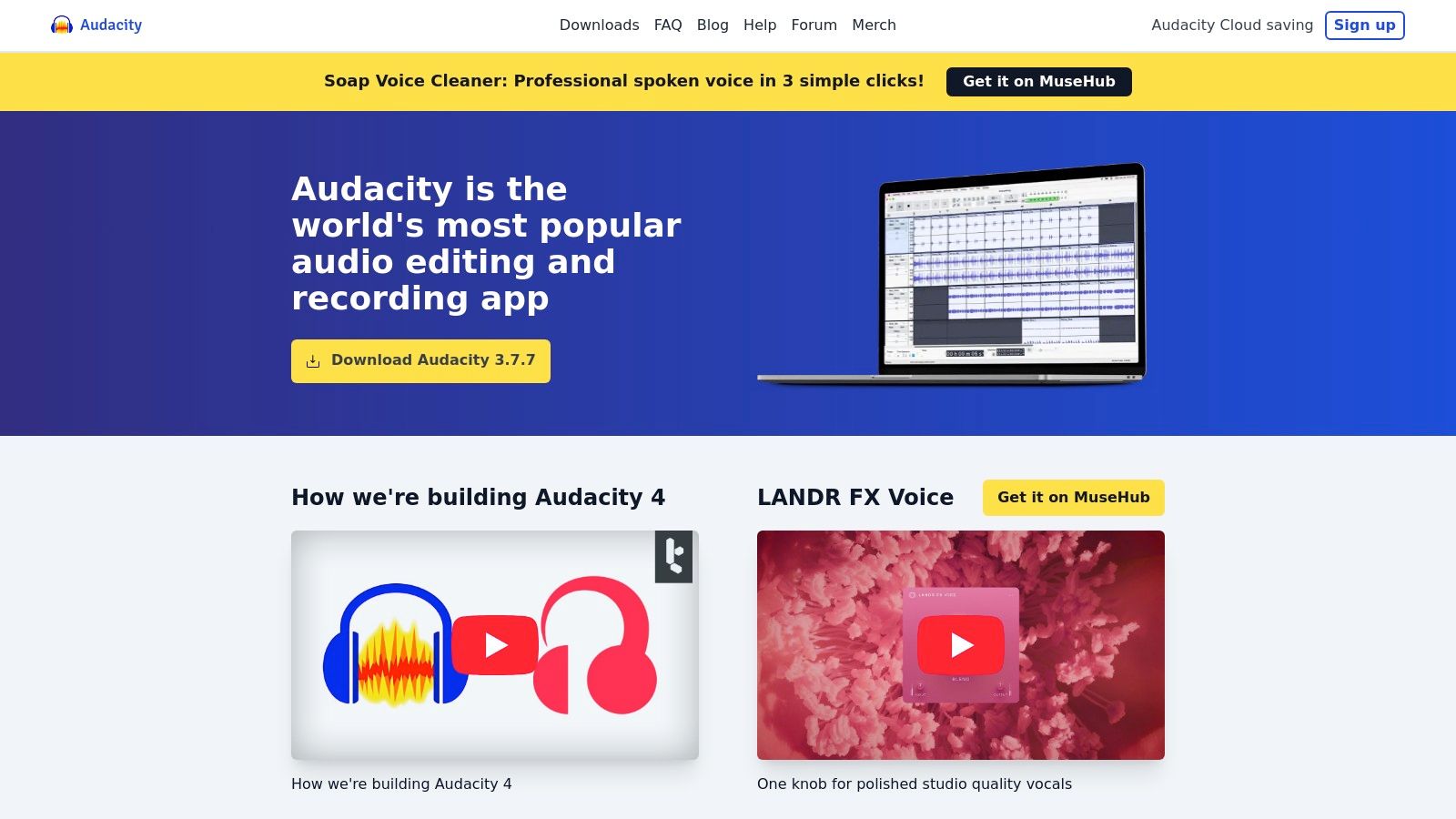
While its interface may appear dated compared to modern DAWs, Audacity’s strength lies in its simplicity, stability, and extensive community support. It’s lightweight enough to run on older hardware and supports a vast range of VST plugins, allowing users to expand its functionality. This makes it one of the best podcast editing software options for beginners or anyone on a strict budget who needs fundamental editing tools.
Key Features & Use Cases
- Best For: Beginners, students, and hobbyist podcasters who need a robust, free tool for basic audio recording and editing.
- Editing Style: Traditional multitrack waveform editing.
- Key Features: Multitrack recording, destructive and non-destructive effects, VST plugin support, detailed amplitude envelope editing, and robust import/export options.
- Pricing: Completely free.
- Website: https://www.audacityteam.org
How Isolate Audio Integrates
Audacity provides basic noise reduction tools, but they can sometimes introduce artifacts and require careful parameter tuning. For a more effective and effortless solution, you can export your raw audio tracks from Audacity and process them through Isolate Audio. After achieving superior background noise removal or dialogue enhancement, simply import the cleaned-up files back into your Audacity project for final mixing. This workflow combines Audacity’s free editing power with Isolate Audio’s advanced AI for a professional finish.
Top 12 Podcast Editing Software Comparison
| Product | Core features | Quality ★ | Price/value 💰 | Target audience 👥 | Unique selling point ✨ |
|---|---|---|---|---|---|
| 🏆 Isolate Audio | Natural-language audio separation; cloud processing; 2-track outputs; Precision Mode | ★★★★★ | Free (5/mo) · Pro $19/mo · Enterprise 💰 | Musicians, podcasters, editors, creators 👥 | ✨ Understands plain-English prompts to isolate any describable sound; API & lossless Pro |
| Descript | Text-based editing with transcripts; Studio Sound; multi-track & publishing | ★★★★☆ | Free → subscription (Team/Enterprise) 💰 | Podcasters, solo creators, editors 👥 | ✨ Text-first edit workflow + integrated record-to-publish |
| Adobe Audition | Waveform & multitrack; spectral tools; noise/dialogue repair; Premiere integration | ★★★★★ | Creative Cloud subscription 💰 | Professional producers & video editors 👥 | ✨ Deep repair toolset + tight Premiere Pro workflow |
| Hindenburg | Manuscript/story UI; Magic Levels; loudness compliance; transcription add-ons | ★★★★☆ | Paid tiers (Pro/Narrator/edu) 💰 | Journalists, narrative podcasters, broadcasters 👥 | ✨ Story-driven editing optimized for spoken-word |
| Auphonic | Auto-leveling; noise/hum reduction; batch processing; preset workflows | ★★★★☆ | Pay-as-you-go or monthly credits 💰 | Podcasters needing batch polish & automation 👥 | ✨ Set-and-forget loudness and multi-file processing |
| iZotope RX | Spectral editor; de-noise/de-reverb/de-clip modules; Repair Assistant | ★★★★★ | Paid (Elements→Advanced) — premium pricing 💰 | Audio engineers, restorers, post-production pros 👥 | ✨ Industry-standard repair and spectral restoration tools |
| REAPER | Full DAW: multitrack/MIDI, scripting, wide plugin support, customizable UI | ★★★★☆ | Affordable one-time license 💰 | Advanced podcasters, producers, power users 👥 | ✨ Highly extensible, lightweight, strong community scripting |
| Logic Pro | Multitrack DAW with Flex Time/Pitch, instruments, AI session tools (Mac only) | ★★★★★ | One-time Mac App Store purchase 💰 | Mac-based musicians and podcasters 👥 | ✨ Deep Apple-optimized production tools and sound library |
| Riverside | Local multi-track remote capture (audio + 4K video); AI cleanup; transcripts | ★★★★☆ | Subscription with recording hour limits 💰 | Remote interview podcasts & video creators 👥 | ✨ Reliable double-ender/local capture for remote interviews |
| Alitu | One-click cleanup, simple editor, AI show notes, hosting/publishing | ★★★☆☆ | Subscription (hosting tiers) 💰 | Beginner podcasters, non-technical creators 👥 | ✨ Fastest path from recording to finished episode |
| Podcastle | Browser multitrack recorder/editor; AI cleanup, TTS/voice cloning, hosting | ★★★★☆ | Freemium → paid plans (AI quotas) 💰 | Web-first creators & podcasters 👥 | ✨ In-browser AI tools + voice cloning and TTS options |
| Audacity | Free multitrack waveform editor; plugin support; offline open-source tool | ★★★☆☆ | Free / open-source 💰 | Budget podcasters, students, hobbyists 👥 | ✨ Cross-platform, offline, large community & plugin ecosystem |
Choosing Your Perfect Editing Partner
We've explored a comprehensive landscape of tools, from fully-featured digital audio workstations to innovative AI-powered platforms. The journey to finding the best podcast editing software for your unique workflow isn't about finding a single "perfect" application, but rather building a toolkit that empowers your creative vision and streamlines your production process.
The sheer variety of options can feel overwhelming, but this diversity is a podcaster's greatest asset. Your ideal editor is the one that aligns with your specific goals, budget, and technical expertise.
Key Takeaways and Final Considerations
As you make your decision, reflect on the core insights from our analysis. There's no one-size-fits-all answer, only the right fit for your specific context.
- For Beginners and Solo Creators: Simplicity is king. Platforms like Descript, Alitu, and Podcastle are designed to minimize the learning curve. Their text-based editing and automated features can take you from raw recording to published episode in a fraction of the time, making them excellent choices if your priority is content creation over complex sound design.
- For Audio Professionals and Perfectionists: Granular control is non-negotiable. Traditional DAWs like Adobe Audition, REAPER, and Logic Pro offer unparalleled power for detailed mixing, mastering, and audio repair. These tools are the industry standard for a reason, providing the depth needed for multi-layered productions and broadcast-quality sound.
- For Journalists and Interview-Based Shows: Workflow efficiency is paramount. Hindenburg is purpose-built for storytelling, with features tailored to journalists and narrative producers. For remote recordings, a platform like Riverside is essential, ensuring you capture high-fidelity local recordings from each participant, eliminating the audio headaches of internet-based calls.
Implementing Your Chosen Software
Once you've selected your primary editor, remember that the most powerful workflows often involve a combination of tools. Your DAW or all-in-one platform is your central hub, but specialized plugins and services are what elevate your audio from good to exceptional.
Think of your software choice as a long-term partnership. Invest time in learning its core functions, keyboard shortcuts, and unique capabilities. Watch tutorials, join user communities, and don't be afraid to experiment. The more comfortable you become with your primary editor, the faster and more intuitive your editing process will be.
Ultimately, the best podcast editing software is the one that gets out of your way and lets you focus on what truly matters: telling a compelling story and connecting with your audience. The tools are simply the means to that end. Choose the software that feels less like a technical hurdle and more like a creative partner, and you'll be well on your way to producing a podcast you're proud of. Your voice deserves to be heard clearly, and the right software makes that possible.
Ready to achieve pristine audio clarity in any recording? No matter which primary editor you choose, Isolate Audio acts as the ultimate cleanup crew. When unexpected background noise threatens your take, simply use our AI to remove it with a text prompt. Try it for free and hear the difference for yourself. Isolate Audio