The 12 Best DAWs for Beginners to Start Making Music in 2026
Choosing your first Digital Audio Workstation (DAW) is a foundational step in your creative journey, whether you're producing music, recording a podcast, or scoring a film. The right software can feel like a natural extension of your ideas, while the wrong one can be a constant source of friction. This guide is designed to cut through the noise and help you find the perfect creative hub. We've compiled a definitive list of the best DAWs for beginners, moving beyond simple feature lists to provide a practical analysis of each option.
This is more than just a list; it's a resource hub. For each DAW, you will find a detailed breakdown covering its ideal user, core strengths, and potential limitations. We'll explore practical use cases, like how to pair the software with tools such as Isolate Audio to create practice tracks or vocal stems from any song. You will find screenshots for a clear visual reference, direct links to get started, and curated learning resources to accelerate your progress. We also evaluate free and budget-friendly options, ensuring there's a starting point for everyone. Let's find the software that will help you bring your audio projects to life.
1. Ableton Live
Ableton Live is a powerhouse in the world of digital audio, particularly dominant in electronic music production and live performance. What makes it one of the best DAWs for beginners is its unique Session View, an intuitive grid-based interface where you can launch clips of music and MIDI independently. This non-linear workflow is fantastic for brainstorming, jamming, and sketching out song ideas without the pressure of a traditional timeline.
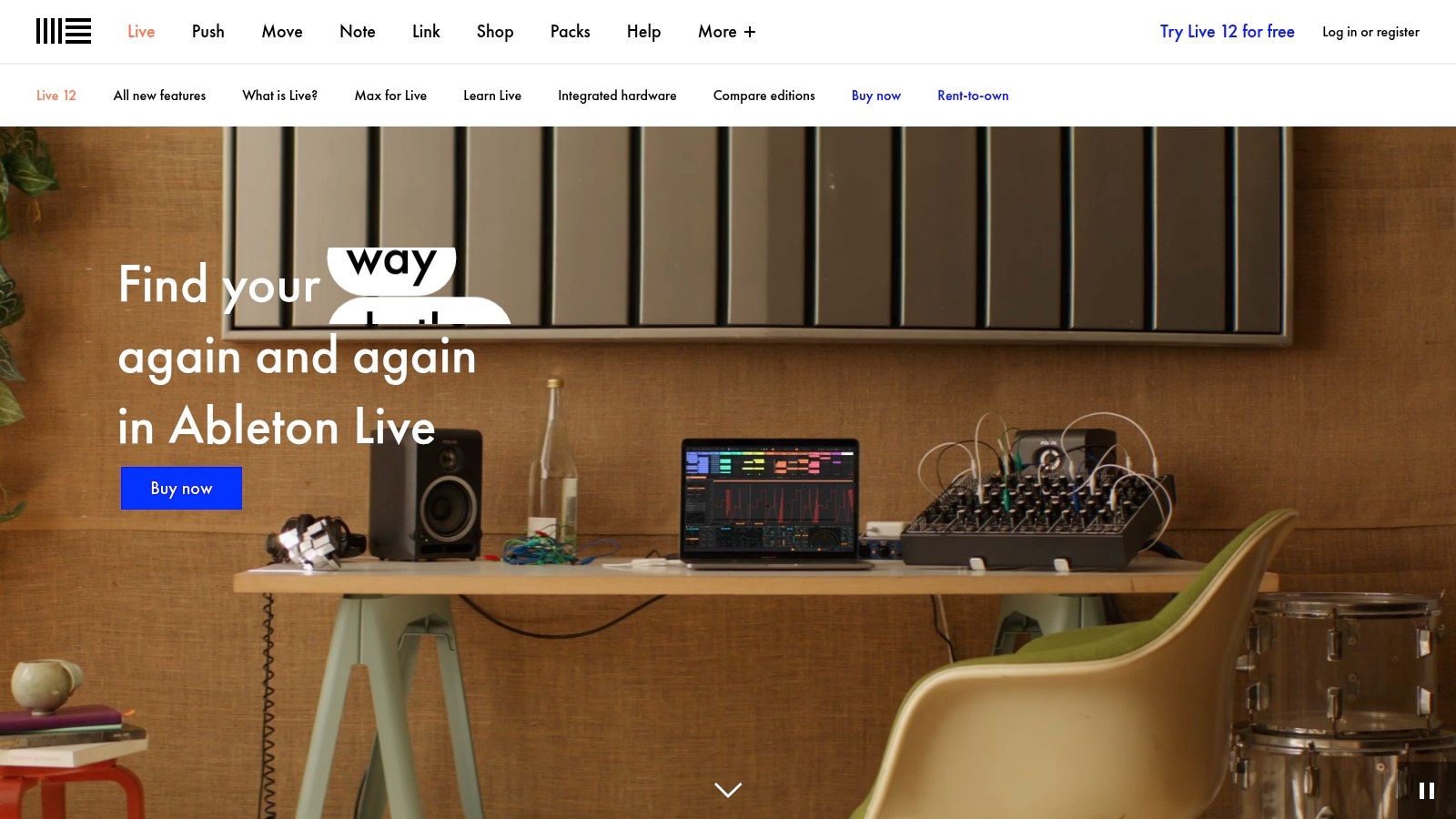
This workflow excels for tasks like creating practice tracks or remixes. You can drag in stems you've created with a tool like Isolate Audio, arrange them as clips, and experiment with different combinations on the fly. Its massive community means tutorials and guides are abundant, making the learning curve much smoother. While the full Suite version is a significant investment, the Intro edition provides a very capable and affordable entry point.
Key Info
| Feature | Details |
|---|---|
| Pricing | Intro: $99, Standard: $449, Suite: $749 (Trials and rent-to-own available) |
| Platform | macOS, Windows |
| Best For | Electronic music, live performance, songwriting, remixing |
| Website | ableton.com |
Pro Tip: Start with the 90-day free trial of Live Suite to explore all its features before committing to a purchase. You can learn more about using Ableton Live for remixing to see how its unique workflow can benefit your projects.
2. Image-Line FL Studio
Image-Line FL Studio, often just called FL, is legendary in the worlds of hip-hop and electronic music. Its pattern-based workflow makes it one of the most intuitive DAWs for beginners focused on beat-making. Instead of a traditional linear timeline, you create patterns in the Channel Rack and arrange them in the Playlist. This approach is incredibly fast and fun for building loops and sketching out song structures, making it a favorite for producers who want to get ideas down quickly.
This workflow is perfect for creating backing tracks or experimenting with samples. You can take stems created with a tool like Isolate Audio, drop them into the Playlist as audio clips, and build entirely new arrangements around them. A massive online community means you'll never be short on tutorials. The most compelling feature, however, is its lifetime free updates policy, meaning you pay once and get every future version of that edition for free, offering incredible long-term value.
Key Info
| Feature | Details |
|---|---|
| Pricing | Fruity: $109, Producer: $209, Signature: $309, All Plugins: $509 (Lifetime free updates) |
| Platform | macOS, Windows |
| Best For | Beat-making, hip-hop, EDM, electronic music, loop-based production |
| Website | image-line.com |
Pro Tip: Start with the Producer Edition, as it includes the essential ability to record external audio and work with audio clips, which is crucial for most production workflows. Learn more about how producers use tools like FL Studio to see how it can fit into your creative process.
3. Apple GarageBand
For anyone using an Apple device, GarageBand is undeniably one of the best DAWs for beginners because it’s powerful, intuitive, and completely free. It provides a surprisingly robust set of tools, including a massive sound library, smart virtual drummers that follow your direction, and a "Live Loops" grid that mirrors the clip-launching workflow of more advanced programs. This makes it an incredibly low-risk entry point into music production, allowing you to start creating immediately.
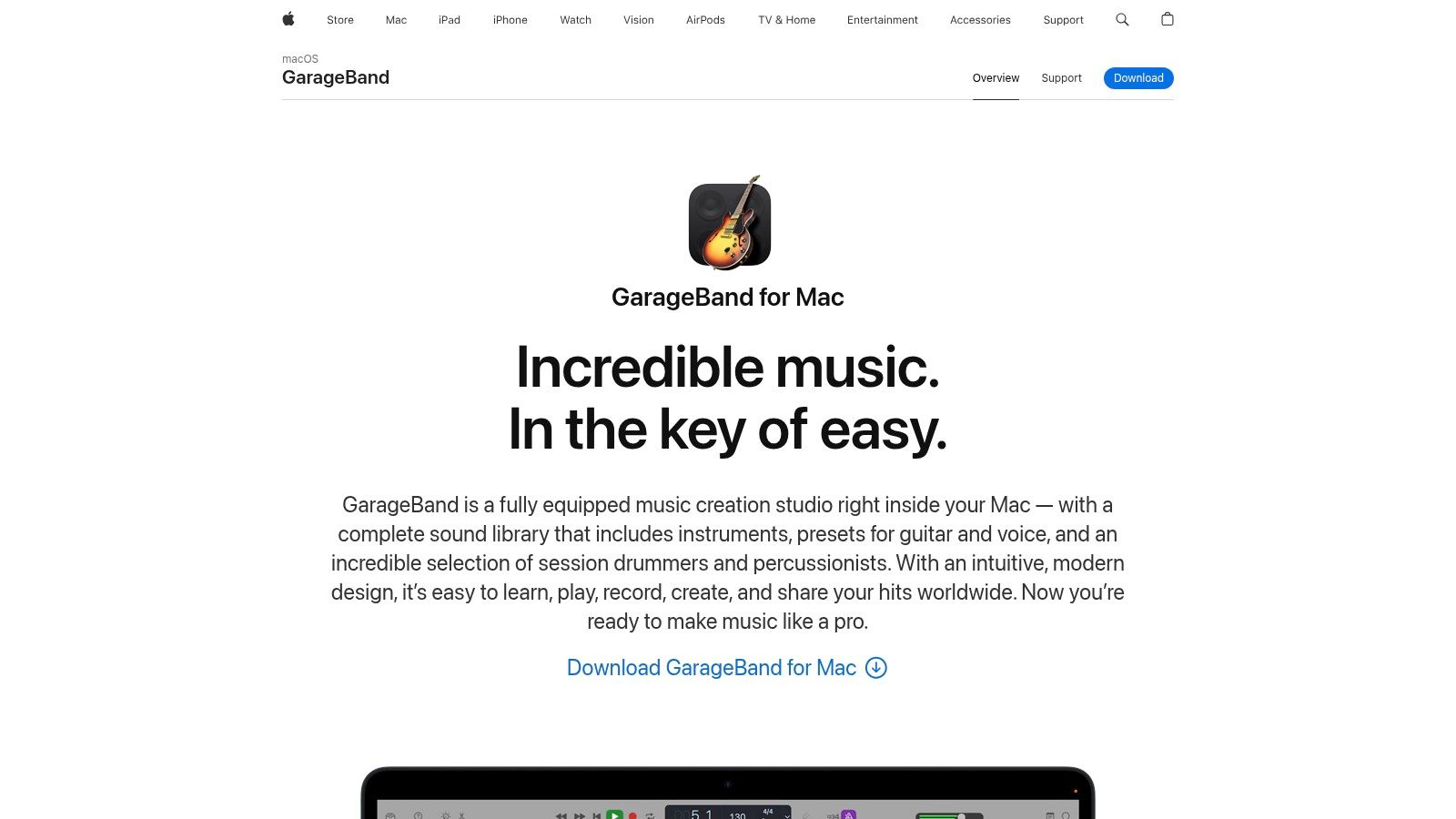
The user experience is designed to be approachable, stripping away overwhelming complexity in favor of a clean interface. Projects sync seamlessly via iCloud between Mac, iPhone, and iPad, so you can sketch an idea on the go and flesh it out later. While it lacks some advanced features found in professional DAWs, its seamless upgrade path to its big brother, Logic Pro, means you won't have to relearn everything when you’re ready to take the next step.
Key Info
| Feature | Details |
|---|---|
| Pricing | Free with all new Mac, iPhone, and iPad devices |
| Platform | macOS, iOS, iPadOS |
| Best For | Songwriting, podcasting, creating first tracks, learning production basics |
| Website | www.apple.com/mac/garageband/ |
Pro Tip: Use the "Drummer" track to quickly generate professional-sounding beats. You can simply drag the puck in the X/Y pad between "Loud/Quiet" and "Simple/Complex" to find a groove that fits your song perfectly.
4. Apple Logic Pro
For those in the Apple ecosystem, Logic Pro is arguably the best-value professional DAW available. It offers a comprehensive suite of powerful and creative tools, a massive library of sounds and loops, and a refined, user-friendly interface that builds on the familiarity of GarageBand. This makes it a natural and powerful step up for Mac users looking to get serious about production, and it stands out as one of the top DAWs for beginners on the platform.
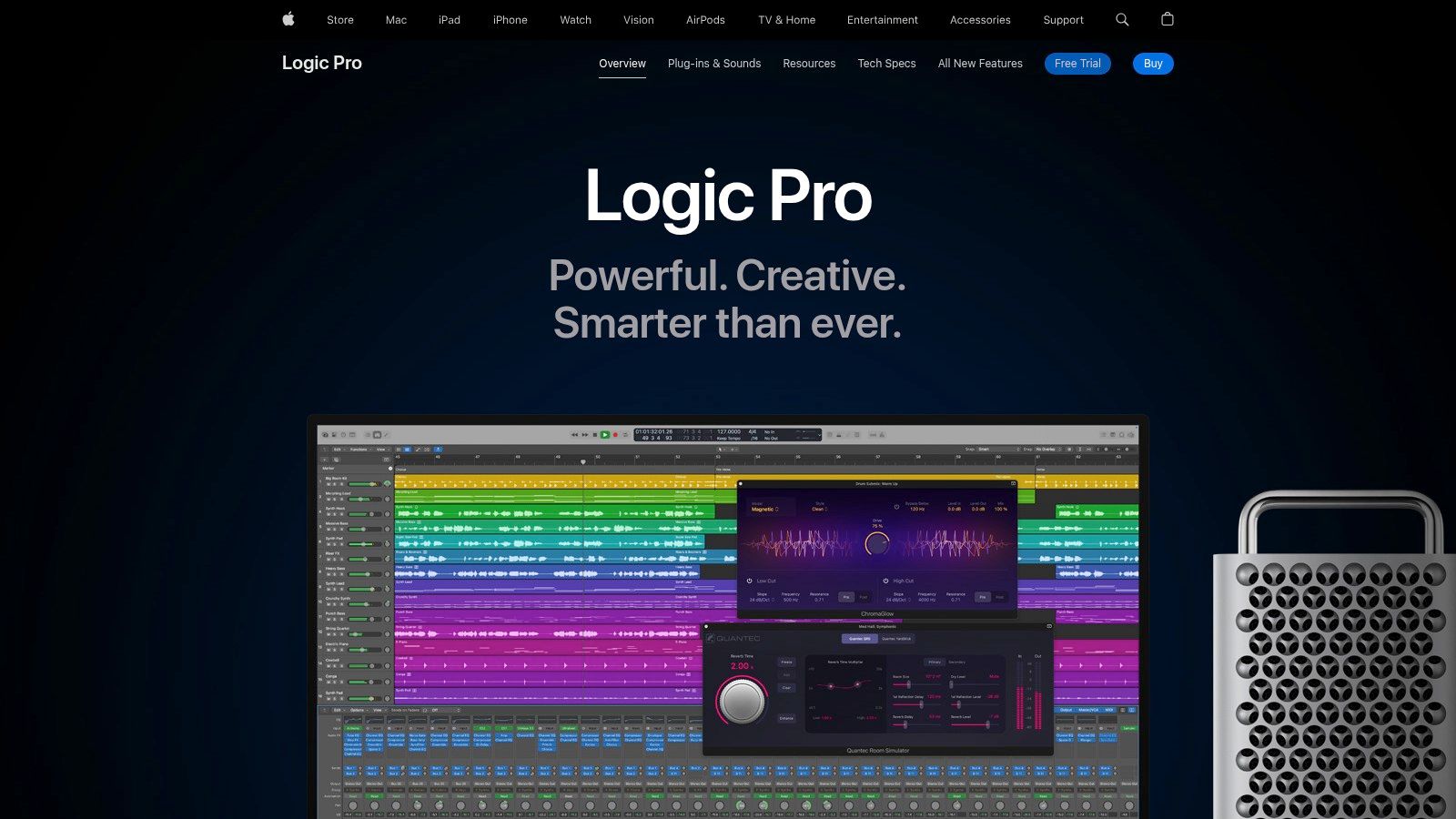
Its single, one-time purchase price gives you lifetime updates and access to everything, including sophisticated features like spatial audio mixing, AI-powered Session Players, and a built-in stem splitter. This straightforward pricing and deep feature set make it an incredible investment. While the desktop version is Mac-only, a capable subscription-based version is also available for iPad, offering production power on the go.
Key Info
| Feature | Details |
|---|---|
| Pricing | Mac: $199.99 (one-time purchase), iPad: $4.99/month or $49/year (Free trial available) |
| Platform | macOS, iPadOS |
| Best For | Songwriting, film scoring, electronic and rock production, mixing |
| Website | apple.com |
Pro Tip: Use Logic Pro’s powerful Flex Pitch and Flex Time tools to adjust the timing and pitch of audio stems. For quick analysis of a song's musical information before you import it, you can find the key and BPM of any track with an online tool.
5. Cockos REAPER
Cockos REAPER stands out as one of the most powerful and affordable DAWs for beginners and professionals alike. It is incredibly lightweight, fast, and known for its rock-solid stability, running efficiently even on older computers. While it lacks the bundled virtual instruments that other DAWs provide, its strength lies in its extreme customizability, flexible audio and MIDI routing, and a workflow that can be tailored to any task.
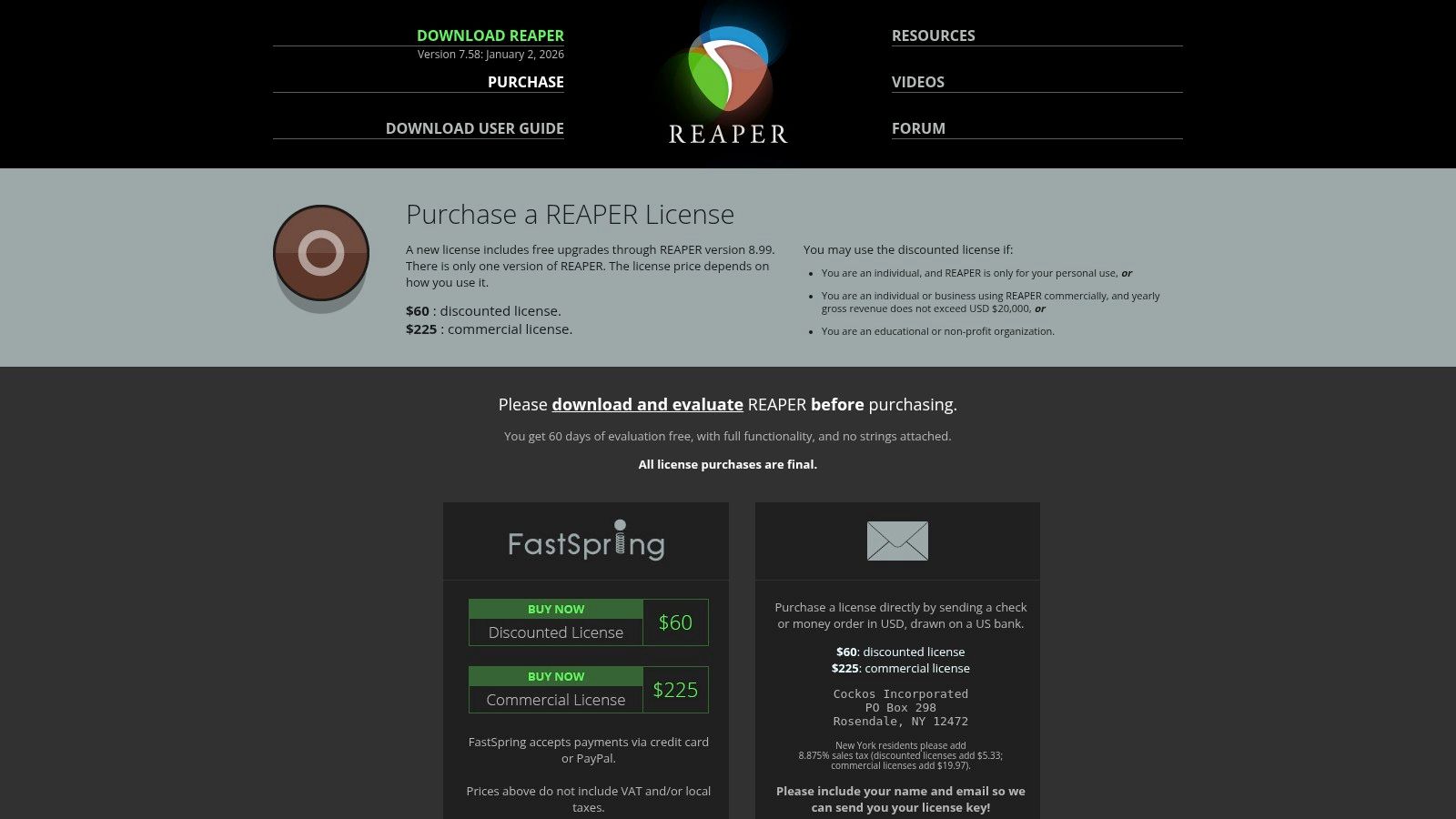
Its transparent and fair licensing model is a huge draw. REAPER offers a fully functional, 60-day evaluation period without limitations. After the trial, a single license is exceptionally affordable and includes free updates through the next full version number. This makes it a fantastic long-term investment for anyone serious about audio production without a large initial budget. The vast online community also provides endless scripts, themes, and tutorials to help you learn.
Key Info
| Feature | Details |
|---|---|
| Pricing | Discounted License: $60, Commercial License: $225 (Full 60-day trial) |
| Platform | macOS, Windows, Linux (experimental) |
| Best For | Recording, mixing, audio editing, podcasting, sound design |
| Website | reaper.fm |
Pro Tip: Don't be intimidated by the default interface. Spend some time exploring the massive library of user-created themes and custom scripts (ReaScripts) to completely transform REAPER's look and feel to match your workflow.
6. PreSonus Studio One
PreSonus Studio One has rapidly become a favorite among both professionals and newcomers, establishing itself as one of the most intuitive DAWs for beginners. It boasts a sleek, single-window user interface and a powerful drag-and-drop workflow that simplifies everything from creating instrument tracks to adding effects. This modern design philosophy helps new users grasp the fundamentals of recording, mixing, and mastering without feeling overwhelmed.
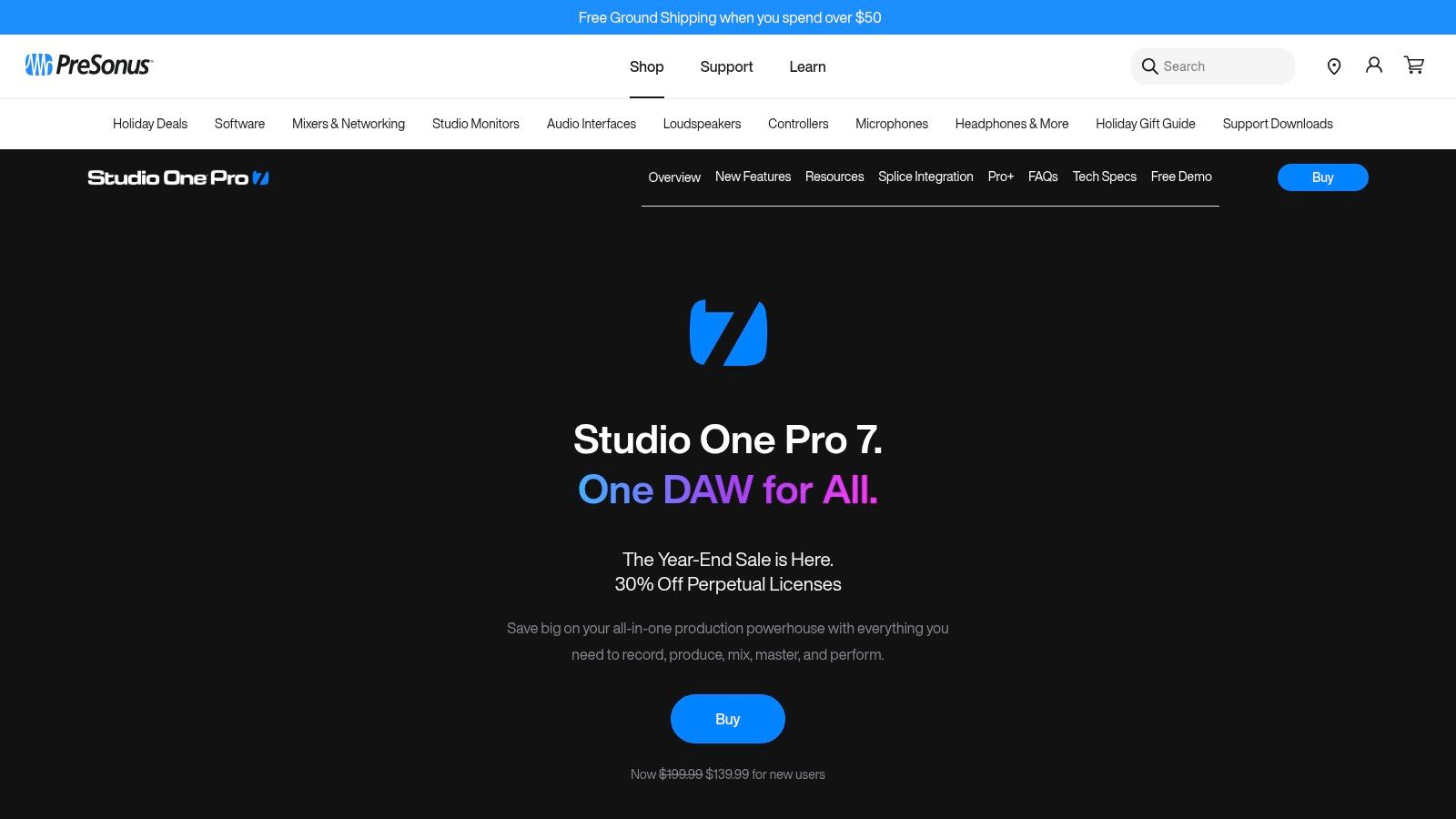
Its integrated "Project Page" is a standout feature, allowing you to seamlessly move from mixing a song to mastering the entire album in one place, a unique advantage not found in many other DAWs. For beginners looking to create practice tracks, you can easily drag stems made with a tool like Isolate Audio directly onto the timeline and start arranging. The included suite of high-quality plugins and virtual instruments provides a fantastic starting toolkit, making Studio One a complete, all-in-one production environment.
Key Info
| Feature | Details |
|---|---|
| Pricing | Studio One+ Subscription from $14.95/mo, Perpetual License from $399.95 |
| Platform | macOS, Windows |
| Best For | All-in-one production, songwriting, mixing, and mastering |
| Website | presonus.com |
Pro Tip: Take advantage of the free, fully-functional 30-day trial of Studio One Professional. This gives you ample time to explore its advanced features like the Project Page and Melodyne integration to see if the workflow fits your creative style.
7. Avid Pro Tools
Often seen as the gold standard in professional recording studios, Avid Pro Tools might seem intimidating. However, its free version, Pro Tools Intro, makes it one of the most accessible DAWs for beginners who want to learn the industry-standard workflow from day one. This entry-level tier provides the core recording and editing tools, allowing you to get comfortable with the same environment used on countless hit records and film scores.
While the subscription model for paid tiers can be a drawback for some, the free version is surprisingly capable for starting out. The learning curve is steeper than some other DAWs, but the skills you gain are directly transferable to professional studio settings. If your goal is to work in commercial audio production, starting with Pro Tools is a strategic move that prepares you for collaborative projects and future career opportunities.
Key Info
| Feature | Details |
|---|---|
| Pricing | Pro Tools Intro: Free, Artist: $9.99/mo, Studio: $29.99/mo, Ultimate: $99.99/mo |
| Platform | macOS, Windows |
| Best For | Aspiring audio engineers, professional recording, mixing, post-production |
| Website | avid.com |
Pro Tip: Use the free Pro Tools Intro to practice editing and mixing stems. You can separate tracks using a tool like Isolate Audio and import them into a session to learn the fundamental mixing techniques used by professionals.
8. BandLab
BandLab stands out as a completely free, cloud-based platform that makes music creation incredibly accessible. As one of the most approachable DAWs for beginners, it runs directly in your web browser and on mobile devices, removing the need for powerful hardware or expensive software. Its core strength lies in collaboration and community, allowing you to instantly start projects, invite others to contribute, and share your work within its built-in social network.
The platform includes a surprisingly capable multi-track editor, a vast library of free loops and virtual instruments, and even an integrated mastering service. For beginners, this all-in-one ecosystem is perfect for learning the fundamentals of recording, arranging, and mixing without any financial commitment. The ability to seamlessly switch between your phone and computer makes it ideal for capturing ideas on the go and refining them later at your desk, making it a truly modern and flexible starting point.
Key Info
| Feature | Details |
|---|---|
| Pricing | Free (Core DAW), with optional Membership for additional features |
| Platform | Browser, iOS, Android |
| Best For | Collaborative projects, starting with zero budget, mobile music creation |
| Website | bandlab.com |
Pro Tip: Use BandLab’s "Fork" feature to practice your mixing and arrangement skills. You can take a public track from another creator, create your own version, and learn by deconstructing how others build their songs.
9. Soundtrap by Spotify
Soundtrap by Spotify takes a unique, collaborative approach, making it one of the most accessible DAWs for beginners. As a browser-based platform, it requires no installation, allowing you to start creating music or podcasts instantly from any computer. Its standout feature is real-time collaboration, where multiple users can work on the same project simultaneously from different locations, seeing each other's changes as they happen.
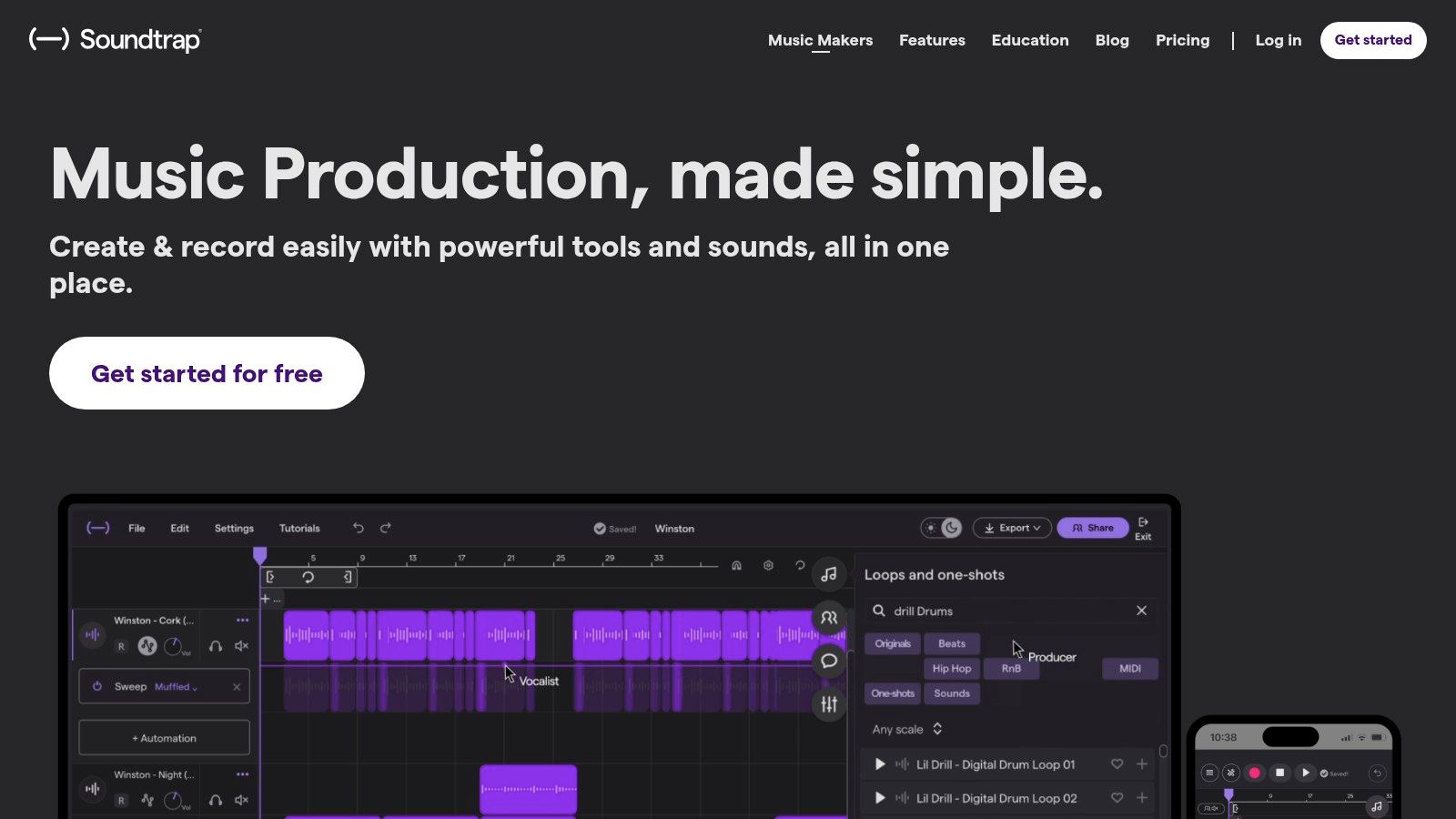
This cloud-based workflow is perfect for school projects, band collaborations, or podcast co-hosts. Soundtrap comes packed with a large library of loops, software instruments, and effects, making it easy to build a track from scratch without any external gear. While it may not have the depth of professional desktop DAWs, its simplicity and focus on creative teamwork provide an excellent, no-barrier entry point into audio production.
Key Info
| Feature | Details |
|---|---|
| Pricing | Free tier available; Paid plans (Music Makers & Storytellers) from $9.99/month |
| Platform | Browser-based (macOS, Windows, ChromeOS), iOS, Android |
| Best For | Collaboration, education, podcasting, quick songwriting |
| Website | soundtrap.com |
Pro Tip: Use the free version to get comfortable with the basics of recording and arranging. The collaborative features are live even on the free plan, so invite a friend to a project to experience its true power.
10. Tracktion Waveform Free
For those seeking powerful DAWs for beginners without an initial investment, Tracktion Waveform Free is an exceptional choice. Unlike many "lite" versions that impose severe limitations, Waveform Free offers an unlimited track count, plugin support, and a complete feature set that can take you from initial idea to finished master. Its modern, single-screen interface is designed for an efficient workflow, keeping everything you need within view.
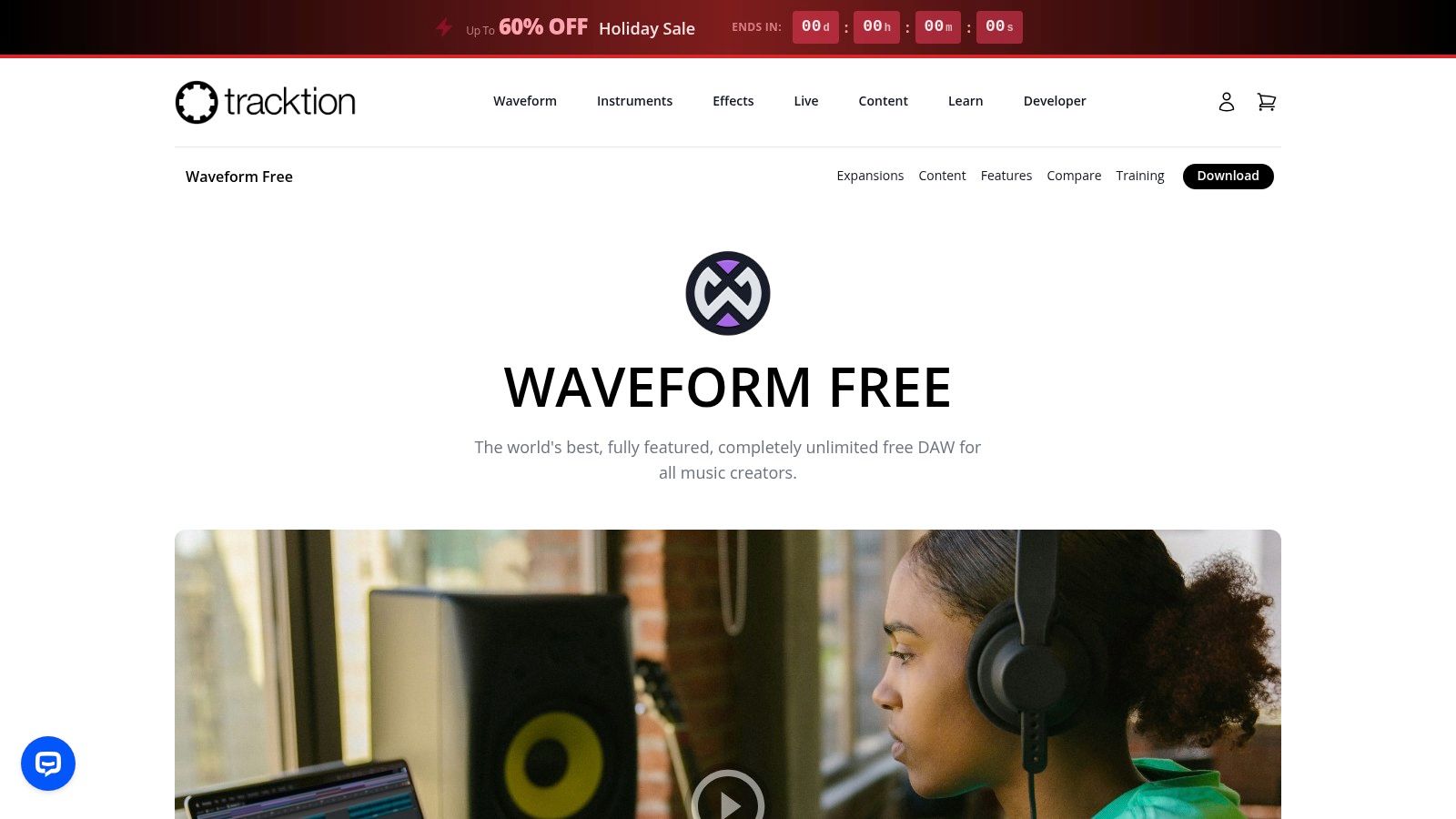
This makes it a fantastic risk-free environment to learn the fundamentals of music production. You can drag in instrumental and vocal stems from a tool like Isolate Audio and immediately start arranging and mixing without hitting an artificial track limit. While its user community is smaller than industry giants, its capabilities are undeniable. As your skills grow, you can expand its functionality with affordable packs or upgrade to the Pro version, making it a platform that can evolve with you.
Key Info
| Feature | Details |
|---|---|
| Pricing | Free (Optional expansions and Pro version upgrade available) |
| Platform | macOS, Windows, Linux |
| Best For | Budget-conscious beginners, learning core DAW concepts, Linux users |
| Website | tracktion.com |
Pro Tip: Explore the "Pattern Generator" to quickly create MIDI clips for basslines, melodies, and chords, which is a great way to jumpstart your songwriting process without needing advanced music theory knowledge.
11. Sweetwater — DAW Software Category
While not a DAW itself, Sweetwater is an essential resource for beginners trying to choose and purchase their first piece of production software. As a major U.S. music retailer, their curated DAW Software category offers a one-stop shop for all the major players. What makes this invaluable for newcomers is their legendary expert support; you can call a highly knowledgeable Sales Engineer who can ask about your goals and recommend the best DAW for your specific needs, a level of guidance you won't find elsewhere.
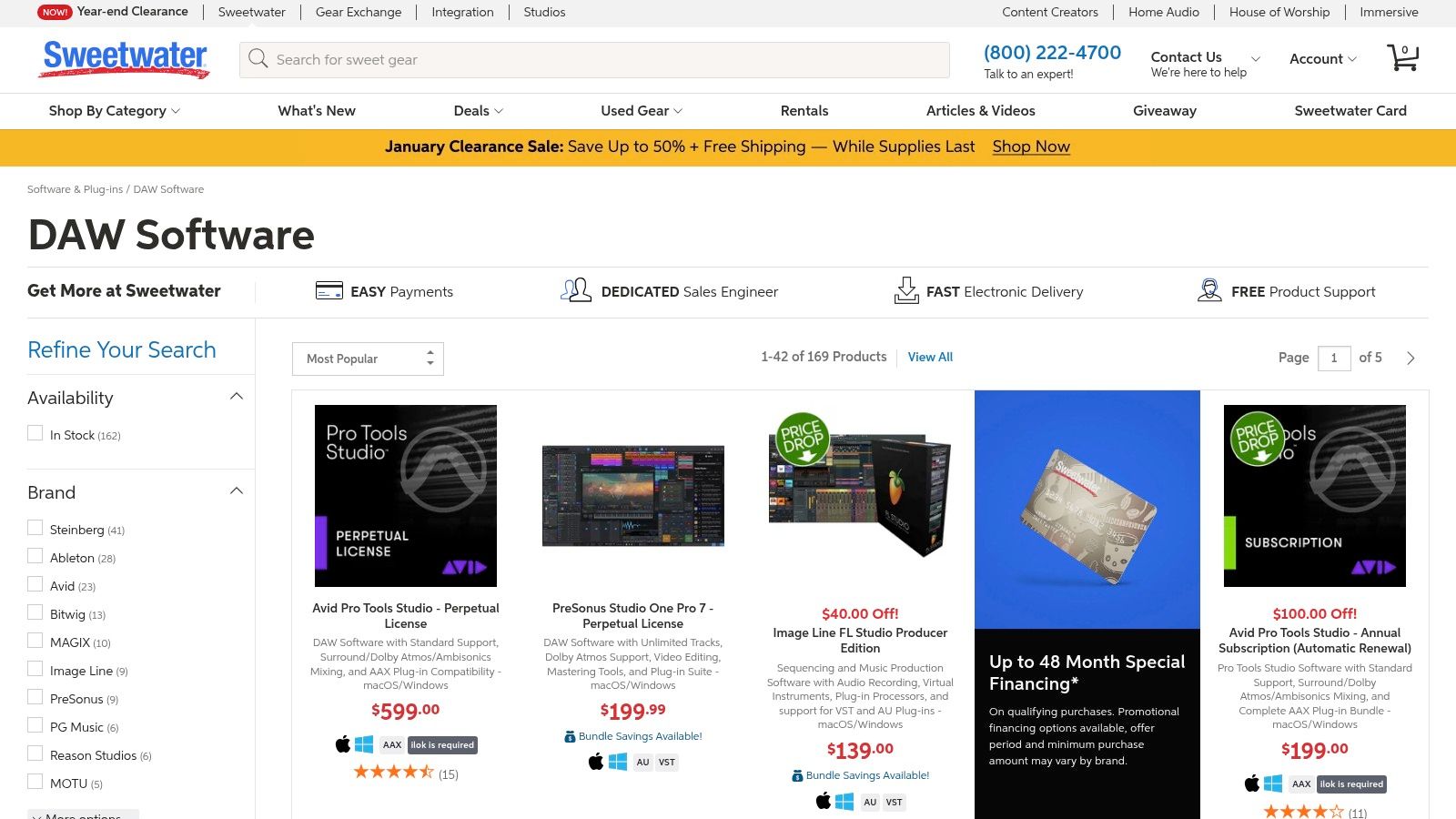
This retailer simplifies the purchasing process with instant digital delivery for most software licenses, allowing you to get started immediately. They often have special financing options or bundle deals that can make a significant purchase more manageable. For anyone overwhelmed by the options, using a trusted retailer like Sweetwater provides a layer of confidence and support that's hard to beat when you're just starting your journey into music production.
Key Info
| Feature | Details |
|---|---|
| Pricing | Varies by product; frequent sales, bundles, and financing options available |
| Platform | macOS, Windows (Varies by DAW) |
| Best For | Guided purchasing, comparison shopping, customer support |
| Website | sweetwater.com |
Pro Tip: Before buying, call their Sales Engineers for a free consultation. They can help you understand the differences between DAWs like Logic Pro and FL Studio and ensure you invest in the right software for your long-term goals.
12. Guitar Center — DAW Software
While not a DAW itself, Guitar Center is a crucial resource for beginners purchasing their first software. As a major U.S. music retailer, its website offers a comprehensive catalog of nearly all the best DAWs for beginners, often bundled with hardware like audio interfaces or MIDI controllers. This is incredibly helpful for newcomers looking to buy a complete startup package in one go, with the added benefit of financing options and frequent seasonal sales.
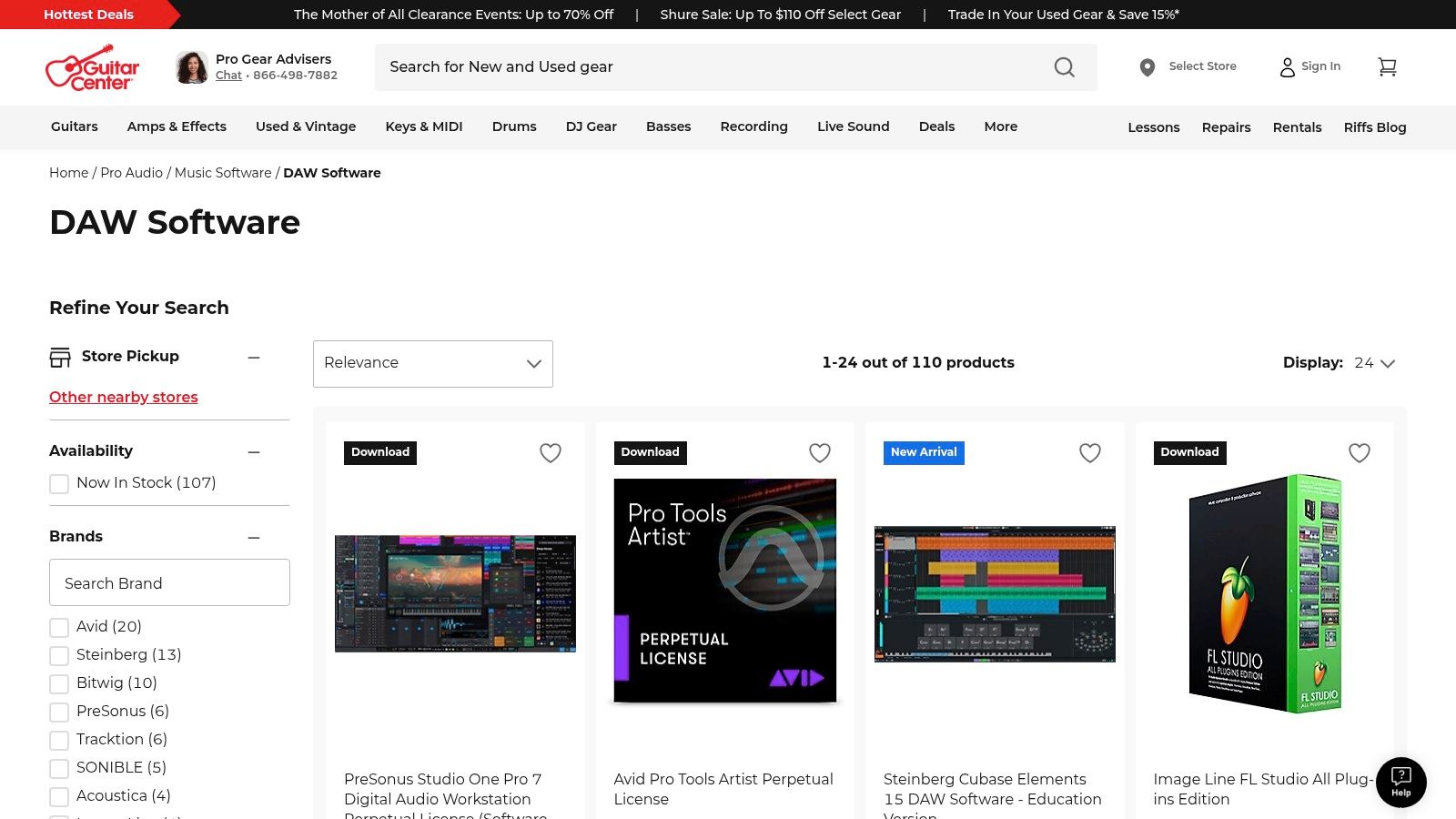
Shopping through a familiar retailer provides peace of mind with easy returns, accessible customer support, and the option for in-store pickup. This allows you to get hands-on advice when pairing your software with the right gear. For those starting from scratch, buying a DAW and an audio interface together from Guitar Center can streamline the setup process significantly, ensuring compatibility and saving money through promotional deals that are common on their site.
Key Info
| Feature | Details |
|---|---|
| Pricing | Varies by product; frequent sales, promotions, and financing available |
| Platform | macOS, Windows (depending on the specific DAW software) |
| Best For | One-stop shopping, bundling software with hardware, financing options |
| Website | guitarcenter.com |
Pro Tip: Look for "open-box" deals on DAWs and hardware bundles. You can often get current-generation products at a significant discount, which is a smart way to stretch your budget when first starting out.
DAWs for Beginners — 12-Tool Feature Comparison
| Product | Core features | UX / Quality ★ | Price / Value 💰 | Target audience 👥 | Unique selling point ✨ |
|---|---|---|---|---|---|
| Ableton Live | Session View + Arrangement, instruments & effects | 4.5★ — optimized for live workflow | 💰 Intro/Std/Suite; Suite is premium | 👥 Electronic producers, live performers, DJs | 🏆 Session View for live performance; large community ✨ |
| Image-Line FL Studio | Pattern/playlist workflow, strong plugin ecosystem | 4★ — loop/beat-first workflow | 💰 Multiple editions; lifetime free updates | 👥 Beatmakers, hip‑hop/EDM producers, beginners | ✨ Lifetime updates + beat-focused workflow |
| Apple GarageBand | Live Loops, Drummer, large free sound library | 4★ — very approachable, mobile-friendly | 💰 Free on macOS/iOS | 👥 Absolute beginners, mobile creators | ✨ Free Apple on-ramp with iCloud continuity |
| Apple Logic Pro | Massive plugins/sounds, spatial audio, Stem Splitter | 4.5★ — pro features, optimized for Apple silicon | 💰 One‑time Mac license (high value) | 👥 Mac-based producers, composers, film scoring | 🏆 Price-to-features; deep macOS integration ✨ |
| Cockos REAPER | Lightweight engine, flexible routing, scripting | 4.5★ — efficient, highly customizable | 💰 Very affordable license; 60‑day trial | 👥 Budget-conscious pros, power users | ✨ Deep customization & portable install |
| PreSonus Studio One | Compose→mix→master workflow, strong plugins | 4★ — clean UI, integrated mastering | 💰 Perpetual Pro or Pro+ subscription options | 👥 Songwriters, home studios, hybrid users | ✨ Built-in mastering and smooth workflow |
| Avid Pro Tools | Studio-standard mixing, collaboration tools, iLok | 4★ — industry workflows; subscription tiers | 💰 Free Intro; paid subscription tiers | 👥 Professional studios, post, collaborative projects | 🏆 Industry standard for mixing/collab ✨ |
| BandLab | Browser + mobile DAW, collaboration & mastering | 4★ — instant access; performance varies by device | 💰 Free core; optional Membership | 👥 Collaborators, social creators, learners | ✨ Free cloud collaboration + social creator tools |
| Soundtrap by Spotify | Browser DAW, loops, podcast tools, education plans | 3.5★ — quick experimentation, edu-friendly | 💰 Free tier + paid plans; EDU pricing | 👥 Educators, podcasters, remote groups | ✨ No-install collaboration + podcast workflows |
| Tracktion Waveform Free | Free desktop DAW, unlimited tracks, cross‑platform | 4★ — full-featured free desktop app | 💰 Free; inexpensive expansion packs | 👥 Budget users, Linux/Mac/Windows users | ✨ True cross-platform free DAW |
| Sweetwater — DAW Category | Curated DAW selection, expert phone support | 4★ — guided purchase experience | 💰 Retail pricing; bundles & financing | 👥 Buyers wanting expert guidance & bundles | ✨ Expert sales engineers & fast fulfillment |
| Guitar Center — DAW Software | Large catalog, in-store pickup, financing options | 3.5★ — retail convenience, periodic promos | 💰 Retail prices; sale events & financing | 👥 Buyers pairing DAW with hardware | ✨ In-store pickup + hardware bundle options |
Your Next Steps: From Choosing a DAW to Making Your First Track
Navigating the world of DAWs for beginners can feel overwhelming, but hopefully, this guide has demystified the process. We've explored everything from free, browser-based tools like BandLab to industry-standard powerhouses like Pro Tools and the creative workflows of Ableton Live and FL Studio. The key takeaway is that there is no single "best" choice; the ideal DAW is the one that aligns with your specific goals, budget, and creative style.
Think of your first DAW not as a final commitment, but as your entry point into the world of audio production. Your primary goal should be to get past the initial learning curve and start creating as quickly as possible. Momentum is crucial in the early stages.
Making Your Final Decision
To solidify your choice, revisit your core needs. Ask yourself these critical questions:
- What is my primary goal? Am I recording a podcast, producing electronic music, tracking a live band, or scoring a film? The answer will point you toward DAWs with specialized strengths, like FL Studio for beat-making or Logic Pro for songwriting.
- What is my budget? If you're starting with zero investment, GarageBand, Waveform Free, or BandLab are fantastic, fully capable options. If you have a budget, consider which paid DAW offers a workflow that you find most intuitive during its free trial period.
- How important is community and support? DAWs like Ableton Live and FL Studio have massive user communities with endless tutorials. Niche but beloved options like REAPER have dedicated forums filled with power users eager to help newcomers.
Remember, the skills you learn in one DAW are highly transferable. Understanding concepts like the mixer, the piano roll, automation, and effects processing will serve you well no matter which software you use in the future.
Your First Project: A Practical Approach
Once you've installed your chosen DAW, avoid aiming for a masterpiece on day one. Instead, focus on a small, achievable project to learn the fundamentals. A great starting point is to work with existing audio. This is where a tool like Isolate Audio becomes invaluable.
You can take a favorite song, use Isolate Audio to separate the vocals, drums, and instruments into individual stems, and then import those stems into your DAW. This allows you to practice fundamental skills in a tangible way:
- Arrangement: Rearrange the song's structure by moving the audio clips around on the timeline.
- Mixing: Experiment with volume levels and panning to create your own unique mix of the track.
- Effects: Add reverb to the vocals or apply a delay to the guitar part to hear how plugins can transform a sound.
This approach removes the pressure of composition and lets you focus purely on learning the software's interface and core functions. From there, you can move on to recording your first MIDI sequence, tracking your first audio input, and ultimately, building a complete song from scratch. The journey starts with a single step, and choosing your first DAW is that exciting first move.
Ready to jumpstart your learning process? With Isolate Audio, you can instantly create high-quality vocal, instrumental, and stem tracks from any song to use for practice, remixing, or sampling in your new DAW. Get your first audio stems in minutes by visiting Isolate Audio and see how easy it is to start creating today.
Article created using Outrank