How to Isolate the Separate Ways Piano Part from Any Mix
You've got the recording open, your hands are on the keyboard, and the opening of Journey's “Separate Ways (Worlds Apart)” still refuses to reveal itself. The hook is there, but Steve Perry's vocal, electric guitars, drums, bass, and layered synth textures turn the mix into a wall of sound. Picking out every note by ear can become guesswork, especially when the part you want isn't an acoustic piano line in the first place.
A practical solution is to separate the recording, then treat the result as a practice aid, not a perfect studio stem. Upload the track, describe the target sound, test a few prompts, choose an appropriate quality mode, export both outputs, and verify the isolated material against the full mix and the score. That workflow is much more reliable than trusting either an AI extraction or a notation preview on its own.
Why the Separate Ways Piano Part Is Worth Isolating
The keyboard identity of “Separate Ways” becomes obvious when you listen for what survives between the drum hits and guitar attacks. Jonathan Cain's writing gives the song a strong melodic and harmonic center, while the recording uses a forceful, keyboard-driven arena-rock arrangement. The track was released as the lead single from Frontiers in January 1983 and reached No. 8 on the U.S. Billboard Hot 100, where it stayed for six consecutive weeks. It also spent four weeks at No. 1 on Billboard's Top Tracks chart and appeared at No. 38 on the 1983 year-end Hot 100 list (song history and chart details)).
That context matters at the keyboard. You're not trying to recreate a small piano accompaniment underneath a singer. You're trying to understand how a prominent keyboard part holds its place inside a dense rock production. The song's early documented live performance, at Detroit's Joe Louis Arena on May 15, 1982, also shows that the material was being tested onstage before the single appeared (performance history and concert statistics).
Practical rule: Use isolation to answer musical questions, not to obtain an allegedly perfect replacement for the original multitrack.
A natural-language separator changes the first stage of the job. Instead of searching only for a fixed “piano” stem, you can ask for “piano and keyboard melody” or “main synth hook,” listen to what comes back, and refine the request. The useful sequence is upload, prompt, compare, export, and verify. The honest expectation is that the extracted part may include remnants of other instruments or lose information that shares its frequency range.
What Makes This Keyboard Part Hard to Extract
The opening sound is associated with a Roland Jupiter-8 synthesizer, not a conventional acoustic piano. The arrangement places that synth material beside drums, electric guitars, bass, and vocal melody, so a separator has to distinguish overlapping sounds that occupy similar timing and frequency areas. Calling the target “piano” may therefore be too narrow, even if you intend to play the result on piano.
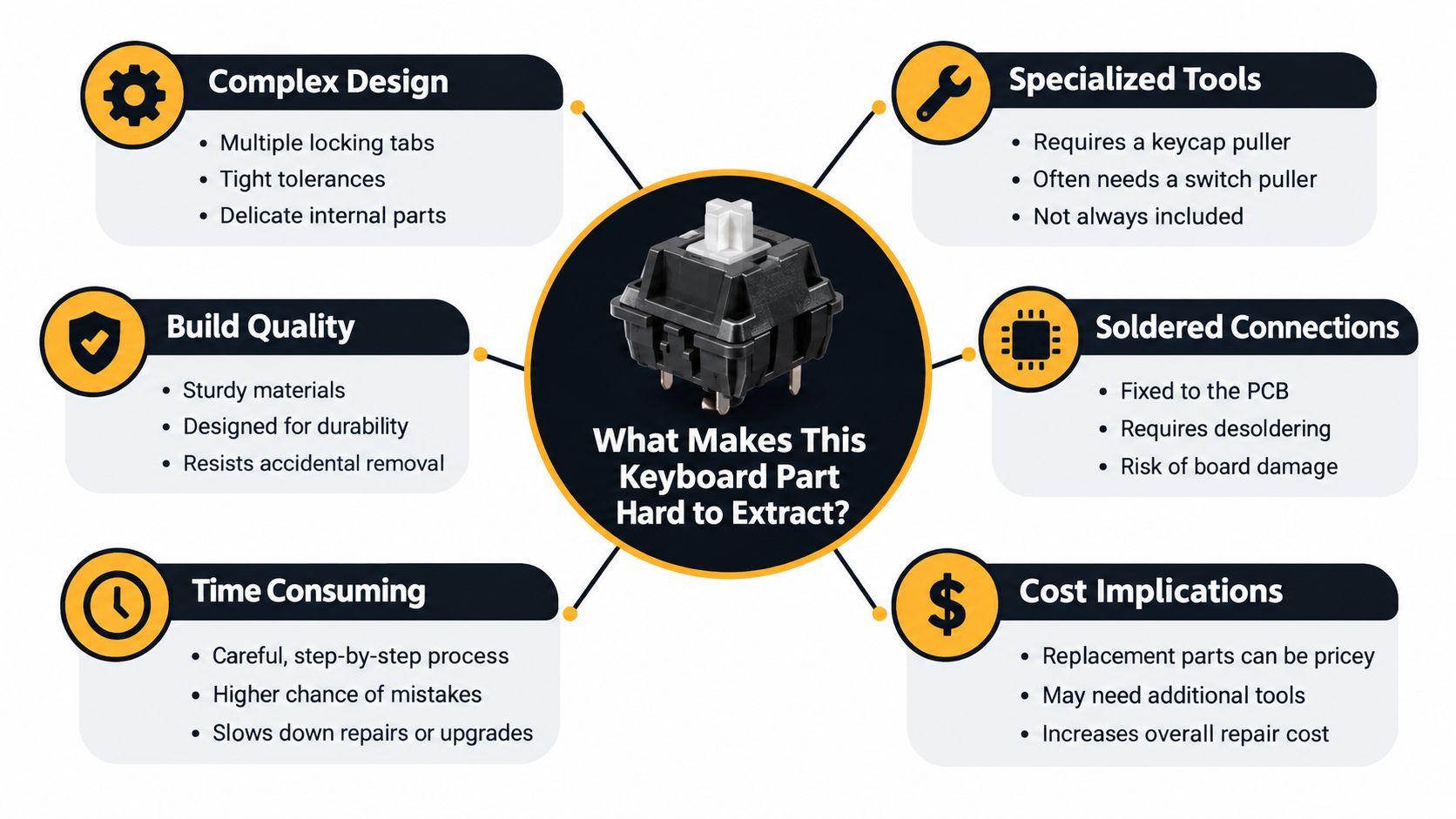
The output also depends on the content of the recording. Reverb tails can remain after the source has been removed, doubled keyboard layers can confuse the separation, and sustained guitar or vocal harmonics may resemble parts of the synth. Phase interactions can make an extracted note sound hollow, intermittent, or strangely filtered. A useful primer on why these interactions create problems is this explanation of phase cancellation in audio.
Map the audible material before prompting
Listen to the target as three related layers:
- Upper hook: the recognizable synth motif that gives the opening its identity.
- Lower support: bass movement or harmonic notes that make the hook feel anchored.
- Rhythmic attacks: repeated keyboard strikes that lock into the drum pattern.
This map gives you better language than “get the piano.” If the upper line is clear but the lower support disappears, you can make a second attempt aimed at the missing layer. If the output contains too much guitar, narrow the request toward the synth hook rather than assuming the tool has failed completely.
The published arrangement describes a dense grand-staff texture and a moderately fast 4/4 rock feel, which explains why a literal note-for-note piano reduction may be uncomfortable. Preserve the hook and bass movement first. Inner duplicated notes are the easiest material to reduce when your hands can't cover the full recorded texture.
Uploading the Song for Separation
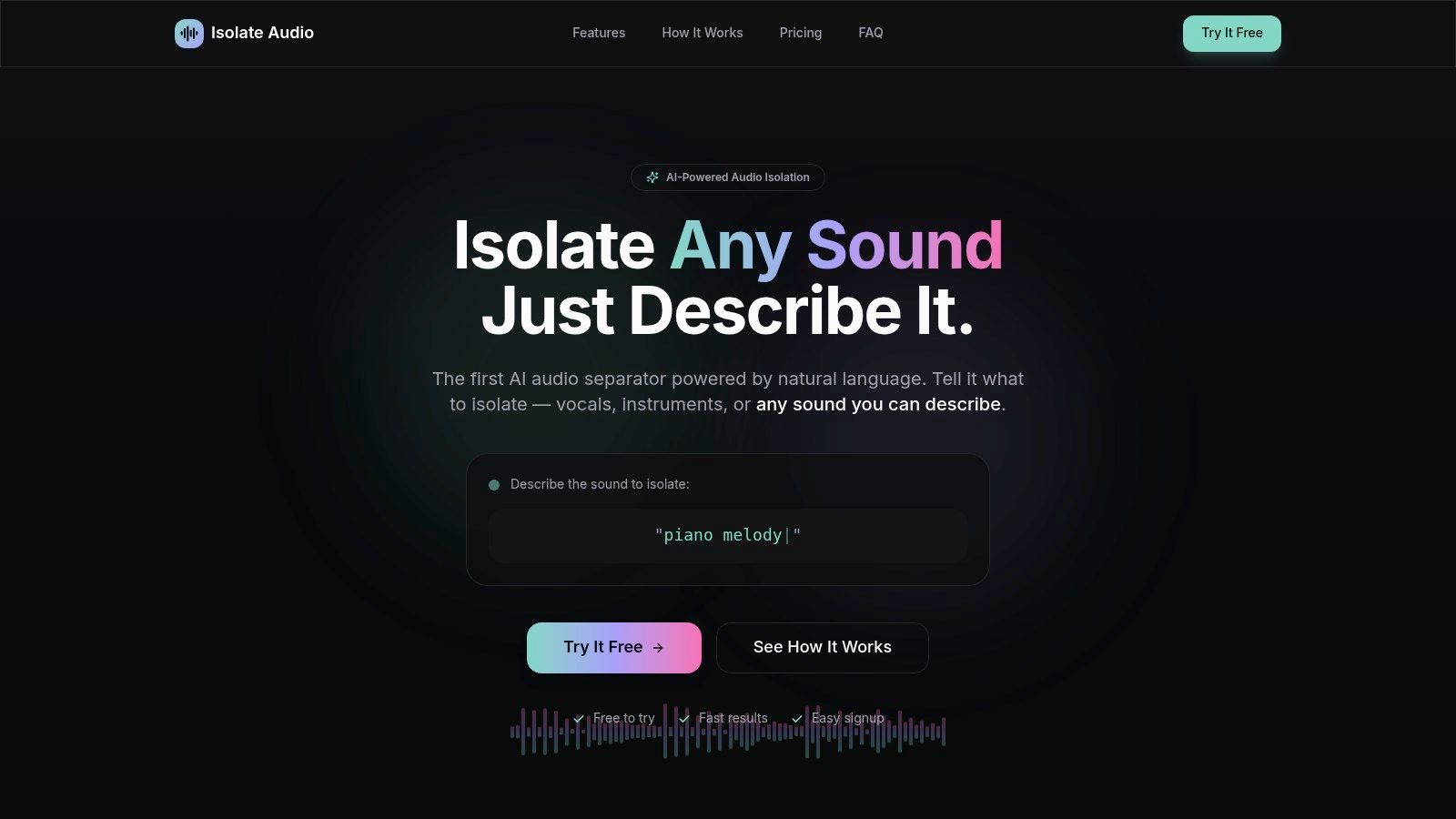
Start with the highest-quality version of the recording you legitimately have. A compressed source can contain ringing, smeared transients, and codec artifacts before separation begins, and those defects may become more obvious in the isolated output. A WAV or FLAC source is preferable when it's available, but Isolate Audio also accepts common formats including MP3, WAV, FLAC, M4A, OGG, MP4, and WebM.
Upload the audio or video file through the browser. Processing happens in the cloud, so you don't need to install a desktop application, and a video file is suitable if that's the version you already have. The service returns two outputs, the requested element and the remainder, which makes the remainder useful for checking whether important keyboard material was left behind.
Before you submit the job, check that the file begins at the musical start you expect and that it isn't a live recording with crowd noise or an altered edit. Those details affect what the separator hears and can make comparison harder later.
A clean upload routine
- Choose the source carefully. Prefer a legitimate, high-quality file over a re-encoded stream.
- Keep the original untouched. You'll need it for A/B comparisons.
- Name your exports clearly. Include the prompt and preset in the filename.
- Listen to the remainder. Missing keyboard notes may be easier to notice there than in the isolated file.
Writing Prompts That Target the Piano and Keyboard
Prompt wording controls what you ask the separator to prioritize. On a keyboard-led rock track, “piano” can be ambiguous because the recording's main part is synthesizer-based and may be doubled or processed. Start broad enough to include the musical role, then narrow the request when you know which layer is missing.
Try these prompts as separate runs:
- “Isolate piano melody.” Useful when you want a playable melodic result and don't need every supporting layer.
- “Piano and keyboard melody.” The strongest first choice when the target includes the prominent keyboard writing rather than an acoustic piano alone.
- “Main synth hook.” Better for chasing the opening figure specifically.
- “Keyboard rhythm and harmonic support.” Helpful when the first extraction captures the upper hook but leaves the repeated lower attacks behind.
The fuller phrase usually gives the system more context. The narrower phrase can produce a cleaner result when the hook is the only material you need, but it may omit supporting notes that make the passage playable. Don't judge a prompt only by how impressive the isolated preview sounds. Compare it with the full mix and ask whether the musical information you need is present.

Refine by listening to what was missed
If the first output captures the hook but not the lower movement, run a new separation using the remainder as the source and a more specific prompt. This second pass won't magically reconstruct a clean multitrack, but it can expose a layer that was masked in the first request. Keep both files, because the first and second outputs may each contain useful fragments.
Prompt design is an iterative skill. The practical principles in this guide to designing and testing AI prompts apply here: change one meaningful phrase at a time, listen to the result, and record what each wording choice emphasizes. More examples of natural-language audio requests are available in these natural-language separation examples.
Avoid vague prompts such as “remove everything except the piano.” That instruction describes an outcome but doesn't identify whether you mean the intro hook, the sustained keyboard bed, the rhythmic chord attacks, or all of them together. Name the musical function whenever possible.
Choosing Quality Settings and Exporting Your Track
Use Fast for reconnaissance. It's appropriate when you're checking whether “main synth hook” produces a more useful result than “piano and keyboard melody.” If the target is clearly wrong, a quick run saves time before you commit to a heavier process.
Balanced works as the everyday setting. It gives you a practical version for listening, prompt comparison, and early practice without making every experiment a final render. Best is the sensible choice when you've settled on the prompt and intend to loop the part repeatedly while learning.
For this song, Precision Mode deserves attention because the arrangement contains overlapping guitars, drums, vocals, bass, and keyboard layers. It may reduce some unwanted material, but it won't eliminate the underlying ambiguity in a complex mix. Use it when the ordinary result is close but contaminated, not as a guarantee of a clean stem.
| Preset | Best For | What to Expect |
|---|---|---|
| Fast | Testing a prompt | A quick first listen that helps you reject weak wording |
| Balanced | Routine practice preparation | A practical compromise for comparing several requests |
| Best | Final repeated practice | More suitable when you're keeping the export for serious study |
| Precision Mode | Difficult overlapping mixes | Extra attention to separation, with artifacts still possible |
The high-quality preset guide is useful when you're deciding whether a slower, more detailed run is justified. Don't export only the isolated track. Download the remainder too, because it acts as a diagnostic reference and can reveal keyboard notes that the requested output failed to retain.
Pro plans can provide lossless formats, longer durations, unlimited separations, and priority queues for creators who perform this workflow regularly. For a single practice project, the important decision is still the prompt and the verification process, not the plan tier.
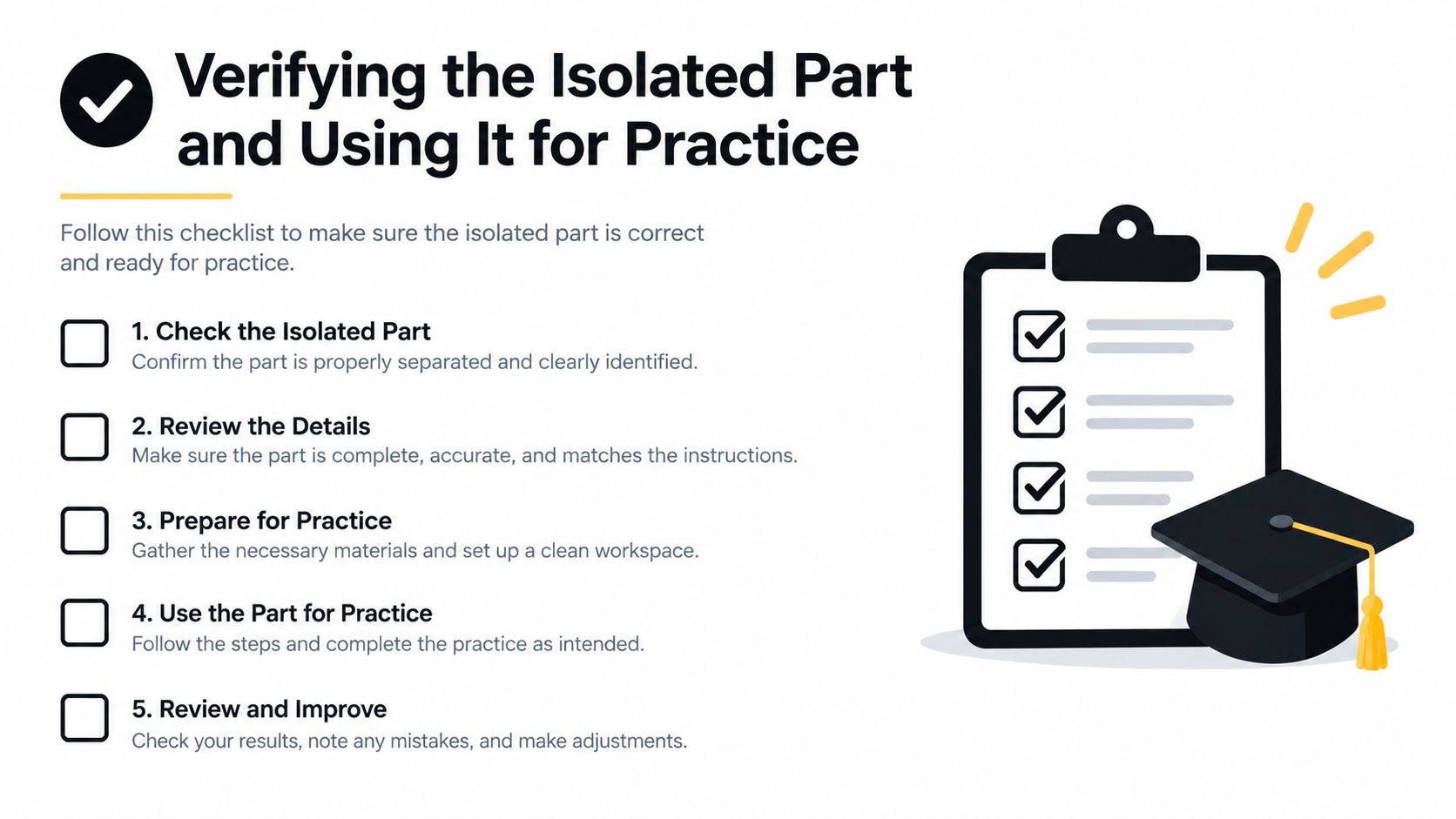
Verifying the Isolated Part and Using It for Practice
An isolated file is a hypothesis about the keyboard part. Verify it against the original recording before writing every note into your arrangement. I listen in short sections, switch between the full mix and the isolated output, and mark uncertain attacks rather than forcing a decision when an artifact sounds like a pitch.
Slow the audio down without changing its pitch. This makes it easier to distinguish a real repeated keyboard attack from a metallic separation residue, especially around sustained notes and drum hits. The full recording remains the authority for phrasing, while the isolated version acts like a flashlight that makes certain details easier to inspect.
The score provides a second cross-check. The published piano, vocal, and chord arrangement is in E minor, uses 4/4 meter, runs at approximately 132 BPM, spans eight pages, and supports transposition into six other keys (published arrangement details). Treat those details as a framework rather than proof that every printed voicing matches the recording.
A practice sequence that survives contact with the mix
- Set the metronome to 66 BPM. This is half the approximate performance tempo and gives both hands room to coordinate.
- Learn the upper hook alone. Keep the rhythm steady and use a lighter attack on repeated ostinato notes.
- Add the lower support. Reduce duplicated inner notes if the full texture strains your hand span.
- Loop two- or four-bar units. Count steady eighth-note subdivisions aloud instead of practicing isolated pitches without the grid.
- Raise the tempo by 4 to 6 BPM only after three consecutive error-free repetitions. The rule comes from the arrangement-specific practice guidance and keeps speed increases tied to control.
- Use short pedal changes. The original is keyboard-led rock, not an acoustic-piano ballad, so sustained pedal can blur fast harmonic changes.
Listening test: If a note appears in the isolated file but disappears when you return to the full mix, check whether it's an artifact before adding it to your transcription.
Rehearse with a dry piano sound first. Add moderate sustain only after the rhythm is stable, then decide whether the upper hook needs a brighter, more synth-like patch for performance. A simplified arrangement that preserves the hook, bass movement, and rhythmic accents often communicates the song more clearly than a dense transcription filled with uncertain notes.
Legal Notes and Smart Next Steps
Using a commercial recording to practice along, study the arrangement, or learn the keyboard part privately is a different activity from publishing the isolated audio. Posting the separated track, distributing it, or building a public remix can involve rights held by the recording owner, publishers, performers, or other parties. The practical rule is simple: private study is the safer default; public release requires permission and may require licensing.
Don't assume that an AI-generated or AI-separated file is automatically free of rights issues. Questions about AI content ownership can become complicated, particularly when a tool has transformed material from a protected commercial recording. If you plan to upload the result, monetize it, or share it as part of a remix, check the permissions that apply in your location and use case.
For practice, keep the original mix, the isolated keyboard output, the remainder, and your score together. Your ears resolve ambiguities that notation misses, the score organizes the harmony, and the separated file exposes details hidden by the full arrangement. Repeat the same process on another song, but keep simplifying deliberately. A playable version that teaches rhythm and coordination is often more valuable than an exhaustive transcription that no one can perform comfortably.
Isolate Audio lets you upload an audio or video recording, describe a target such as “piano and keyboard melody” or “main synth hook,” and download the isolated result alongside the remainder. Try the workflow on “Separate Ways” by visiting Isolate Audio, then verify every useful note against the full mix and your score before practicing it.