Vocal Remover Isolation: How It Works and When to Use It
The most repeated advice for vocal remover isolation is to upload the mix, click vocals, and treat the file that comes back as a finished stem. That advice fails as soon as a chorus stacks doubles, a reverb tail hangs past the phrase, or a guitar shares harmonics with the voice.
A strong separation score can still leave backing-track bleed, smear the room, or strip breaths the singer recorded. The number averages the whole song. Your ear hears one bar. Use the output for karaoke, practice, sampling, or a remix sketch when the method matches the job, and audition the passages where isolation breaks before you publish anything.
Isolation and Subtraction Compared at a Glance
A vocal remover can hand you a usable vocal or a usable backing track for karaoke, practice tracks, sampling, and remix sketches. The result depends on which route you take, not on a single "remove vocals" button.
| Method | What You Get | Best For | Main Risk |
|---|---|---|---|
| Direct vocal isolation | Estimated vocal stem plus instrumental remainder | Acapella, sampling, vocal-only edits | Bleed from loud instruments in dense choruses |
| Mix-minus subtraction | Instrumental made by removing the estimated vocal from the mix | Karaoke and practice tracks | Hollow drums and reverb tails left behind |
| Two-output separation | Vocal and remainder returned together | Checking both sides before blending | Remainder may still contain vocal residue |
| Precision or high-quality pass | Cleaner separation of overlapping sources | Challenging mixes and final delivery | Longer processing time |
Direct vocal isolation estimates the voice and leaves you an accompaniment as the leftover. Pick this when you need the vocal itself, for an acapella edit, a sample, or a vocal-only repair. Mix-minus subtraction starts from the full mix and pulls the estimated vocal out, which is the better path for a backing track. Older center-channel tricks, including phase cancellation, are a cruder cousin of subtraction. They cancel whatever sits dead center, often the kick and bass along with the lead, which is why those tracks sound hollow in the low end.
How to choose before you export
Choose isolation when the vocal is the asset. Choose subtraction when you need something to sing or play over. Either way, solo the remainder and listen for leftover voice before you blend.
Two-output separation is the practical default for that check, because you hear both sides at once. A precision pass is worth the wait when sources overlap and the first pass still has residue you can hear in the final mix.
Practical rule: Songs with heavy backing vocals, doubled leads, or dense choruses produce more bleed whichever method you pick, so budget an audition pass before you publish.
How an AI Vocal Remover Splits a Mix
Think of an AI separator as a taster who names each ingredient in a finished sauce from flavour alone. It never sees the recipe. It estimates where each sound sits in the blend, then tries to plate one ingredient by itself.

From spectrogram to stem
The model reads the mixture as a spectrogram, a picture of frequency over time. It predicts a mask over the region where the vocal sits, then applies that mask to rebuild a vocal stem. Nothing hidden in the file is being "found." The stem is a reconstruction, which is why a clean demo does not predict a finished pop record.
The field got a shared yardstick with MUSDB18, introduced in 2017. According to the MUSDB18 benchmark paper, the set holds 150 professionally produced full-length songs at 44.1 kHz, about 10 hours of audio, with separate stems for vocals, drums, bass, and the remaining accompaniment, commonly split as 100 songs for training and 50 for testing.
Why four stems change the workflow
Those four stems matter because a system can estimate the vocal directly or rebuild the accompaniment by subtracting the estimated vocal from the mixture. Those are the two routes behind isolation and mix-minus. The same stem separation idea is what you are asking a consumer tool to do on a stereo file that was never delivered as parts.
A short walkthrough of that split, from mix to separate stems, makes the reconstruction easier to hear than a score does.
Separation quality drops when vocals overlap, when reverberation is long, when backing vocals fill the same band, and when mastering effects squash the mix. All of that is normal on commercial records. A model that peels a dry solo vocal off a sparse demo can still stumble on a loud, compressed chorus.
Reading Separation Scores Without Being Misled
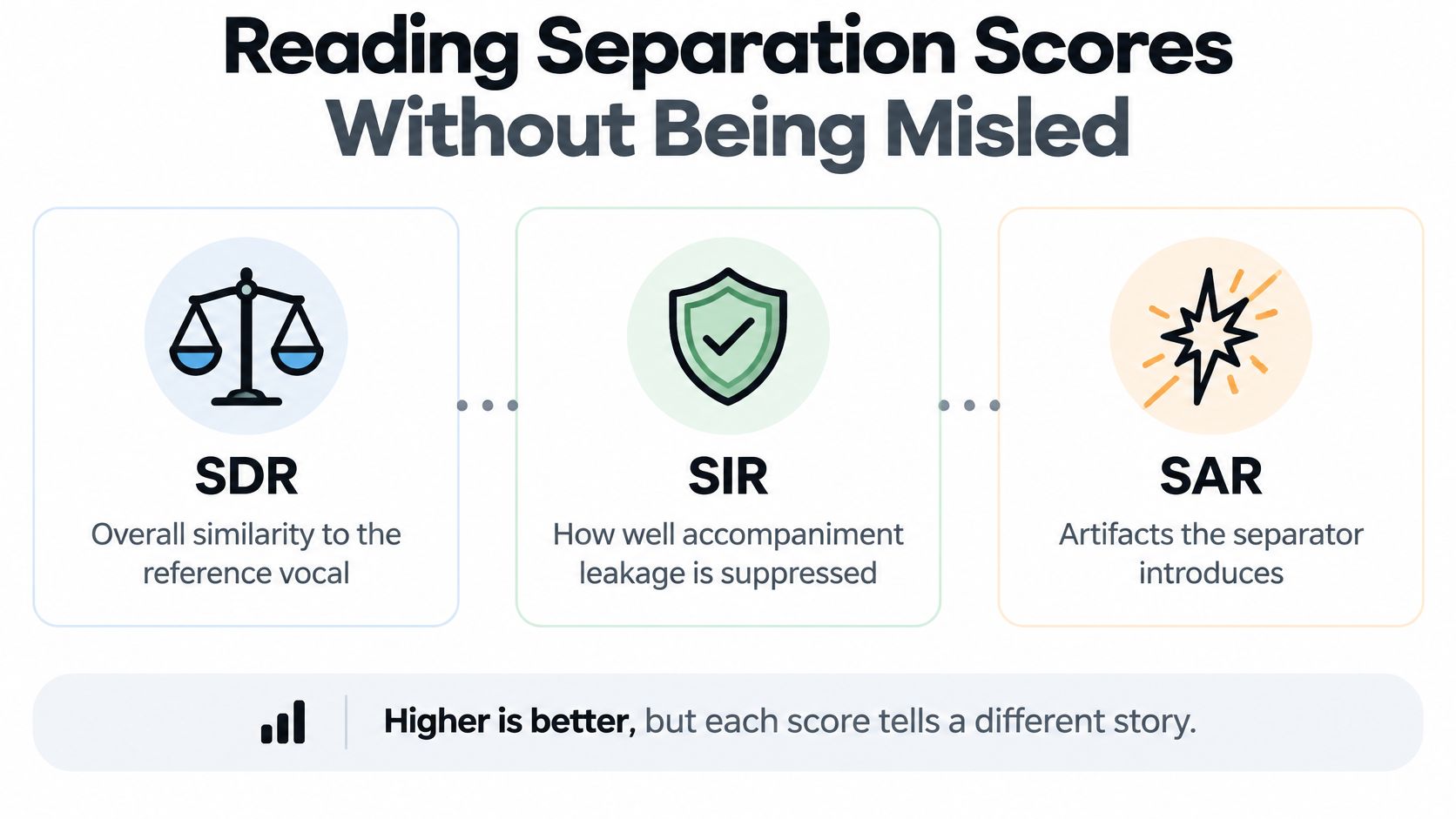
Three numbers describe a vocal stem, and they do not move together. SDR (source-to-distortion ratio) measures overall similarity to the reference vocal. SIR (source-to-interference ratio) measures how well accompaniment leakage is suppressed. SAR (source-to-artifacts ratio) measures artifacts the separator itself adds.
| Metric | What It Measures | Weak Result Sounds Like |
|---|---|---|
| SDR (source-to-distortion ratio) | Overall similarity to the reference vocal | Thin or muffled vocal with a shifted tone |
| SIR (source-to-interference ratio) | Suppression of accompaniment leakage | Drums, guitar or piano audible under the voice |
| SAR (source-to-artifacts ratio) | Artifacts the separator introduces | Metallic, watery or musical-noise coloration |
Why one gain is not the whole story
On the MIR-1K singing-voice benchmark, a published system improved over prior methods by approximately 2.30 to 2.48 dB in global SDR and 4.32 to 5.42 dB in global SIR, as reported in the Huang and Kim MIR-1K separation paper. Interference suppression moved further than overall fidelity. A vocal stem can look respectable on SDR and still carry drums, guitar, or piano under the voice.
That gap is the production problem. SDR rewards a stem that, on average, resembles the reference. It does not tell you whether a ride cymbal leaked through the chorus or whether the separator painted a watery edge on every consonant. SIR is the bleed check. SAR is the "did the model invent a texture" check. If you only sort tools by the first number, you will ship the leaky one.
Scores are most useful when two systems are compared on the same test set. On your own track, the same three ideas become listening tests you run by ear.
For a delivery you will mix, weigh interference and artifacts ahead of a single similarity score, which is the point of looking at precision benefits instead of a headline rating. Audition consonants, reverb tails, and dense choruses before you call a stem done. Higher is better on each measure, but each score tells a different story, and none of them replaces a solo pass at normal listening level.
Artifacts That Hide Behind a Good Score
When the vocal and the accompaniment occupy the same time-frequency regions, a conventional magnitude mask has to split energy that was never separate. Residual interference stays in the stem, and reconstruction can create phase inconsistencies. You hear that as metallic coloration, watery transients, or musical noise. Guitars, piano, cymbals, and dense backing vocals are the usual partners, because they share harmonics with the voice.
Research on monaural separation found that preserving phase information reduced artifacts as measured by global signal-to-artifact ratio, and reported a mean global SIR of 19.46 for its evaluated approach, in the phase-aware separation study. A phase-aware or complex-spectrum model is the practical response on those mixes. A faster magnitude-mask pass is fine for a draft. It is a weak final pass when the voice and a bright instrument occupy the same band.
What a high average still hides
A 2025 perceptual study found that separation systems can appear effective while mainly extracting the loudest monophonic source in a vocal stem, rather than cleanly separating lead vocals, backing vocals, or duets, as described in Benetos and colleagues' paper on perceptual errors in music. The average looks strong because the loudest line came through. The harmony, the answer vocal, and the double did not.
Learn the failures by ear, not by the dashboard label:
- Backing-vocal leakage: A harmony stays glued to the lead, or it vanishes and takes body with it.
- Reverb tails: The room on the voice is treated as "not vocal," so phrases end dry, or the tail stays in the backing mix as a ghost.
- Doubled voices: A wide double collapses into one thin center, or one side keeps a phasey copy of the instrument.
- Consonant smearing: T, K, and S sounds turn watery because the transient shared a bin with a hat or a pick.
- Phasey instruments: Guitars and cymbals that survived in the remainder swirl when you solo them.
- Missing breath sounds: Low-level breaths drop out, so the phrase sounds edited even when the notes are intact.
A high average score does not certify that any of those are gone. Solo the stem, then the remainder, on a doubled chorus and on a quiet breath before the next line. If the number and the ear disagree, trust the ear.
Sparse Vocals and Dense Mixes That Break Results
Separators also fail when the voice is barely there. Transformer-based systems can struggle when vocals occur only occasionally, because the model has to decide when a voice starts and when the band is just the band. A 2025 study built a model for that case and reported a cSDR of 11.03 dB, with more stable performance across input lengths and vocal-occurrence patterns, in the sparse vocal isolation paper. Stable across the song is a different claim from "the chorus sounded fine."
| Scenario | Why It Is Hard | What to Audition |
|---|---|---|
| Intro with no singing | Model may leave faint vocal-like residue | Bars before the first lyric, then the first entrance |
| Spoken ad-libs | Speech differs from sung patterns and can be dropped or smeared | Every spoken line in the stem |
| Call-and-response | Vocals switch on and off, so entries and exits must be tracked | Each entry and exit point |
| Rap entrances | Fast articulation overlaps with percussion | First bars of each verse |
| Whispered lines | Low energy blends into reverb and background noise | Quiet passages and their tails |
| Vocals over guitar or piano | Harmonics share the same frequency regions | Sustained notes in the chorus and the remainder for leftover voice |
Walk the song in order
A music-only intro is the first trap. With no singer, a faint vocal-like residue can still sit in the pad or the room. Spoken ad-libs fail next because speech is not the sung pattern the model expects, so a line gets dropped or smeared. Call-and-response asks the separator to track every entrance and exit, and a late tail on the answer vocal is easy to miss if you only loop the hook.
Rap entrances pile fast consonants on drums, so the first bars of each verse are the test, not the melodic chorus. Whispers sit near the noise floor and disappear into reverb. Sustained notes over guitar or piano are the harmonic collision. Solo the remainder there and listen for a leftover voice under the chord.
Refinement-based separation can improve vocal uSDR by 0.16 dB after one step, but repeated refinement needs more model evaluations and may be impractical in real time. One careful pass on a problem bar is often worth it. Looping refinement on a whole song, live, usually is not.
A tool that works on average can still fail in one verse. Check the difficult sections, not only the chorus.
Settings, Audition Checklist and Your First Track
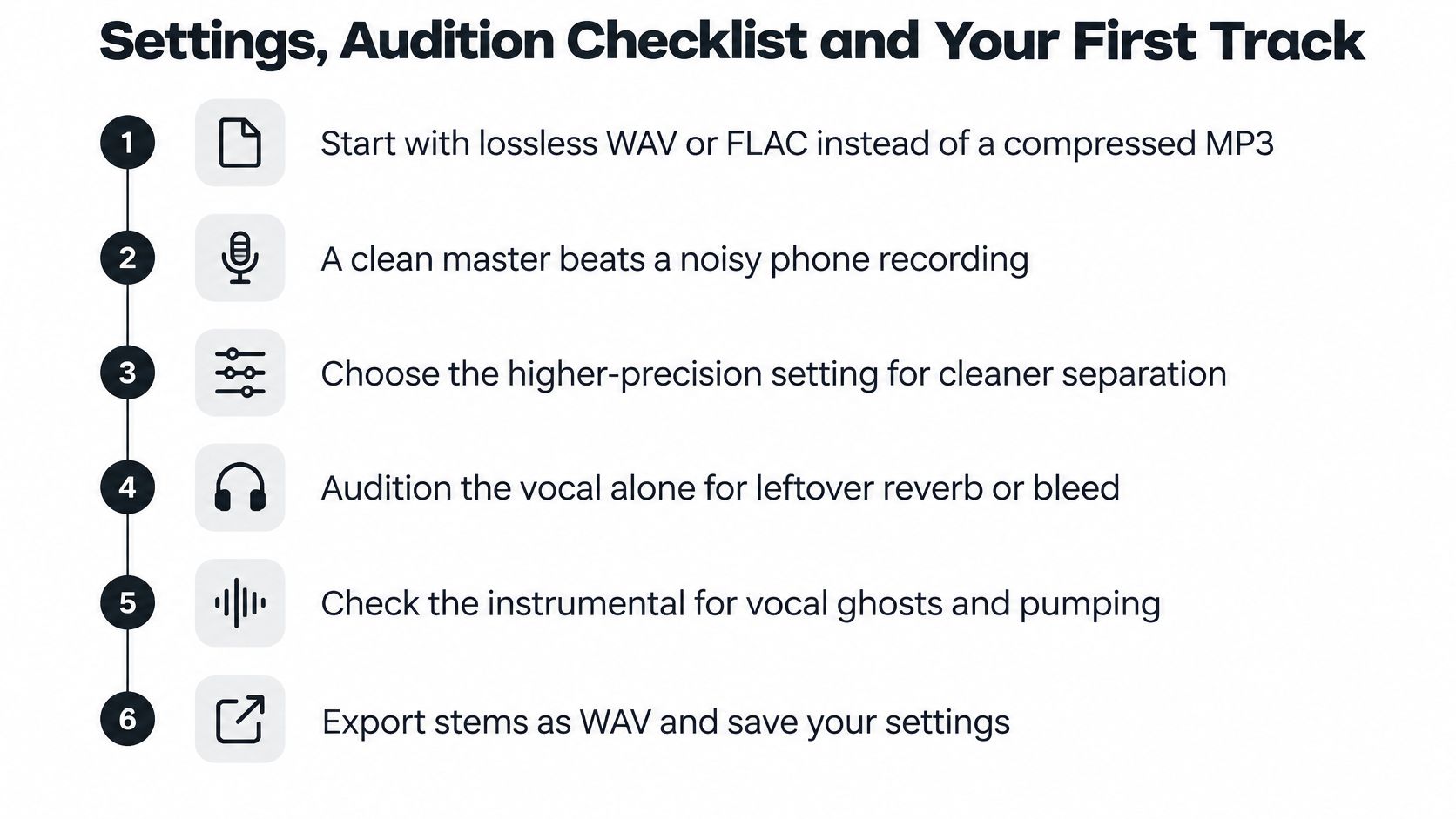
Start with the file, not the preset. A lossless WAV or FLAC keeps more detail for the model than a heavily compressed MP3, because codec hash does not get mistaken for part of the arrangement. A clean master beats a noisy phone recording of a speaker. If you only have the stream rip, expect more musical noise and do not blame the chorus alone.
Which processing pass to run
Use the higher-precision setting when vocals overlap guitar, piano, cymbals, or dense backing vocals. Use a faster setting for drafts you will audition before you commit. Preset names differ by product, so read what the control does.
On Isolate Audio, the three quality presets are Best for studio quality, Balanced for everyday use, and Fast for quick results. Precision Mode adds accuracy on complex audio with overlapping sounds. You can also describe the target in plain language, such as a lead vocal, instead of picking from a fixed list like vocals, drums, bass, guitar, or piano. Run Fast on a sketch. Move to Best or Precision Mode only on the passages that still fail.
Audition before you keep the stem
- Listen to the vocal stem alone at normal volume. Bleed and metallic edges show most clearly when the mix is not masking them. If you only hear the stem under the original, you will miss both.
- Solo the remainder and listen for leftover voice. A ghost lead in the backing track means the vocal estimate was short. That residue will pump or sing along once you add your own vocal on top.
- Check consonants, breaths, and reverb tails. These fail first when a magnitude mask splits shared bins. A missing breath or a chopped tail is a sign the phrase was reconstructed, not lifted.
- Play the chorus and the hardest bar. Overlap peaks where doubles, hats, and guitars stack. One clean verse does not clear a stacked hook.
- Compare the stem with the original mix at the same level. Match loudness, then ask what the separation removed. If tone shifted or the room vanished, the SDR-style "it sounds like a vocal" result is not the vocal you recorded.
Rerun a passage at higher precision only when it fails steps 2 to 4 and the artifact is still audible in the final mix. If it still fails, use the stem only where it sounds clean and leave the bad bars out, or keep the original mix for those seconds.
Do this on the next song
Pick one track that has a dense chorus and one sparse section, an intro, a whisper, or a rap entrance. Run it, then audition both regions with the checklist before you drop the result into a session. If the chorus holds and the sparse section does not, you already know the limit of that pass.
Isolate Audio separates a vocal you describe in plain English and returns both the isolated voice and the remainder, so you can build an acapella or a backing track and check each side before you commit. Presets from Fast through Best, plus Precision Mode for overlapping mixes, let you match the pass to the song instead of trusting one score. Try a dense chorus and a sparse section on Isolate Audio and audition both before you use the stem.