
How to Extract Piano from Song with AI Tools
You've got a full song, a clear piano part in the mix, and a practical reason to pull it out: maybe you want to practise along, sample a phrase, or rebuild the arrangement. You run a separator, and the piano comes back with vocal bleed, missing low notes, or a watery tail. That's not necessarily a bad setting. Piano extraction is an editing decision, and the useful result depends on what you need the stem to do.
A reliable workflow starts by choosing the right output, then listening to both the isolated piano and the remainder of the mix. Treat the first pass as a draft, not a finished answer.
Why Piano Extraction Is Hard
A producer needs the piano from a crowded chorus, but the vocal, drums, guitars, and piano all occupy overlapping parts of the mix. Turning down a frequency range to remove the other instruments also removes piano tone. A piano note doesn't sit in one neat band that an equalizer can separate.
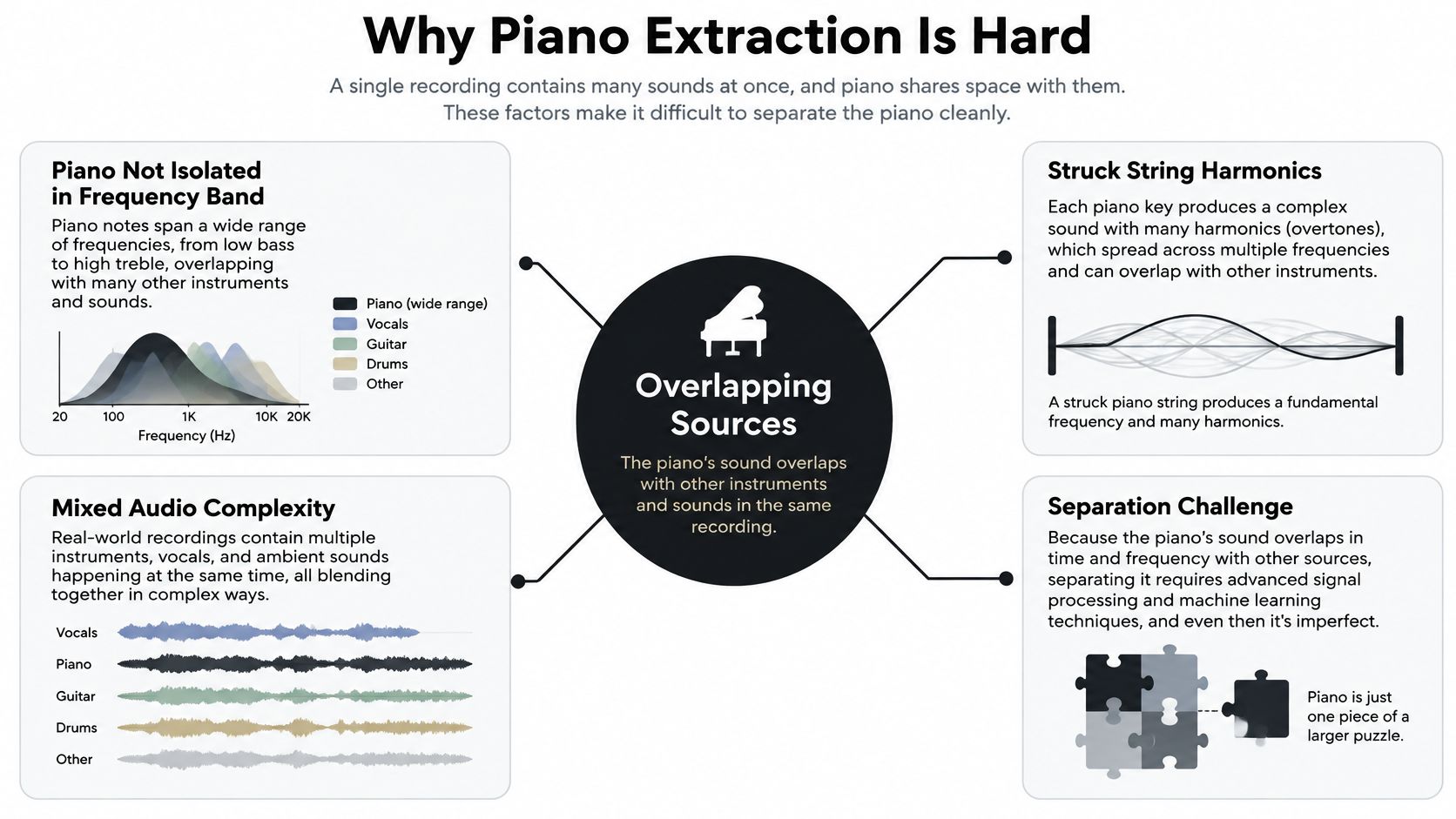
Each struck string produces a fundamental frequency and higher partials. Real piano strings are slightly inharmonic: their stiffness shifts partials above the ideal integer-multiple frequencies. A reference explanation of piano partials and inharmonicity shows why a separator must identify a changing pattern of related frequencies, not mute one narrow range. The pattern can overlap with vocal sibilance, cymbals, guitar harmonics, bass, and room ambience.
That overlap affects the parts listeners notice first. A separator may preserve the body of a chord but soften the attack, or retain a bright transient while thinning the note's decay. In a dense mix, the piano's resonance can also blend into sustained instruments, making it hard to distinguish what belongs in the stem.
Practical rule: Judge the piano by the notes and details it keeps, not just by how quiet the other instruments sound.
Before you start, decide whether you want an audible piano stem, playable MIDI, or readable sheet music. Those are different results. If you want a broader explanation of the process, this guide to audio source separation provides useful context.
Choose the Right Piano Output
An isolated stem is audio. It can be useful for listening, practice, remixing, or arrangement work without identifying every note played. MIDI transcription and sheet-music recovery require a different kind of analysis: they try to determine what notes occurred and how they were performed.
That distinction matters when you review a result. A piano stem might sound convincing but still fail to reveal exact note boundaries, durations, velocity, tempo, pedal behavior, or notation. Sustain-pedal resonance is especially tricky because a note can continue ringing after the player releases the key. Research on music informatics and multi-instrument transcription describes persistent challenges in recovering musical parts from dense audio.
Match the deliverable to the job
For a practice track or remix, listen for a stem that keeps the piano's attacks, body, and decay while reducing distracting instruments. A little residual ambience may be acceptable if the part remains musically clear. For MIDI editing or notation, treat separation as preparation, not transcription: you'll still need to check pitches, rhythm, note lengths, and expression.
Sample rate and masking affect the audio workflow, but neither makes an isolated stem into symbolic note data. In a common separation method, a system estimates a piano mask from the mixture's time-frequency representation, applies that mask to the complex audio representation, and reconstructs the result. The documented piano-separation workflow reflects why separation involves more than filtering a frequency band. If piano partials overlap another instrument, a mask can leave interference behind or remove part of the piano.
Set your review criteria before listening. A sample that works for close listening might not be clean enough for a prominent remix layer, and a clear stem still won't guarantee reliable sheet music.
Run the AI Piano Separation Workflow
Start with the cleanest source you can get. A lossless file is preferable when available, but a high-quality export is more useful than a noisy or heavily processed copy. Avoid aggressive denoising before separation. It can alter the attacks and tails that help a model distinguish piano from the rest of the recording.
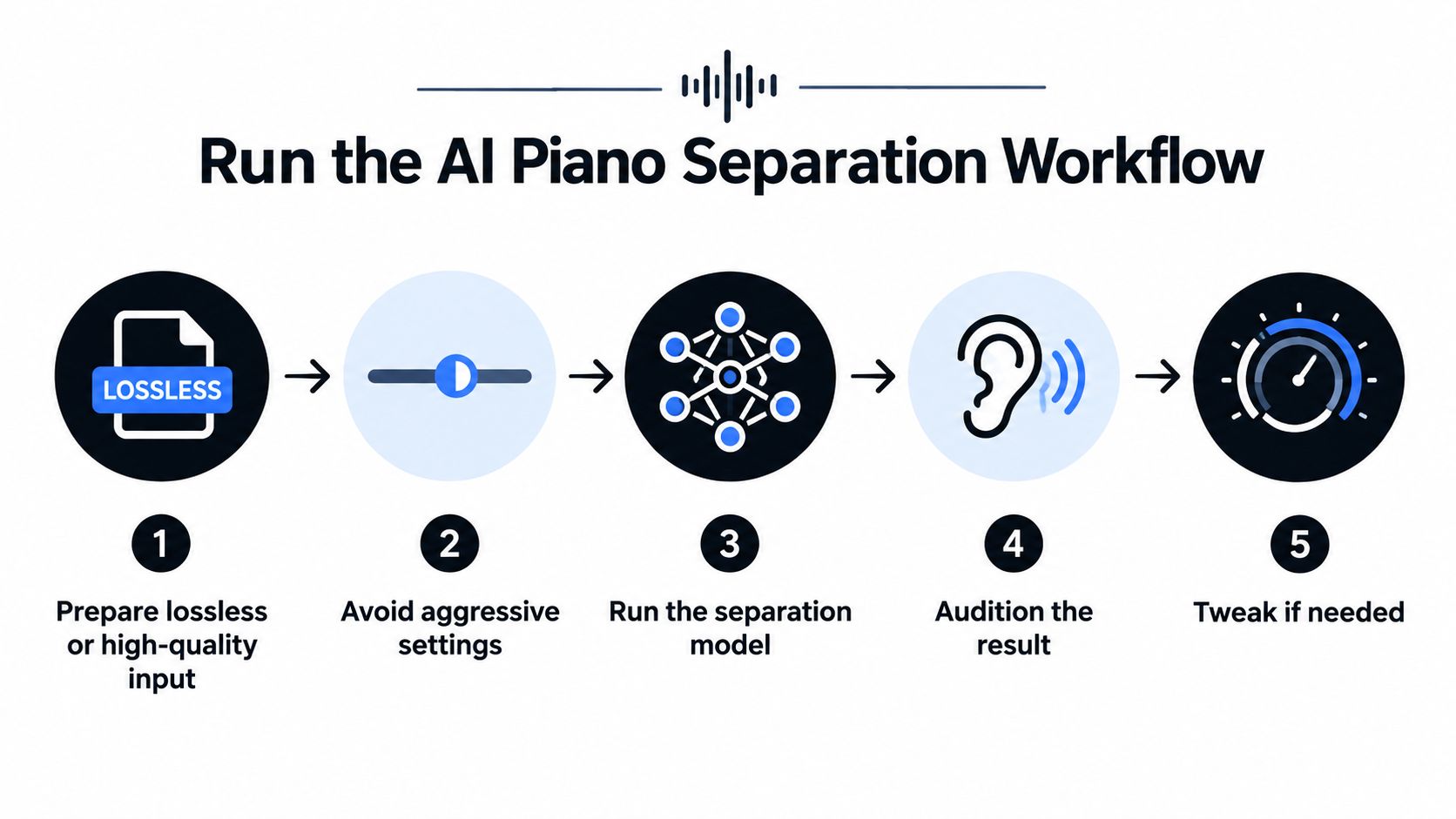
Upload the song to an AI separation tool that accepts your file type, then describe the sound plainly. A prompt such as “piano melody” gives the system a specific target. If you need the full piano part rather than only the prominent melodic line, say so in your description. Available prompts and controls vary, so treat the first wording as a starting point rather than a guarantee.
Choose a quality preset that fits the mix, run the separation, and download both outputs: the piano and the remainder. Listening to both is essential. The isolated track tells you what was kept; the remainder helps reveal whether piano notes were left behind. Keep the files at matched playback levels when comparing them, since a louder version can seem clearer even when it contains more unwanted material.
Listen before you commit
Audition a representative passage rather than relying on the opening alone. Check a section with piano chords, a vocal or lead instrument, and a busy transition if the song has them. Then listen again to the piano's attacks and decays. A usable stem should support its intended task, even if it isn't a perfect reconstruction of the original recording.
A good separation workflow follows a time-frequency masking process, rather than an equalizer-only approach. If you're building a stronger foundation in recording and editing, an online music technology course from The Online College of Art & Design can help with the wider audio concepts behind this kind of work.
Select a Preset for the Mix
Preset choice should reflect the recording, not a promise that one setting will always sound better. A piano sitting clearly above a sparse accompaniment presents a different challenge from a piano concerto, a reverberant live recording, or a chorus where vocals and guitars overlap the same range.
The available options include Fast, Balanced, and Best, along with Precision Mode for challenging mixes with overlapping sources. Use them as editing choices: Fast suits a quick test, Balanced is a reasonable starting point for an ordinary song, and Best is an option when you want to prioritize a more careful pass. Precision Mode is worth testing when the piano shares space with prominent instruments. The preset comparison guide can help you choose a starting point.
| Preset | Choose it when | What to inspect |
|---|---|---|
| Fast | You're testing a passage or the piano is relatively distinct. | Whether the melody and chord attacks remain clear. |
| Balanced | You want a starting pass on a typical mixed song. | Piano definition, bleed, and the naturalness of the decay. |
| Best | You're prioritizing a careful result for further editing. | Whether refinement preserves the notes without adding distracting artifacts. |
| Precision Mode | The piano overlaps vocals, orchestra, or other sources. | Low notes, transients, and any unstable or smeared material. |
For a dense mix, run more than one setting on the same representative passage. Keep the version that preserves the attacks, note definition, and sustain you need while introducing the least contamination. Don't choose based on a single clean-sounding moment; compare a quiet passage and a busy one before committing to a full-track workflow.
Improve Prompts and Piano Artifacts
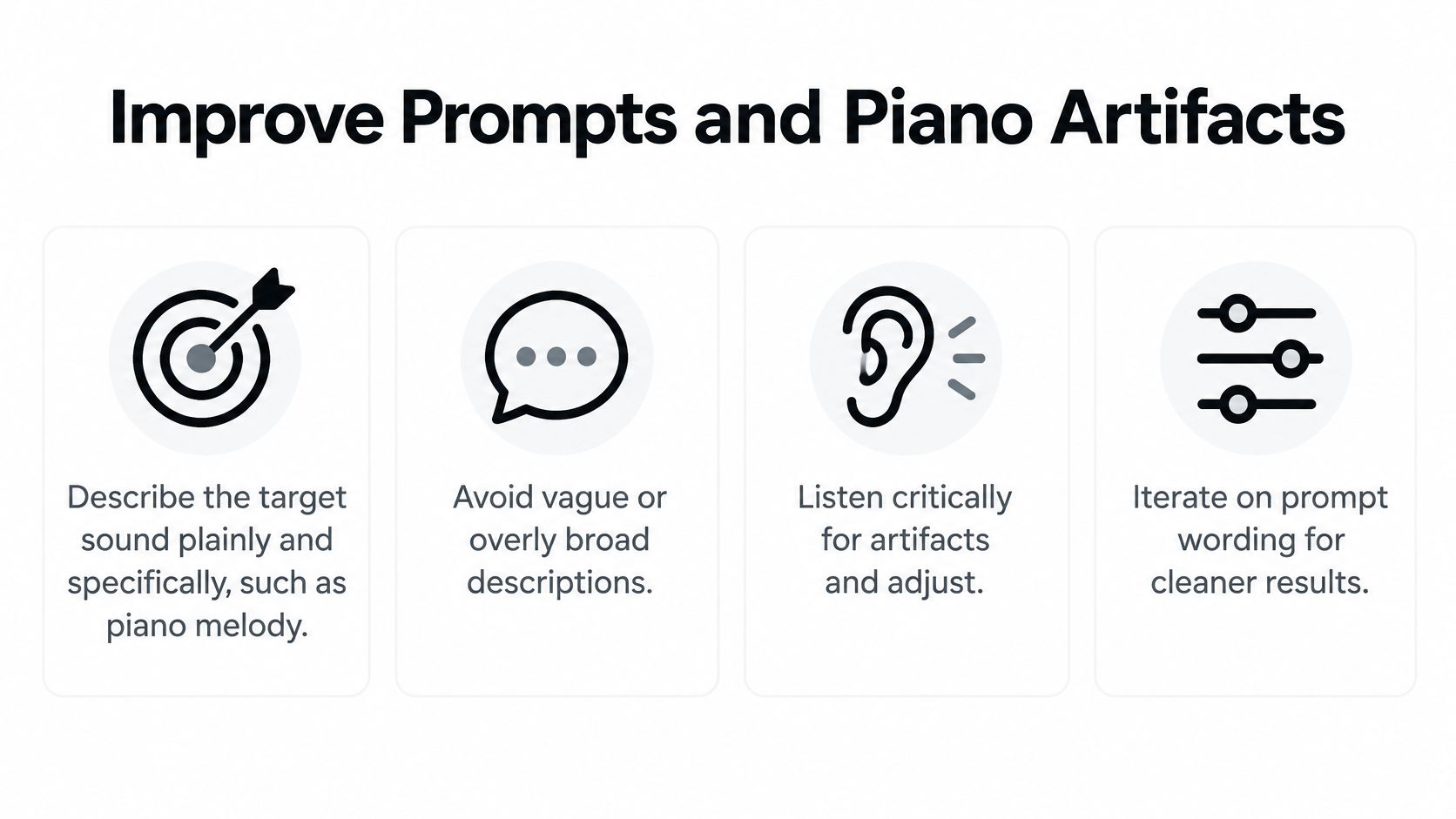
A useful prompt names the sound you want without assuming that words alone can untangle every overlap. Start with “piano melody” if the prominent line is the target. If you need all piano parts, ask for the full piano sound; if the part you care about is concentrated in a particular register, make that distinction clear. A description can guide the separation, but it can't remove the underlying ambiguity when several instruments share the same musical space.
High notes can be difficult to separate from cymbals and vocal sibilance; low notes can merge with bass or orchestral instruments. The higher partials also depart further from ideal harmonic positions. Acoustic research summarized in this piano-acoustics reference reports that, on average, the 10th partial can be about one-third of a semitone sharp and the 20th about one whole semitone sharp. These shifts help explain why a simple frequency-based approach struggles with piano tone.
Listen for damage, not just bleed
Review a short window around a clear piano attack, then follow the note through its decay. Check whether the onset has been softened, whether the sustain disappears too quickly, or whether a watery, chirping quality appears in the tail. These artifacts can make a stem distracting even when other instruments are quieter.
Compare the isolated piano against the remainder, and listen at a steady level. If piano material remains in the remainder, or a chord sounds hollow in the stem, try a different prompt or preset on that passage. The natural-language prompt examples can help you explore more specific ways to describe a target without assuming that one formulation will fit every arrangement.
Fix Bleed and Reverb in Difficult Tracks
Bleed isn't one problem with one fix. If you hear vocals, drums, or guitar in the piano stem, first identify whether the unwanted sound is continuous or confined to a busy moment. Then compare the remainder: piano left behind there points to an incomplete separation, while clear piano in the stem with lingering vocal suggests contamination rather than a total failure.
Reverb needs a different judgment. A piano's room sound or pedal tail may be part of what makes the performance feel natural, but excessive ambience can make a stem hard to layer into a new arrangement. Don't remove every trace of space automatically. Ask whether the tail distracts from your intended use or keeps the recording's character.
Diagnose the symptom
- Vocal or guitar bleed: Try a more specific target description and compare another setting on the same passage.
- Missing bass notes: Check whether the piano's lower register has been absorbed into bass or orchestral material.
- Harsh or unstable attacks: Revisit the original input and test a less aggressive separation choice.
- Reverb-heavy tails: Decide whether the ambience is acceptable for listening or needs additional cleanup for a remix.
- Different results across the song: Inspect quiet and dense passages separately before deciding the stem is consistent enough to use.
Dense arrangements deserve extra scrutiny. Piano and orchestra can overlap strongly in both frequency and timing, and suitable multitrack training material is limited. Work on separation in complex musical mixes highlights why attacks, low notes, pedal tails, stereo ambience, doubled piano parts, and vocals in the same range can all complicate extraction.
Don't judge a stem by the chorus alone. A quieter verse may expose one problem, while a dense transition reveals another.
Try another setting, refine the prompt, and compare the isolated track with the remainder before accepting the result. If your next step is notation or publication, plan for manual review. A stem that's useful for focused listening may still contain altered attacks or sustain details that make transcription unreliable.
Use the Isolated Piano for Your Next Project
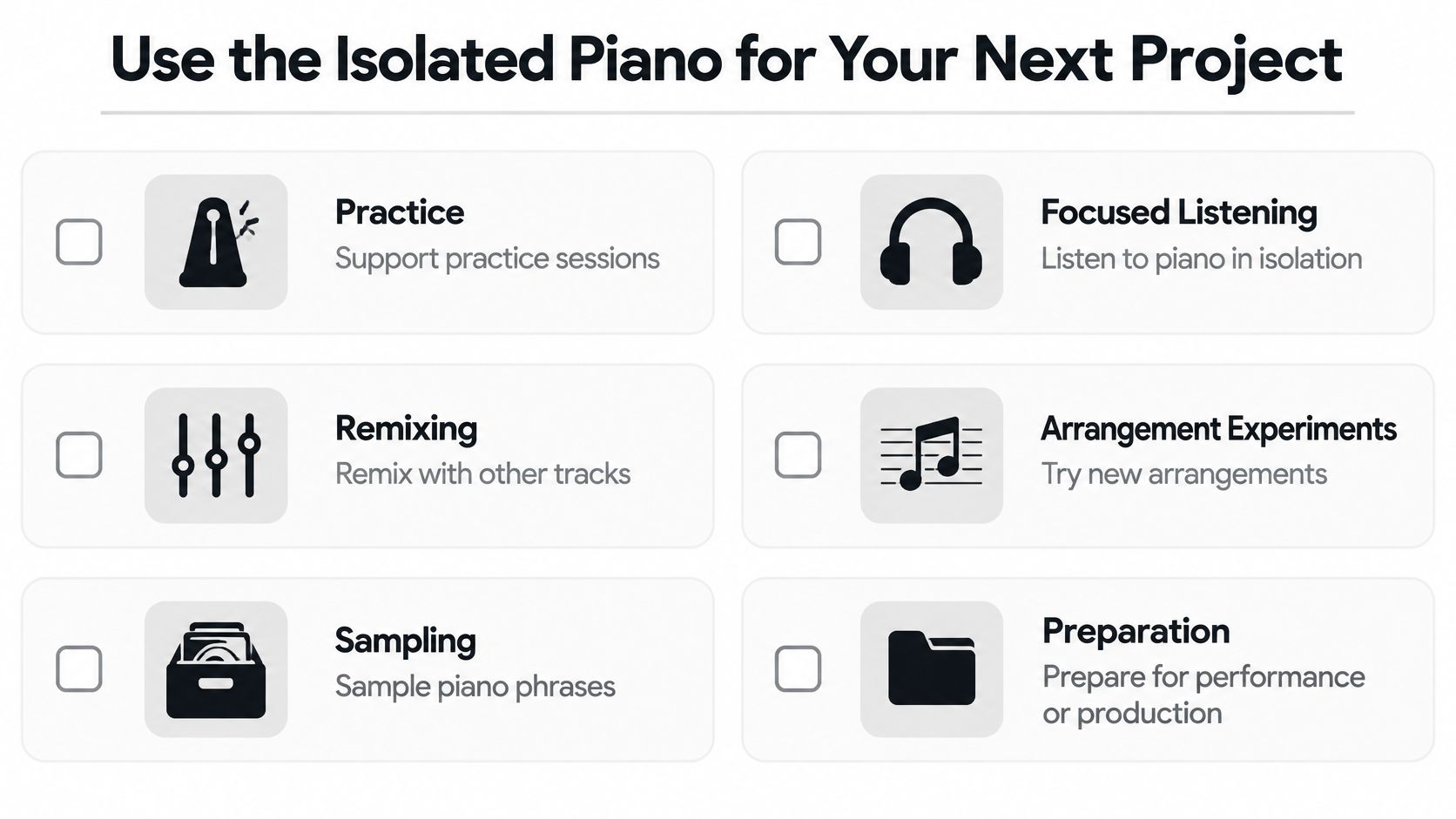
A useful piano stem can support practice, focused listening, remixing, sampling, and arrangement experiments. The right amount of cleanup depends on the destination. For a practice track, clarity may matter more than complete removal of room sound. For a remix, bleed and reverb may be more noticeable once you layer the piano with new parts.
If you need MIDI or notation, treat the stem as a cleaner listening reference, not a finished transcription. Score-informed methods can use a score or MIDI representation to estimate note activity and reconstruct the regions associated with those notes, as described in this research on score-informed piano separation. Even then, compare the recovered material with the performance and correct details that matter to your project.
Before using the result, check the input quality, compare both outputs at matched levels, and listen for intact attacks and decays. Confirm that the bass notes are present, unwanted instruments aren't distracting, and the ambience suits the destination. For creators working with sound in video, these audio tips for marketing videos offer additional context for making audio choices around a finished visual piece.
Choose the next step by purpose: use a clear-enough stem for practice or focused listening, refine it for remixing, and plan manual note review for MIDI or notation. The best extraction setting depends on the musical density and the job the piano has to do.
Upload a song to Isolate Audio, describe the piano or piano melody you want to hear, and compare the isolated result with the remainder before using it. Try a representative passage first, then choose the setting that preserves the musical details your project needs.