
The Ultimate List: 12 Best Free DAW for Windows in 2026
Finding the right free DAW for Windows can feel overwhelming, but it doesn't have to be a roadblock to your creativity. Whether you're a musician laying down your first tracks, a podcaster editing interviews, or a producer crafting complex beats, the perfect no-cost tool is out there. This guide cuts through the noise to provide a comprehensive, ranked, and categorized roundup of the best options available today. We’re moving beyond generic feature lists to give you practical, real-world insights into each digital audio workstation.
This resource is designed to help you make an informed decision quickly. For each DAW, you’ll find a concise overview, a clear breakdown of key features, and an honest assessment of its pros and cons. We’ll outline the ideal user for each platform, from beginners to seasoned audio professionals, and provide essential details like system requirements and plugin compatibility.
We've also included direct links and screenshots to streamline your evaluation process. You will learn how each program handles common workflows and discover which one best suits your specific projects. Additionally, a special section will guide you on integrating powerful AI audio separation tools, like Isolate Audio, into your new workflow, unlocking advanced editing capabilities without spending a dime.
1. Avid – Pro Tools Intro
Pro Tools Intro is the completely free, entry-level version of the music industry's most ubiquitous Digital Audio Workstation. Its primary purpose is to give new users a genuine taste of the professional Pro Tools environment, making it an exceptional free DAW for Windows for anyone aspiring to work in professional studios. While it operates with significant limitations, it provides the core workflow, editing tools, and session structure that professionals use daily.
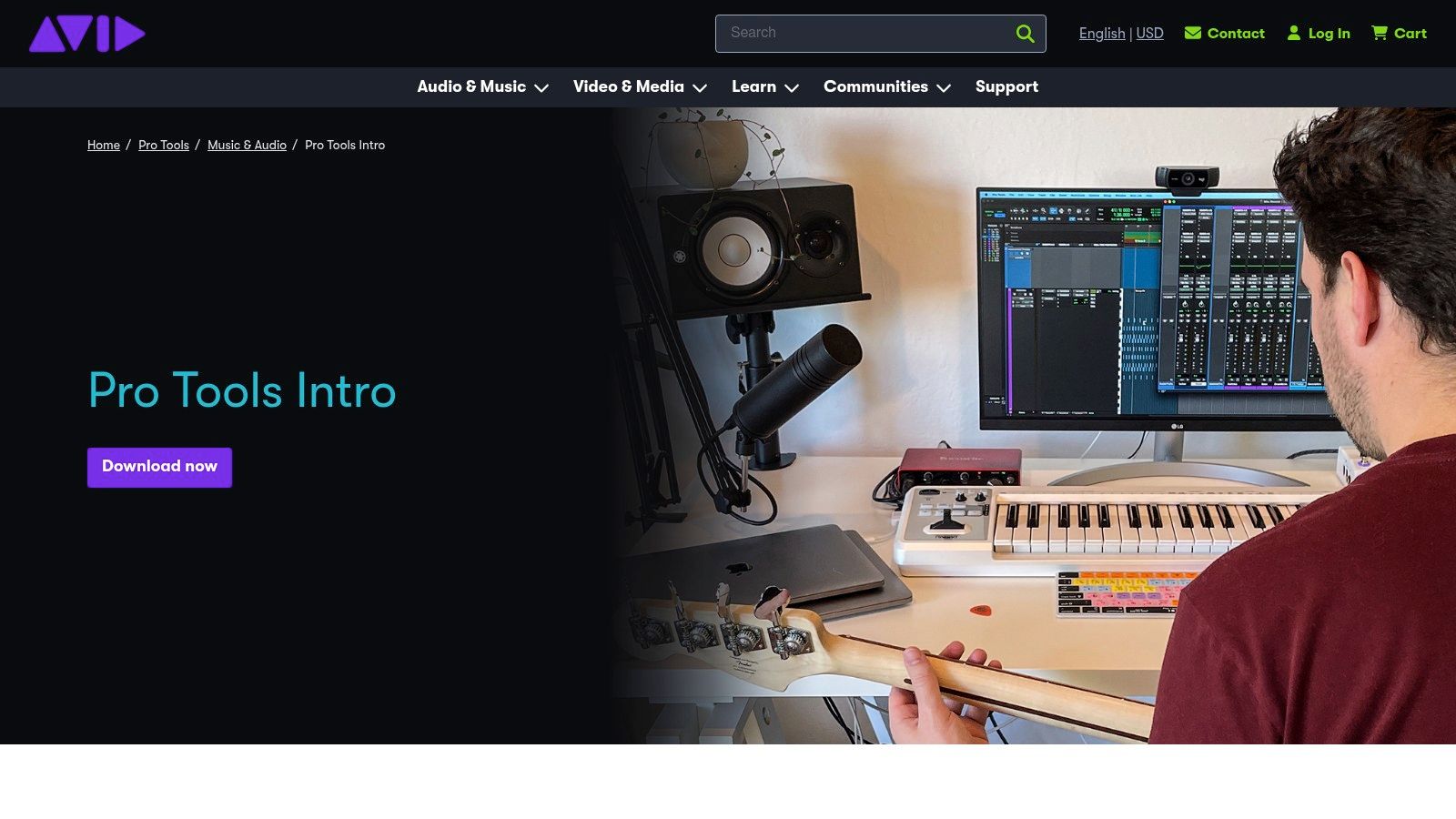
This free edition is not just a demo; it's a permanent license that requires a free Avid account and installation of the Avid Link software manager. It stands out by offering a direct, seamless upgrade path to its more powerful siblings, Pro Tools Artist, Studio, and Ultimate. This makes it the ideal starting point for students and beginners who plan to pursue a career in audio engineering, as skills learned here are directly transferable.
Key Features & Limitations
| Feature | Pro Tools Intro Specification | Use Case Scenario |
|---|---|---|
| Track Count | 8 Audio, 8 Instrument, 8 MIDI | Ideal for singer-songwriters recording a demo with vocals, guitar, and a few virtual instruments. |
| Plugin Format | AAX Only | Works with a curated set of professional plugins; comes with the versatile Xpand!2 instrument. |
| Collaboration | Cloud Collaboration (Receive Only) | Allows you to open and work on simplified sessions sent from collaborators using paid Pro Tools versions. |
| Session Import | Supported | You can import larger sessions, but they will be truncated to fit the 8-track limit. |
Pros & Cons
- Pros:
- Learn the industry-standard workflow and key commands used in major studios.
- Includes the high-quality Xpand!2 virtual instrument for immediate music creation.
- Effortless upgrade path to full versions of Pro Tools without learning a new DAW.
- Cons:
- The strict 8-track limit per category is highly restrictive for complex projects.
- Requires creating an Avid account and using the Avid Link application manager.
Ideal User: Aspiring audio engineers, music production students, and singer-songwriters who want to learn the Pro Tools ecosystem for future professional work.
Access it here: https://www.avid.com/pro-tools/intro
2. Tracktion – Waveform Free
Waveform Free by Tracktion is a surprisingly powerful and fully-featured free DAW for Windows that breaks the mold of typical "lite" editions. Unlike many competitors that impose strict track limits, Waveform Free offers unlimited audio and MIDI tracks, providing an unrestricted creative canvas. Its primary purpose is to deliver a modern, intuitive, and efficient music production environment without a price tag, making it ideal for producers who need room to grow without immediately hitting a paywall.
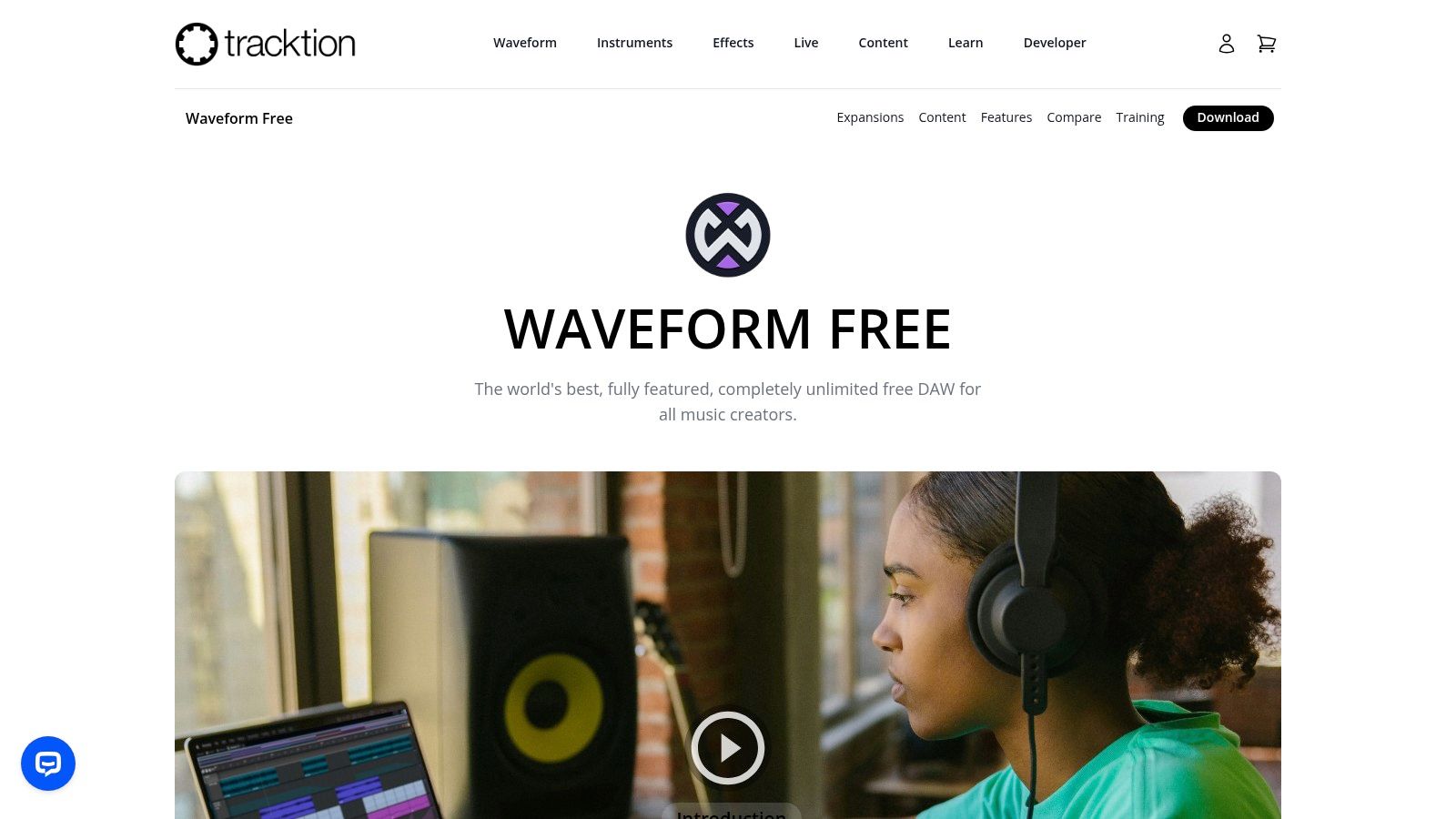
This free DAW is a standalone application that requires a free Tracktion account to activate. It stands out by offering a complete production toolkit right out of the box, including a generous suite of built-in plugins and instruments. The single-screen user interface is designed for a fast, drag-and-drop workflow. While it offers a seamless upgrade path to the Pro version for more advanced features, the free edition itself is more than capable of handling complex, full-scale music projects.
Key Features & Limitations
| Feature | Waveform Free Specification | Use Case Scenario |
|---|---|---|
| Track Count | Unlimited Audio & MIDI Tracks | Perfect for producers creating complex electronic music with many layers, buses, and automation lanes. |
| Plugin Format | VST, VST3, AU | Offers broad compatibility with the vast majority of third-party free and paid plugins available. |
| Included Content | 14 Audio FX, 8 MIDI FX, 4 Instruments | Allows a new producer to mix, master, and compose using a solid set of included tools without extra cost. |
| Upgrade Path | Optional Feature Packs/Expansions | Users can purchase specific professional tools like the Antares Auto-Tune plugin as needed. |
Pros & Cons
- Pros:
- No track limitations, allowing for large and complex projects.
- Modern, single-panel UI that streamlines workflow and is easy to learn.
- Cross-platform support for Windows, macOS, and Linux enhances collaboration.
- Cons:
- Some advanced editing tools and professional plugins are only in the paid version.
- The interface can feel unconventional to users coming from traditional DAWs.
Ideal User: Electronic music producers, home studio enthusiasts, and anyone needing an unrestricted track count without an initial investment.
Access it here: https://www.tracktion.com/products/waveform-free
3. LMMS (Linux MultiMedia Studio)
LMMS is a completely free, open-source, and community-driven platform designed primarily for electronic music production. Rather than trying to be a jack-of-all-trades, it excels as a specialized free DAW for Windows focused on beat-making, sequencing, and synthesis. Its workflow is inspired by programs like FL Studio, making it instantly familiar to those who enjoy pattern-based composition.
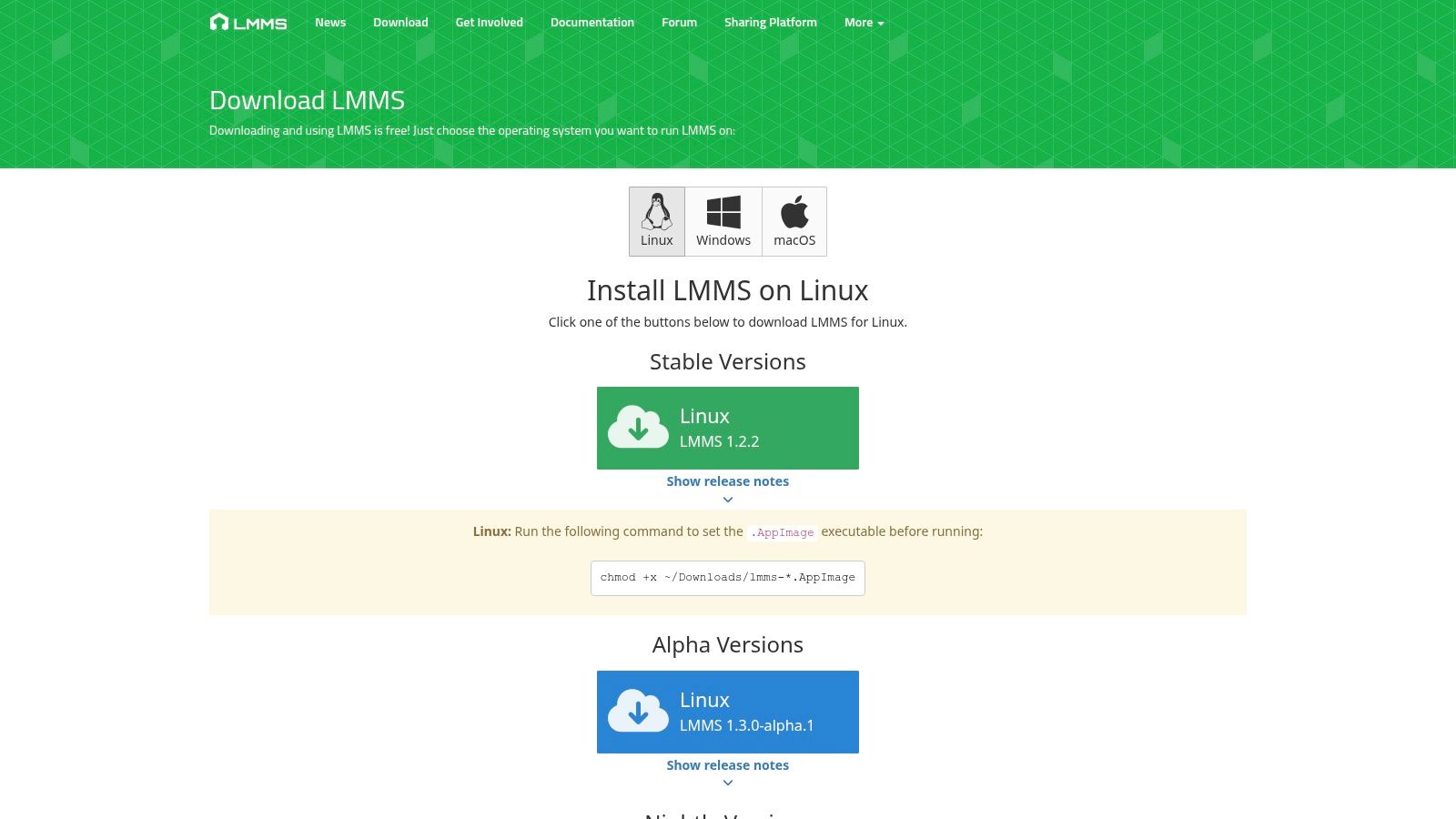
Unlike other DAWs that are stripped-down versions of paid software, LMMS is a full-featured product that costs nothing and has no hidden upsells. It is lightweight, runs on almost any system, and comes packed with its own synthesizers and effects. This makes it an exceptional choice for producers on a budget, students learning synthesis, and anyone who wants to create electronic music without the overhead of a complex audio recording environment. Its community-driven nature also means it is continually evolving.
Key Features & Limitations
| Feature | LMMS Specification | Use Case Scenario |
|---|---|---|
| Primary Workflow | Pattern-based sequencing & piano roll | Perfect for creating drum loops, basslines, and synth melodies for genres like EDM, hip-hop, or lo-fi. |
| Built-in Instruments | Multiple synths (Triple Oscillator, etc.) & samplers | Allows you to start making music immediately without needing third-party plugins, ideal for beginners. |
| Plugin Support | VST (32-bit & 64-bit), SoundFont2 | You can expand your sound library with thousands of free and commercial VST instruments and effects. |
| Audio Recording | Limited to sample import and recording | Not designed for multitrack recording of live instruments; best suited for sample-based production. |
Pros & Cons
- Pros:
- Completely free and open-source with no limitations or advertisements.
- Excellent suite of built-in synthesizers and tools for electronic music.
- Lightweight and runs on older Windows systems without issues.
- Cons:
- Audio recording and editing capabilities are not as robust as traditional DAWs.
- The interface can feel less polished than commercial alternatives.
Ideal User: Electronic music producers, hobbyist beatmakers, and students looking for a powerful and genuinely free tool to learn sequencing and synthesis. It's also one of the best DAWs for beginners due to its straightforward, pattern-focused approach.
Access it here: https://lmms.io/download
4. Audacity
Audacity is a legendary free, open-source audio editor and recorder that has served creators for decades. While not a traditional DAW focused on MIDI sequencing, its strength lies in multitrack audio recording, editing, and processing. It stands out as an exceptionally lightweight and stable tool, making it the perfect free DAW for Windows for tasks like podcast editing, audiobook narration, vocal comping, and basic audio restoration. It's often the first audio software many people use due to its simplicity and powerful feature set.
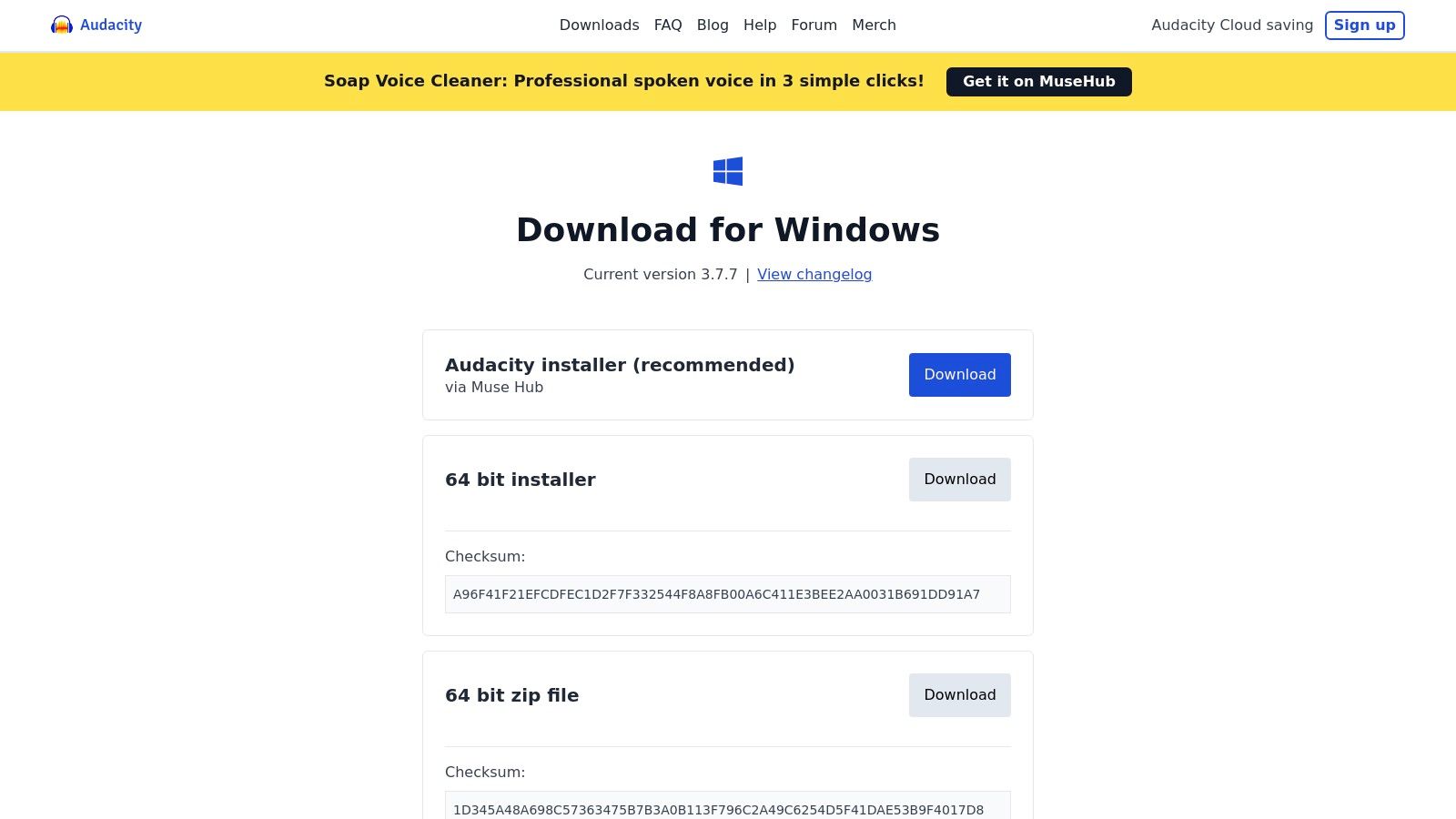
This completely free software is supported by a massive community, meaning tutorials and resources are abundant. It supports VST plugins, allowing users to expand its capabilities with third-party effects. For maximum format compatibility, users can install the optional FFmpeg library, which enables the import and export of a much wider range of audio and video file types. The straightforward interface makes it incredibly accessible for beginners who need to perform destructive audio editing tasks quickly and efficiently without the complexity of a full music production environment.
Key Features & Limitations
| Feature | Audacity Specification | Use Case Scenario |
|---|---|---|
| Primary Function | Multitrack Audio Editor & Recorder | Ideal for podcasters editing multi-speaker interviews or musicians recording simple acoustic demos. |
| Plugin Format | VST, VST3, AU, LADSPA, LV2 | Users can apply professional noise reduction, EQ, and compression plugins to vocal tracks. |
| MIDI Capabilities | Limited (No VSTi Support) | Not suitable for composing with virtual instruments; primarily focused on audio manipulation. |
| Installer Options | Multiple Installers Available | Users can choose a version with or without the Muse Hub for a more streamlined installation. |
Pros & Cons
- Pros:
- Extremely lightweight, fast, and stable, even on older Windows systems.
- Vast amount of community support, tutorials, and free plugins available.
- Excellent for detailed audio editing, podcast production, and voiceover work.
- Cons:
- Not a full-fledged music production DAW; MIDI and virtual instrument workflow is practically non-existent.
- The default installer includes the Muse Hub, which some users may prefer to avoid.
Ideal User: Podcasters, audiobook narrators, journalists, and musicians needing a powerful and straightforward tool for recording and editing audio tracks.
Access it here: https://www.audacityteam.org/download/windows
5. SoundBridge: DAW
SoundBridge offers a streamlined and approachable Digital Audio Workstation designed with simplicity and an easy learning curve in mind. The free edition provides a solid foundation for new producers, making it an excellent free DAW for Windows for those who find more complex software intimidating. It focuses on delivering core functionality within a clean, intuitive interface, removing many of the barriers to entry that newcomers often face.
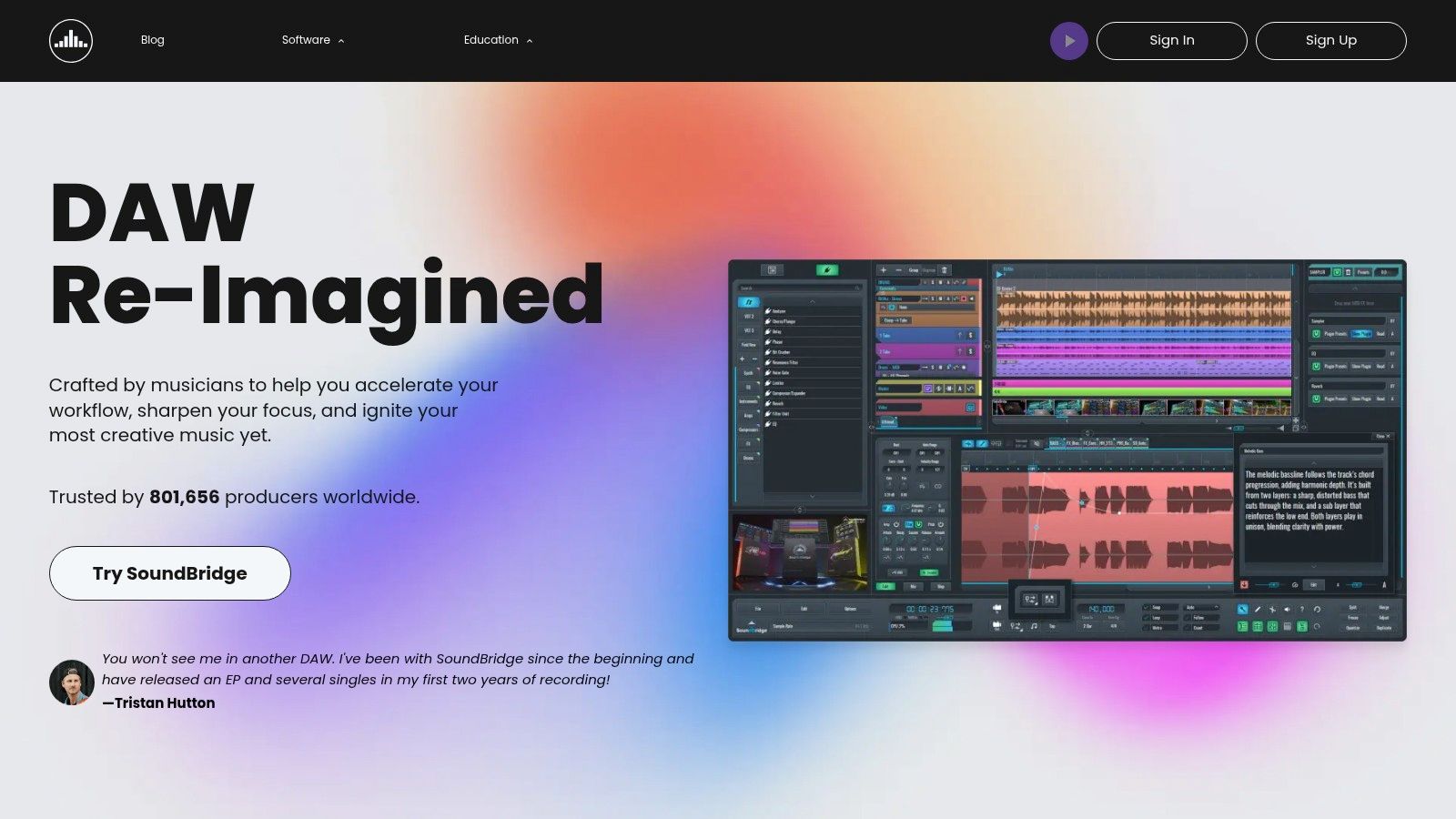
This DAW stands out by being developed with direct input from its community and providing extensive educational resources to help users get started. The free version is not a temporary trial; it's a permanent license that gives you access to a capable production environment. Its multi-touch-friendly UI also makes it a great choice for producers working with touchscreen Windows devices, offering a more tactile workflow.
Key Features & Limitations
| Feature | SoundBridge Specification | Use Case Scenario |
|---|---|---|
| Track Count | 10 Audio & MIDI Tracks | Perfect for developing a simple electronic track with a drum machine, a few synth layers, and a bassline. |
| Plugin Format | VST & VST3 | Allows use of a vast library of free and commercial third-party plugins to expand your sound palette. |
| Built-in Tools | Sampler, MIDI Editor, Automation | Provides essential tools for sample manipulation, sequencing virtual instruments, and creating dynamic mixes. |
| User Interface | Customizable & Multi-touch Friendly | Ideal for producers using a laptop or a Windows tablet, allowing for intuitive, hands-on control. |
Pros & Cons
- Pros:
- Very easy to learn, with a simple and uncluttered interface.
- Strong VST support allows for extensive customization with third-party instruments and effects.
- Excellent educational content and tutorials available directly from the developers.
- Cons:
- The 10-track limit can be restrictive for more ambitious or layered projects.
- Has a smaller user base and fewer third-party integrations compared to industry-standard DAWs.
Ideal User: Beginners, hobbyists, and producers using touch-screen devices who want a straightforward, no-frills DAW to start making music immediately.
Access it here: https://www.soundbridge.io
6. Akai Professional – MPC Beats
MPC Beats brings the legendary Akai beat-making workflow to your desktop, making it an outstanding free DAW for Windows for producers focused on hip-hop, lo-fi, and electronic music. It emulates the iconic 4x4 drum pad grid and sequencing style that defined a generation of music, providing an intuitive, hands-on approach to creating rhythms. The software is designed to feel like a hardware instrument, prioritizing fast idea generation and sample chopping.
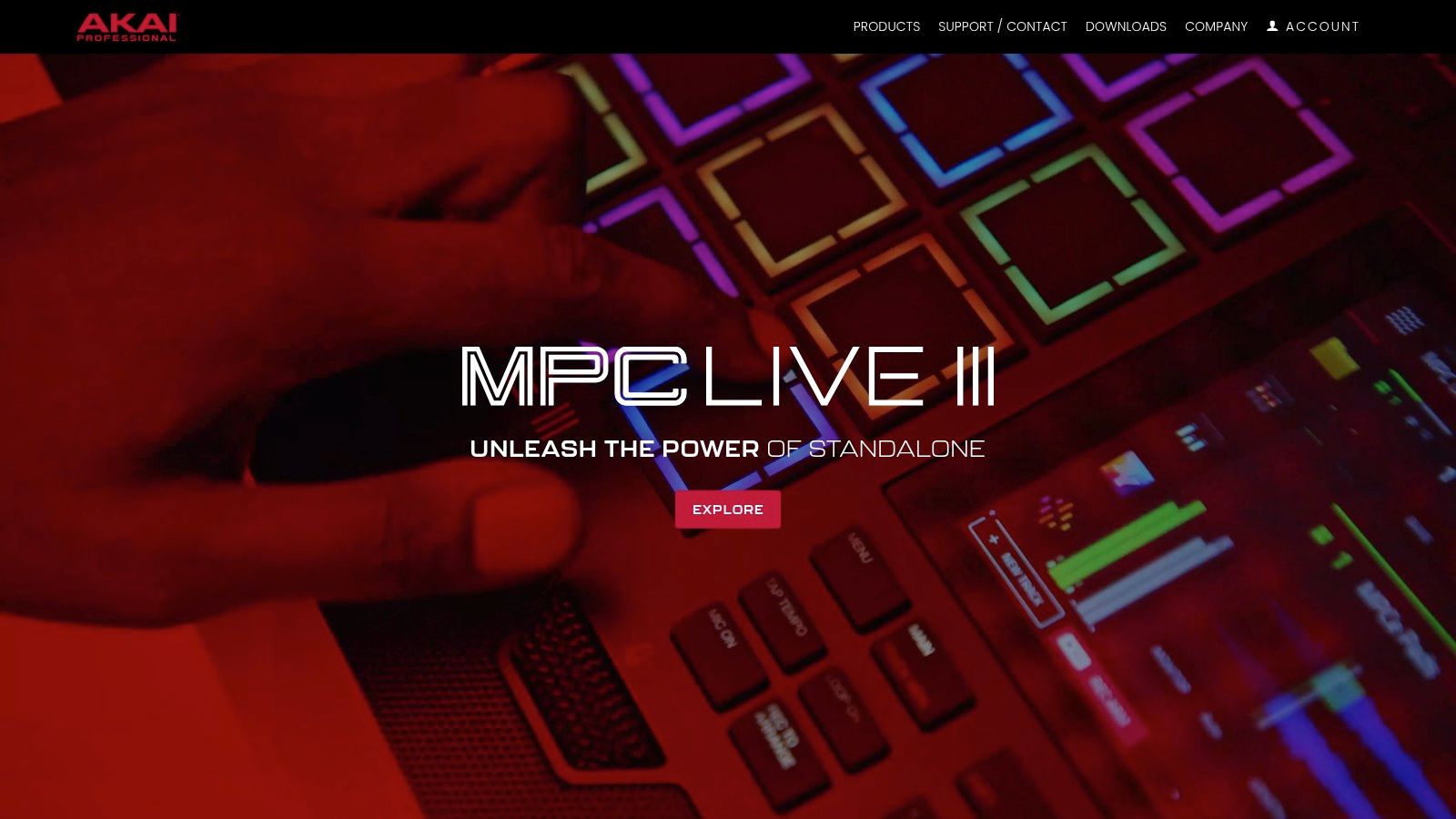
This free DAW comes packed with a 2 GB sound library, including kits from acclaimed MPC expansion packs, giving you immediate access to professional-grade drums and samples. It functions both as a standalone application and as a VST/AU plugin, allowing you to integrate its powerful sequencing tools into another primary DAW. This flexibility makes it a valuable addition to any producer's toolkit, especially for those who enjoy a sample-centric creative process. If you're interested in using its sampling capabilities for complex projects, you can learn more about how to remix audio.
Key Features & Limitations
| Feature | MPC Beats Specification | Use Case Scenario |
|---|---|---|
| Track Count | 8 MIDI/Instrument Tracks | Perfect for building a complex drum arrangement with multiple layers and a few melodic or bassline elements. |
| Included Content | 2 GB of samples, loops, and built-in effects | Start making a beat immediately using classic MPC drum kits without needing to find or buy external sounds. |
| Workflow | Classic MPC-style grid, piano roll, and sample editor | Ideal for chopping up a vocal or instrumental sample and assigning the slices to pads to create a new melody. |
| Integration | Standalone or VST/AU Plugin | Use it to program drums inside a more traditional DAW like Cakewalk, leveraging its unique workflow. |
Pros & Cons
- Pros:
- Perfectly captures the fast, creative workflow of legendary MPC hardware.
- Generous 2 GB sound library and quality built-in effects provide great starting value.
- Can be used as a plugin, adding a powerful drum machine to your existing setup.
- Cons:
- The 8-track limit can be restrictive for full song arrangements.
- Requires an Akai/InMusic account and software center for installation, which can be cumbersome.
Ideal User: Hip-hop producers, electronic musicians, and beat-makers who love a sample-based, pad-oriented workflow and want to experience the classic MPC feel.
Access it here: https://www.akaipro.com/mpc-beats
7. MAGIX – Music Maker Free
MAGIX Music Maker Free is a permanently free, loop-based DAW designed for rapid music creation, making it a fantastic free DAW for Windows for beginners. Its core strength lies in a simple drag-and-drop workflow, allowing users to build complete songs by arranging pre-made loops and samples from included "Soundpools." This approach removes many of the technical barriers associated with traditional music production, enabling immediate and satisfying results.
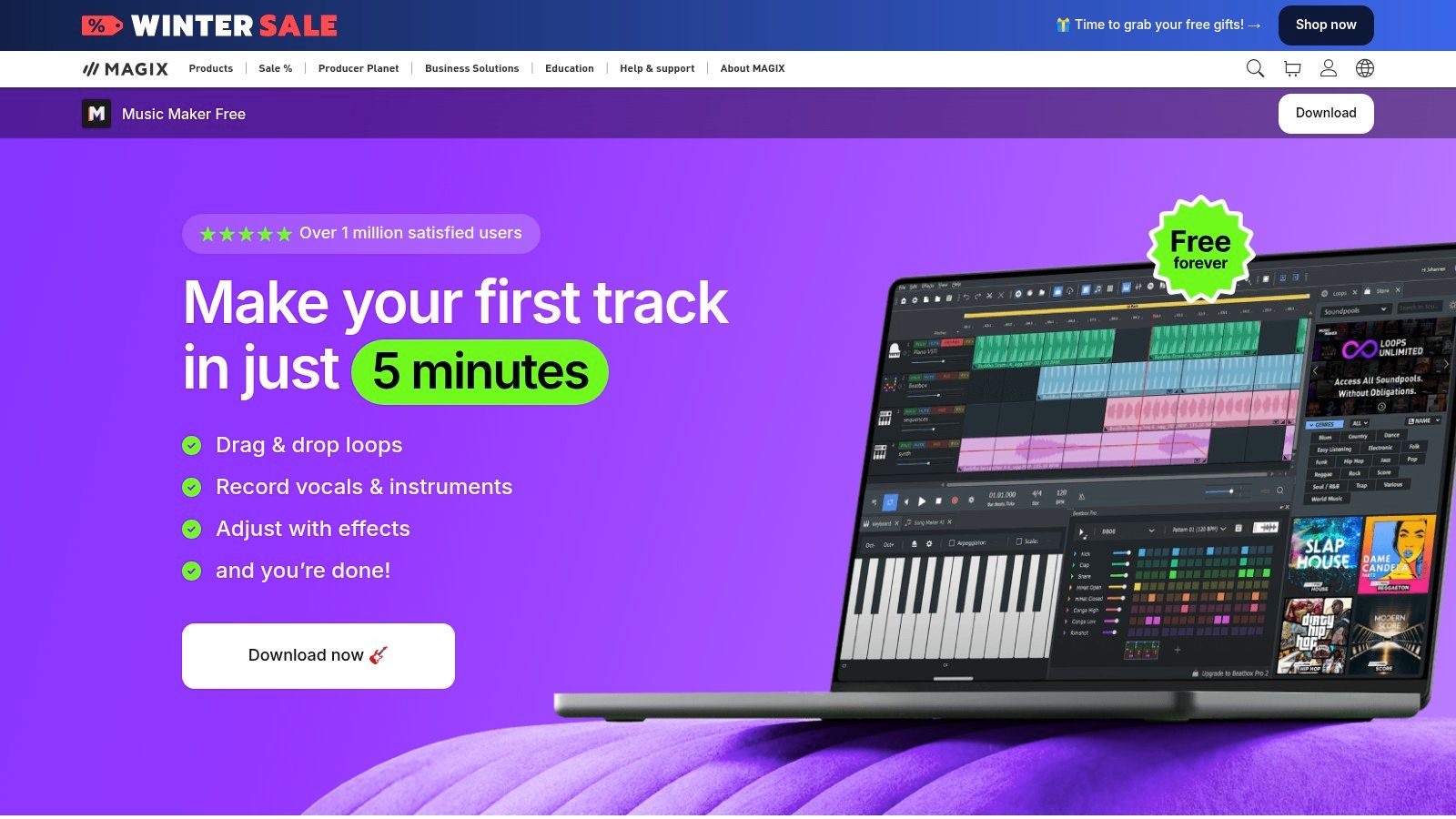
While centered around loops, Music Maker Free is not just a toy. It includes a MIDI editor for programming your own melodies, a mixer, and the ability to record audio. The free edition comes with a generous starter pack of sounds, virtual instruments, and effects, providing everything needed to get started. Its clear upgrade path to the more powerful Premium and Unlimited editions makes it an excellent gateway into the MAGIX ecosystem.
Key Features & Limitations
| Feature | Music Maker Free Specification | Use Case Scenario |
|---|---|---|
| Workflow | Loop-based drag-and-drop | A new producer can create a full electronic track in minutes by simply arranging and layering loops. |
| Free Content | 6 Soundpools, 3 instruments, 9 effects | Ideal for experimenting with different genres and learning sound design with the included effects. |
| Track Count | Up to 99 Tracks | Accommodates complex arrangements, far exceeding the track limits of many other free DAWs. |
| Core Tools | Mixer, MIDI Editor, Beatbox | Allows for fundamental song arrangement, custom melody creation, and basic drum programming. |
Pros & Cons
- Pros:
- Extremely easy learning curve, perfect for absolute beginners.
- Fast workflow allows for quick song creation and experimentation.
- Clear and simple upgrade path to unlock more professional features.
- Cons:
- The free content library is limited; more sounds require in-app purchases.
- Relies heavily on loops, which can feel restrictive for advanced producers.
Ideal User: Beginners, hobbyists, and aspiring producers who want to create music quickly without getting bogged down by technical complexities.
Access it here: https://www.magix.com/us/music-editing/music-maker/free
8. Roland – Zenbeats (Free tier)
Zenbeats is Roland's modern, cross-platform music creation app designed for a fluid workflow between mobile and desktop. The free version is surprisingly capable, offering unlimited tracks and a solid selection of Roland's legendary sounds. This makes it an excellent free DAW for Windows for producers who want to start an idea on their phone or tablet and finish it on their PC without friction.
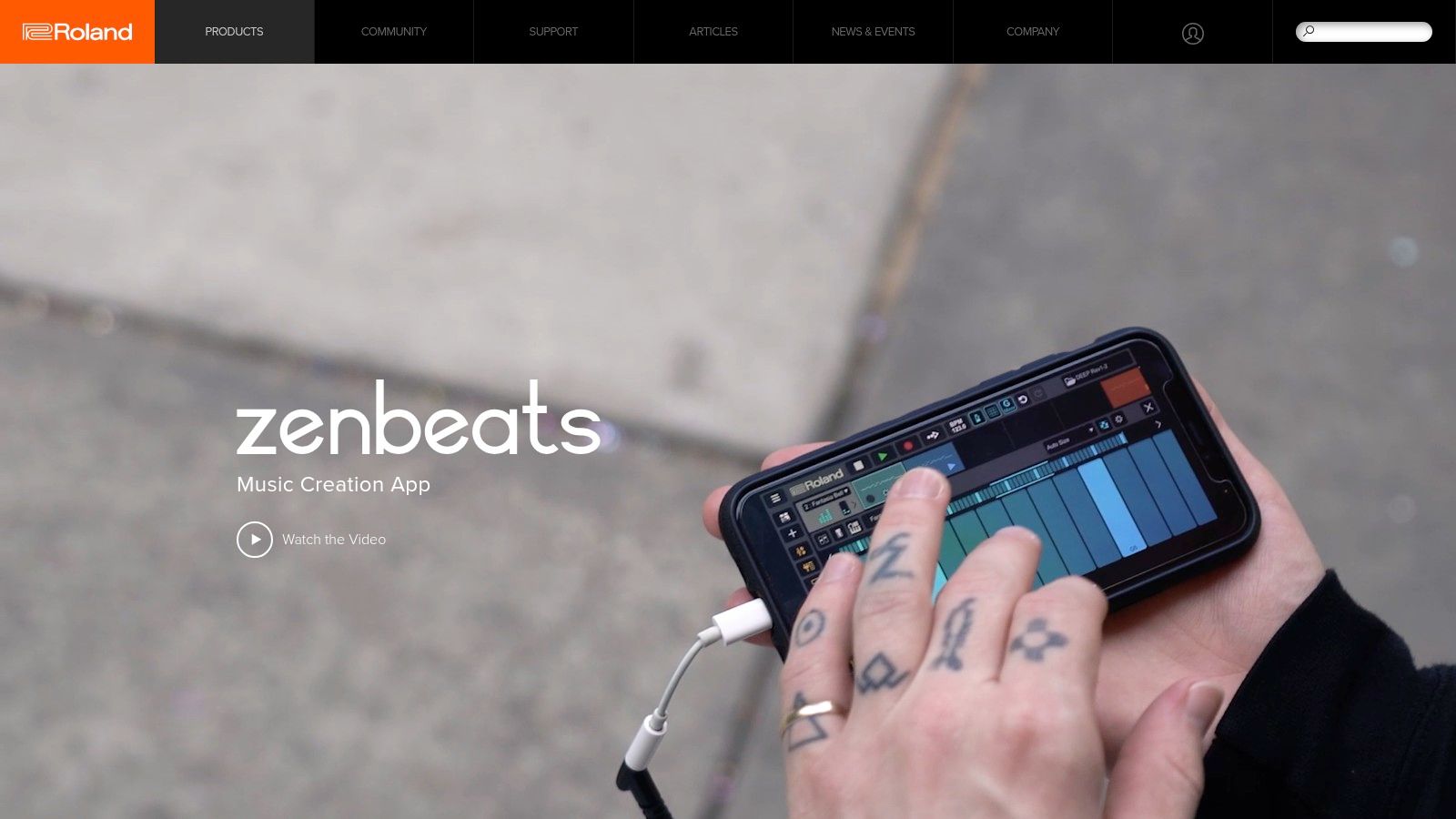
While the full experience is tied to paid unlocks or a Roland Cloud membership, the free tier provides more than enough to get started. It functions as a permanent license that requires a free Roland account to access its core features. Its biggest strength is the seamless integration across devices, encouraging creativity wherever it strikes and distinguishing it from more traditional, desktop-only DAWs.
Key Features & Limitations
| Feature | Zenbeats (Free tier) Specification | Use Case Scenario |
|---|---|---|
| Track Count | Unlimited Audio and MIDI tracks | Perfect for building complex electronic tracks or multi-layered arrangements without hitting a track limit. |
| Included Instruments | Core ZC1 Synth, ZR1 Drum Sampler | Ideal for beatmakers and electronic producers needing classic drum machine sounds and a versatile synth. |
| Cross-Platform Sync | Full Project Sync (via Cloud) | Start a beat on your iPad during your commute and then open the full project on your Windows PC to mix. |
| Expandability | In-app Store & Roland Cloud | You can preview and purchase new sound packs or unlock advanced features as your skills grow. |
Pros & Cons
- Pros:
- Excellent cross-device workflow between Windows, macOS, iOS, and Android.
- Unlimited track count is a huge advantage over other free DAWs.
- Access to iconic Roland drum machine and synth sounds out of the box.
- Cons:
- Many of the more advanced instruments and effects are locked behind a paywall.
- Requires a Roland account and online sign-in to manage features and content.
Ideal User: Mobile-first music producers, electronic musicians, and beatmakers who value the ability to create music seamlessly across multiple devices.
Access it here: https://www.roland.com/us/products/zenbeats
9. BandLab – Online Studio (web DAW)
BandLab takes a unique, cloud-first approach by offering a powerful music creation suite directly within your web browser. This makes it a highly accessible free DAW for Windows that requires no installation, allowing you to start recording and producing music instantly on any compatible machine. It is designed around collaboration and social sharing, integrating a full-featured multitrack editor with a platform where musicians can connect, share ideas, and work on projects together in real-time.
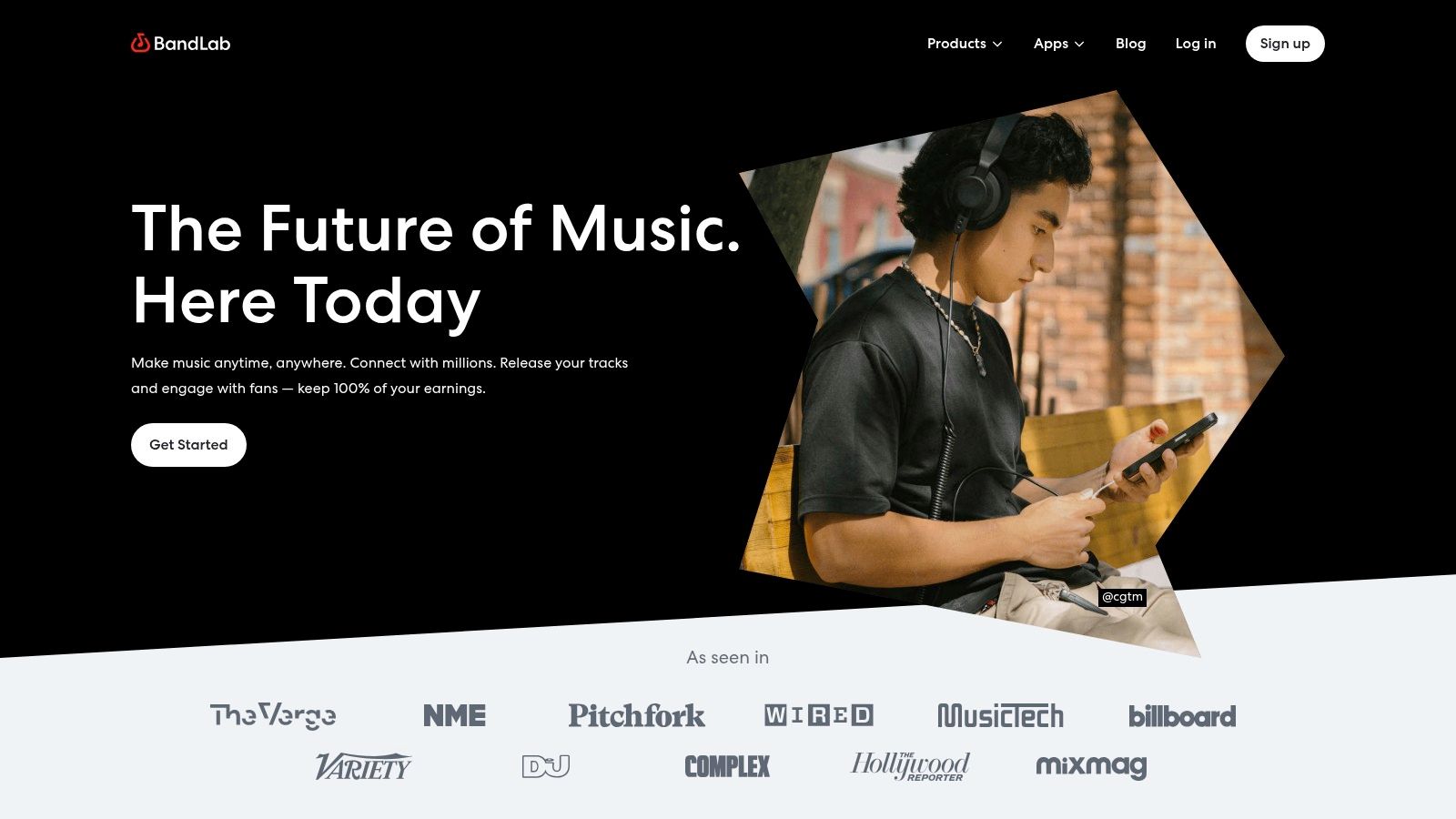
While the core studio is browser-based, BandLab extends its ecosystem with desktop and mobile apps, ensuring your projects are synced and accessible anywhere. Its standout features include unlimited cloud storage for projects, integrated algorithmic mastering, and even tools for distributing your music. This combination of creation, collaboration, and distribution tools in a free, zero-install package makes it an incredibly compelling option for modern musicians.
Key Features & Limitations
| Feature | BandLab Specification | Use Case Scenario |
|---|---|---|
| Platform | Browser-Based (Web DAW) | Perfect for students using school computers or producers who need to make quick edits on the go without installing software. |
| Core Tools | Virtual Instruments, Drum Machine, Sampler | Quickly sketch out a beat with the drum machine and add a bassline using a built-in synth, all within a single browser tab. |
| Collaboration | Real-time & Asynchronous | Invite a vocalist from another country to record their part directly into your shared project session online. |
| Extra Services | Free Algorithmic Mastering & Distribution | Finish a track and use the integrated mastering tool to prepare it for release on major streaming platforms. |
Pros & Cons
- Pros:
- Completely free with no installation required, offering unparalleled accessibility.
- Excellent real-time collaboration features are built directly into the workflow.
- Includes free cloud storage, mastering, and distribution services.
- Cons:
- Performance is heavily dependent on internet connection speed and computer resources.
- Lacks the advanced editing and routing capabilities of traditional desktop DAWs.
Ideal User: Beginners, educators, and collaborative musicians who prioritize accessibility, social features, and a zero-install workflow over advanced production tools.
Access it here: https://www.bandlab.com
10. Cakewalk – Sonar (Free tier)
Cakewalk Sonar returns as the modern successor to the legendary Cakewalk by BandLab, re-establishing a powerful, no-cost option for Windows-based music production. The free tier provides the core engine of a mature and feature-rich platform, allowing users to record, edit, mix, save, and export complete projects. This makes it an excellent free DAW for Windows for both newcomers and veteran producers who were familiar with its previous iterations.
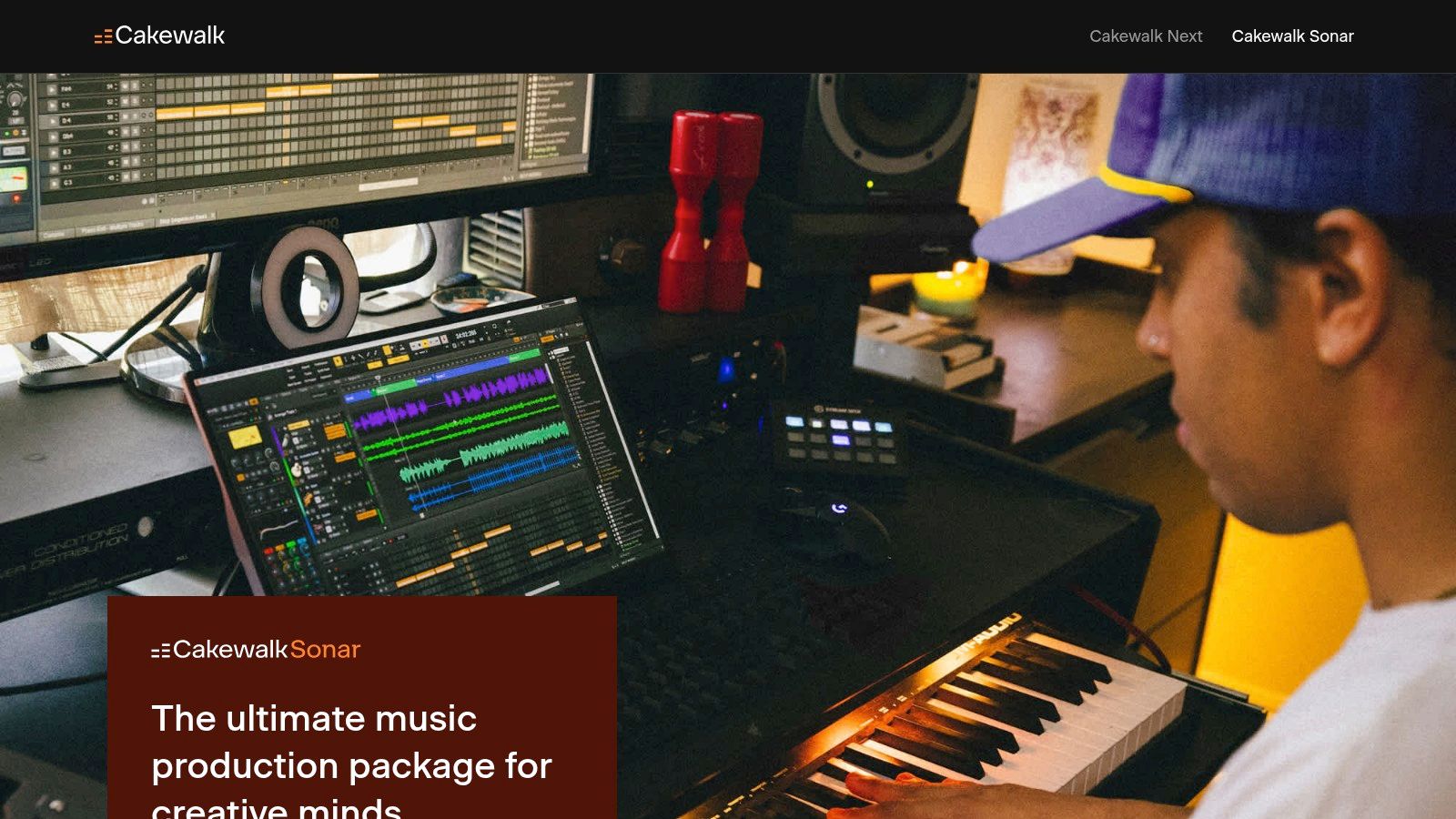
The platform stands out by offering a seamless transition for users with legacy Cakewalk projects, ensuring old work can be opened and continued in the modernized environment. While some advanced tools and ProChannel modules are reserved for the paid Membership, the free version is robust enough for serious work. To get started, you'll need a free BandLab account and the Cakewalk Product Center application, which manages installation and updates.
Key Features & Limitations
| Feature | Cakewalk Sonar (Free) Specification | Use Case Scenario |
|---|---|---|
| Core Functionality | Full recording, editing, mixing, and export | Perfect for a full band recording session, allowing for extensive vocal comping and mixing with third-party VSTs. |
| Project Compatibility | Opens legacy Cakewalk projects | A producer can revisit and remix tracks made years ago in Cakewalk by BandLab without conversion issues. |
| User Interface | Modernized UI with ARA Support | Allows for tight integration with plugins like Melodyne for vocal tuning directly on the timeline. |
| Premium Features | Some ProChannel modules are paid | While the core channel strip is available, advanced EQs or compressors require the Membership upgrade. |
Pros & Cons
- Pros:
- A deeply featured, mature DAW with professional mixing tools available for free.
- Excellent backwards compatibility for users of previous Cakewalk versions.
- Windows-first development ensures stability and optimized performance.
- Cons:
- Requires a BandLab account and the use of the Cakewalk Product Center app.
- Key advanced features and plugins are gated behind the paid Membership tier.
Ideal User: Former Cakewalk by BandLab users, Windows-based producers looking for a powerful mixing environment, and musicians who need a full-featured DAW without track limitations.
Access it here: https://www.cakewalk.com/sonar
11. Soundtrap by Spotify (Free plan)
Soundtrap offers a uniquely collaborative and accessible music-making experience by operating entirely within a web browser. As a cloud-based platform, it eliminates installation hassles and allows you to start creating instantly on any device with an internet connection. This makes it a fantastic free DAW for Windows for users who prioritize ease of access and real-time collaboration with others, regardless of their location or operating system.
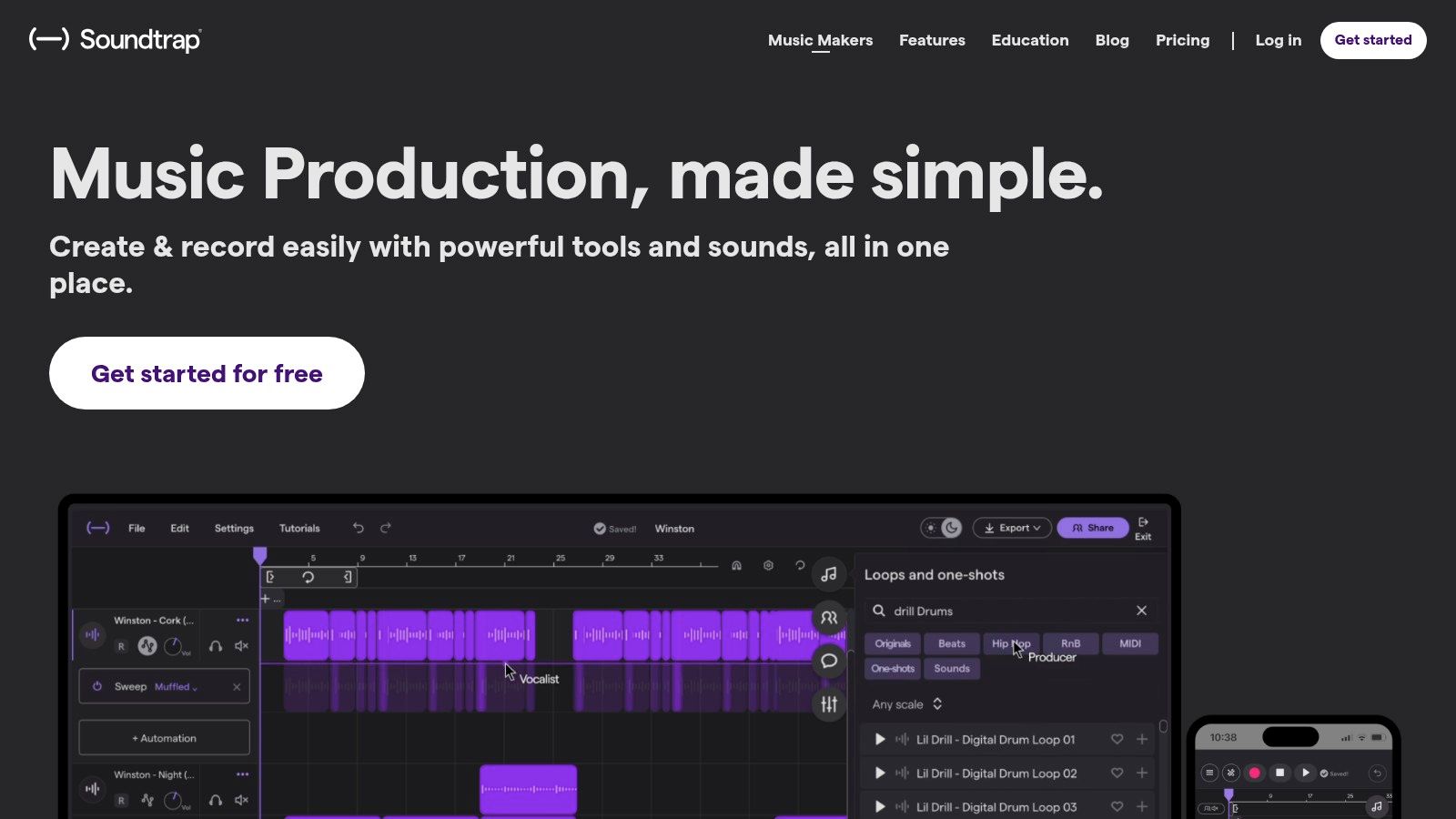
The platform’s free tier is generous, providing access to a substantial library of loops, virtual instruments, and multitrack recording capabilities. Its standout feature is the seamless, Google Docs-style collaboration, where multiple users can work on the same project simultaneously. While more advanced features and a larger sound library are reserved for paid tiers, the free version is powerful enough for sketching ideas, school projects, and collaborative songwriting.
Key Features & Limitations
| Feature | Soundtrap (Free) Specification | Use Case Scenario |
|---|---|---|
| Platform | Entirely Web-Based | Start a project on a Windows desktop and continue editing on a Chromebook or Mac with no installation. |
| Collaboration | Real-Time, Multi-User | A band can record their individual parts from different locations directly into the same shared session. |
| Sound Library | 4,390+ Loops & 430+ Instruments | Quickly build a backing track for a song idea or a podcast intro using royalty-free sounds. |
| Project Storage | Unlimited Projects, Cloud-Based | Perfect for students or hobbyists who need to create and store multiple small projects without local storage. |
Pros & Cons
- Pros:
- Zero installation required; access your projects from any computer via a web browser.
- Best-in-class real-time collaboration features for remote music creation.
- Intuitive interface that is extremely easy for complete beginners to learn.
- Cons:
- Performance is dependent on internet speed and computer processing power.
- Many of the best sounds, instruments, and effects are locked behind a paid subscription.
Ideal User: Students, educators, and collaborative musicians who need a simple, accessible platform for creating music together online without complex software.
Access it here: https://www.soundtrap.com
12. Soundation – Online Studio (Free tier)
Soundation offers a powerful, browser-based music creation environment, positioning itself as a uniquely accessible free DAW for Windows that requires no installation. Its free tier is designed for instant creativity, allowing users to jump directly into making music with a user-friendly interface. This approach prioritizes rapid prototyping and online collaboration, making it a fantastic starting point for beginners or for producers who need to sketch out ideas on the go.
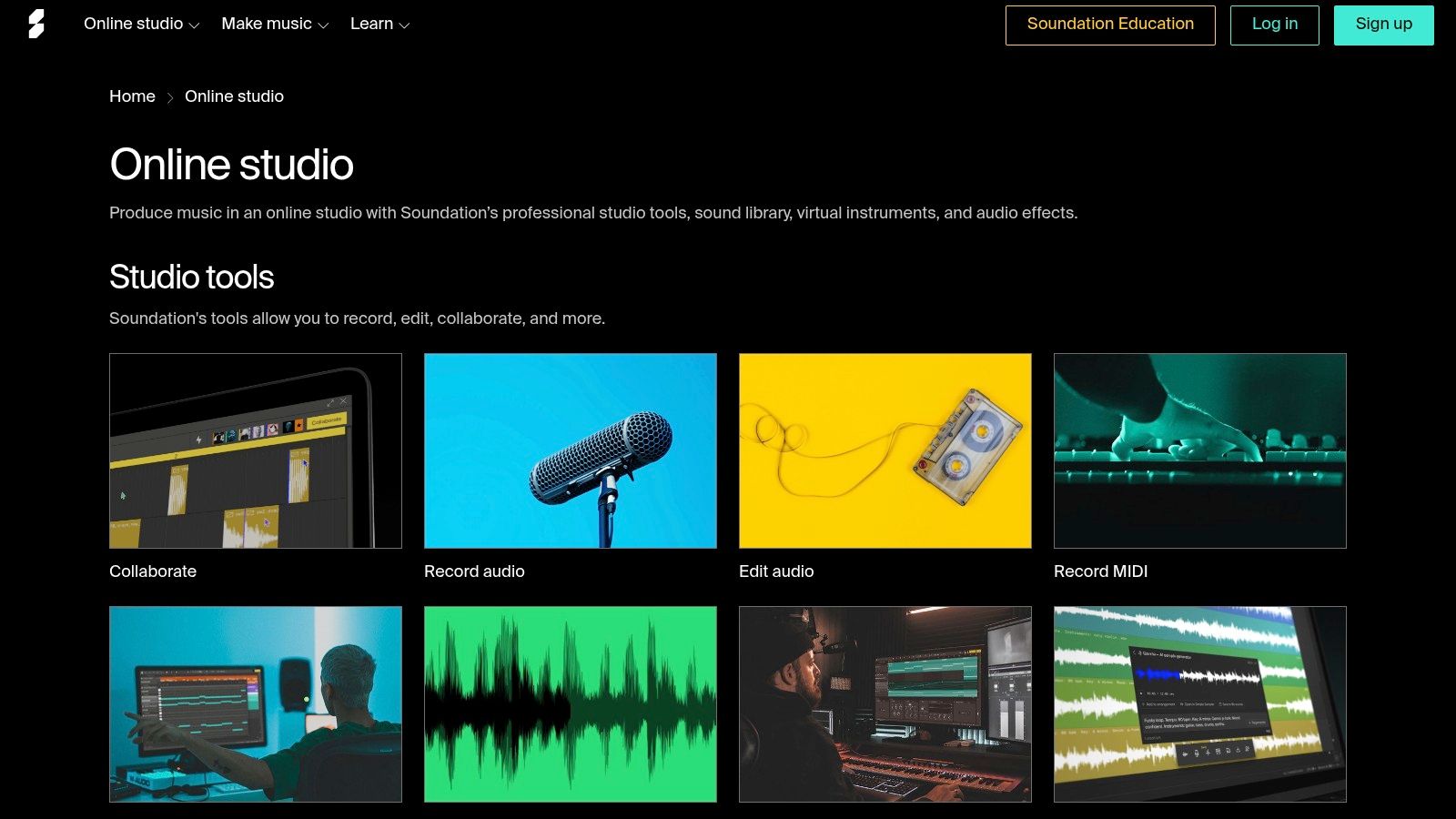
This platform stands out by blending a traditional DAW layout with the convenience of cloud-based storage and a vast, integrated sound library. While the free version has project and content limitations, it provides more than enough tools to learn the fundamentals of production and share work easily. Upgrading to a paid tier unlocks more projects, storage, and access to premium sounds and instruments, offering a clear growth path within the same ecosystem.
Key Features & Limitations
| Feature | Soundation Free Tier Specification | Use Case Scenario |
|---|---|---|
| Project Count | 10 Projects | Great for beginners focusing on learning production by completing a few tracks from start to finish. |
| Sound Library | Access to Free Sounds | Provides a solid foundation of loops and samples for making beats or sketching out song ideas. |
| Accessibility | Browser-Based | Perfect for users on different computers or those who cannot install software on their machine. |
| Instruments | Built-in Virtual Instruments | Comes with enough synths, drum machines, and samplers to create full arrangements without third-party plugins. |
Pros & Cons
- Pros:
- No installation required; start creating music immediately in any modern web browser.
- Simple, intuitive interface makes it easy for beginners to learn and produce.
- Excellent for quick beat-making and collaborative idea sharing online.
- Cons:
- Serious producers will quickly hit the limitations of the free tier and require a subscription.
- Performance is dependent on your internet connection and browser capabilities.
Ideal User: Beginners, students, and hobbyists looking for an easy, zero-install entry into music production, or producers needing a tool for quick-fire creativity and collaboration.
Access it here: https://soundation.com/online-studio
12 Free Windows DAWs — Feature Comparison
| Product | Core features | UX / Quality (★) | Price / Value (💰) | Target audience (👥) | Unique selling points (✨ / 🏆) |
|---|---|---|---|---|---|
| Avid – Pro Tools Intro | 8 audio/instrument/MIDI tracks, AAX, session import | ★★★★ | 💰 Free (limited) → paid Pro upgrades | 👥 Students, beginners, studios | ✨ Industry‑standard workflow, 🏆 clear upgrade path |
| Tracktion – Waveform Free | Unlimited audio & MIDI, 14 FX, 4 instruments, cross‑platform | ★★★★ | 💰 Free; optional feature packs | 👥 Indie producers, cross‑platform users | ✨ No track limits, 🏆 robust free feature set |
| LMMS (Linux MultiMedia Studio) | MIDI sequencing, built‑in synths, VST/SoundFont support | ★★★ | 💰 100% free, open‑source | 👥 Electronic producers, educators | ✨ Lightweight, community‑driven, free tools |
| Audacity | Multitrack editor/recorder, plugin & FFmpeg support | ★★★★ | 💰 Free, open‑source | 👥 Podcasters, editors, educators | ✨ Extremely lightweight, huge tutorial base |
| SoundBridge: DAW | Free 10‑track, VST support, sampler, video import | ★★★★ | 💰 Free (track limit) → paid | 👥 Home studios, learners | ✨ Easy learning curve, multi‑touch UI |
| Akai Professional – MPC Beats | MPC pads, piano roll, sample editor, 2GB+ sounds | ★★★★ | 💰 Free; may require Akai account | 👥 Beatmakers, hip‑hop & EDM producers | ✨ Classic MPC workflow, bundled content |
| MAGIX – Music Maker Free | Drag‑and‑drop loops, Beatbox, mixer, up to ~99 tracks | ★★★ | 💰 Free base; paid upgrades for content | 👥 Beginners, loop‑based creators | ✨ Fast results with loop workflow |
| Roland – Zenbeats (Free tier) | Unlimited tracks, drum/synth tools, Ableton Link | ★★★★ | 💰 Free tier; in‑app purchases / Roland Cloud | 👥 Mobile + desktop users, beginners | ✨ Cross‑device workflow, Roland sounds |
| BandLab – Online Studio (web DAW) | Browser recording/editing, instruments, mastering & distro | ★★★★ | 💰 Free; premium Membership optional | 👥 Collaborators, educators, mobile users | ✨ Zero‑install collaboration, distribution tools |
| Cakewalk – Sonar (Free tier) | Recording, editing, mixing, legacy Cakewalk project support | ★★★★★ | 💰 Free tier; paid Membership for extras | 👥 Advanced Windows producers | 🏆 Mature pro features, deep mixing/toolset |
| Soundtrap by Spotify (Free plan) | Online multitrack, virtual instruments, real‑time collab | ★★★★ | 💰 Free plan; subscriptions for extras | 👥 Podcasters, collaborative musicians | ✨ Strong collaboration, podcast toolset |
| Soundation – Online Studio (Free tier) | Browser audio/MIDI, instruments, large sample libraries | ★★★ | 💰 Free tier; paid plans for more content/storage | 👥 Rapid prototyping, beatmakers | ✨ Big sample/loop library, easy sharing |
Final Thoughts
Navigating the landscape of free music production software can feel overwhelming, but as we've explored, the quality and capability available today are truly astonishing. The era of needing a massive budget to produce professional-sounding audio is officially over. The key takeaway is that there is no single "best" free DAW for Windows; instead, there is only the best one for your specific workflow, creative goals, and technical comfort level.
Your Path Forward: From Choice to Creation
Your journey doesn't end with choosing a DAW. It begins there. The initial learning curve is the biggest hurdle, but persistence is crucial. Remember the core insights from our deep dive:
- For Traditional Recording & Mixing: If you come from a classic studio background or need robust audio editing and mixing capabilities, Pro Tools Intro, Waveform Free, and the newly-reintroduced Cakewalk Sonar offer workflows that mirror their professional-grade counterparts. They provide a solid foundation for tracking live instruments, mixing complex sessions, and understanding industry-standard signal flow.
- For Electronic Music & Beat Making: Producers focused on MIDI sequencing, synthesis, and sample-based production will find immediate value in LMMS and MPC Beats. Their pattern-based workflows are designed for rapid idea generation and hands-on, electronic-focused creation.
- For Simplicity & Accessibility: Beginners, podcasters, or anyone needing a straightforward tool for recording and editing should start with Audacity or SoundBridge. Their no-frills approach removes barriers, allowing you to focus purely on capturing and refining your audio content without a steep learning curve.
- For Collaboration & Cloud-Based Work: If you work with others remotely or prefer the flexibility of accessing your projects anywhere, web-based DAWs like BandLab, Soundtrap, and Soundation are revolutionary. They eliminate installation hassles and make collaborative creation seamless.
Making Your Final Decision
Before you commit, revisit your primary needs. Are you a podcaster who primarily needs clean vocal editing? Audacity is your workhorse. Are you an aspiring EDM producer? Give LMMS or MPC Beats a serious try. Do you dream of recording a full band? Waveform Free or Cakewalk Sonar will serve you well.
Install two or three that sound promising and spend a few hours with each. The one that feels the most intuitive and inspires you to keep creating is the right choice. Every DAW on this list is a powerful gateway into the world of audio production. The only limit is the time you're willing to invest in mastering your chosen tool. Now, go make something incredible.
Ready to take your audio projects to the next level? No matter which free DAW you choose, you can unlock new creative possibilities by integrating stem separation. With Isolate Audio, you can effortlessly deconstruct any audio file into clean, usable stems like vocals, drums, and bass, perfect for remixing, sampling, or post-production. Try it for free and see how easily you can enhance your workflow at Isolate Audio.