The 12 Best Noise Reduction Software for Audio in 2026
Unwanted background noise - the persistent hum of an air conditioner, street traffic bleeding into a crucial take, or the subtle hiss from a vintage recording - can undermine even the most compelling audio. Whether you're a podcaster chasing pristine dialogue, a musician cleaning up a home studio recording, a researcher isolating specific acoustic data, or a video editor salvaging on-location sound, the right tool is essential for achieving professional clarity.
This guide cuts through the complexity, evaluating the 12 best noise reduction software for audio available today. We provide a comprehensive resource list with detailed analysis of each option, helping you navigate a crowded market of powerful tools. You'll find everything from industry-standard desktop suites and intelligent plugins to innovative cloud-based AI services. For each entry, we include screenshots, direct links, and a practical breakdown of its strengths and ideal applications.
We'll explore which tool excels for specific use cases, from surgical spectral repair for film post-production to one-click fixes for content creators on a deadline. Our goal is to help you find the perfect solution to transform your noisy recordings into polished, professional audio. This article will help you understand the key differences, from standalone applications like iZotope RX 11 to specialized plugins like Waves Clarity VX and AI-driven platforms such as Isolate Audio. We’ll analyze the pros, cons, and pricing of each, ensuring you can make an informed decision based on your specific workflow and budget.
1. Isolate Audio
Isolate Audio takes a revolutionary approach to audio cleanup, earning its place as a top-tier choice for the best noise reduction software for audio. Instead of relying on traditional tools like spectral editors or preset stem separators (vocals, drums, bass), it leverages a powerful AI that understands natural language. This allows users to simply describe the sound they want to remove or isolate, from "siren in the background" to "lead guitar solo" or "computer fan hum."
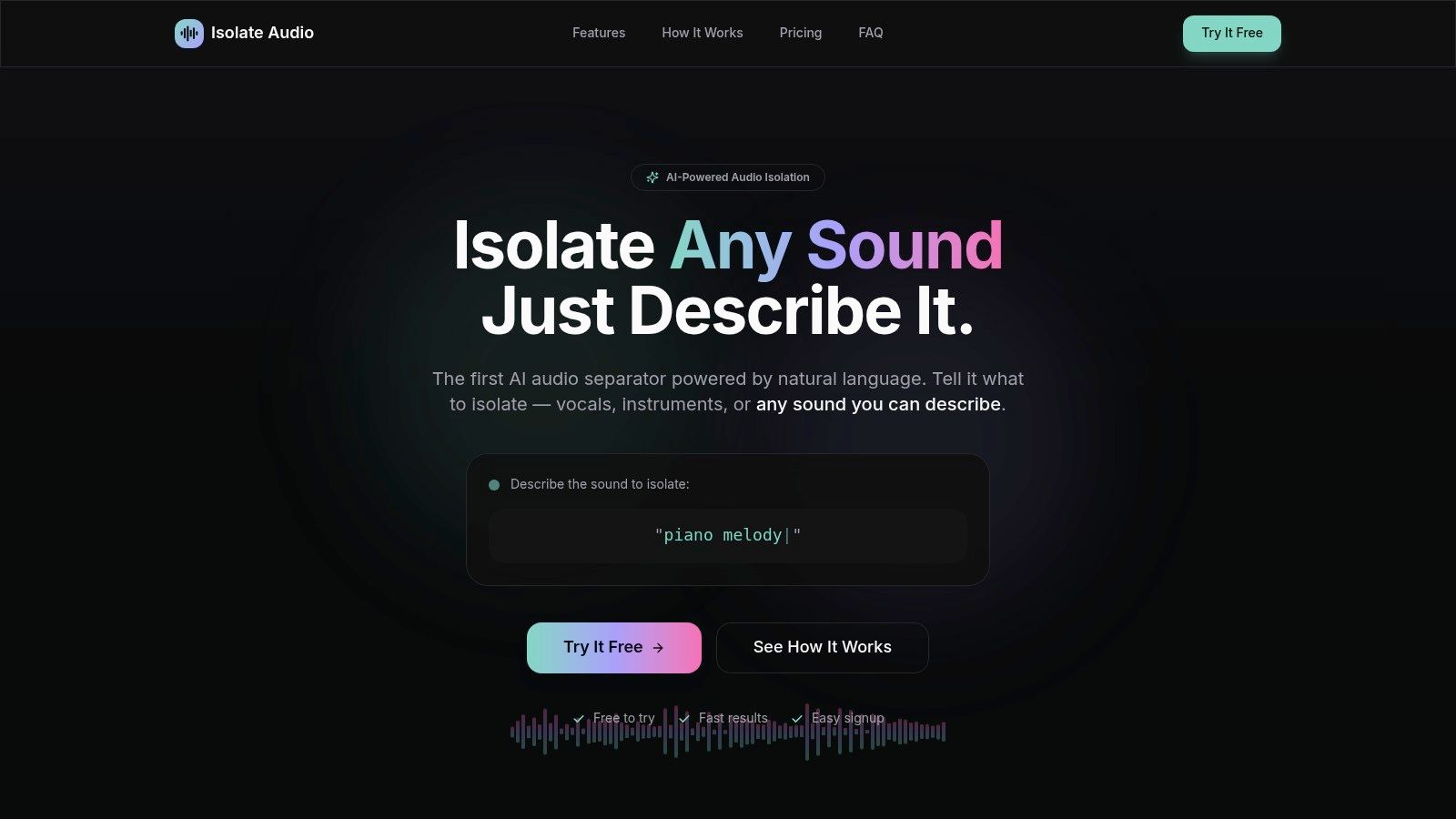
This prompt-based workflow is a significant leap forward in usability and precision. It moves beyond generic noise profiles to target specific, unwanted elements within a recording. The platform returns two clean tracks: the isolated sound and the rest of the audio. This dual output is invaluable for tasks like cleaning dialogue while preserving ambient sound or creating remix stems from a finished track.
Standout Features & Workflow
The platform's strength lies in its simplicity and power. The process is straightforward: upload your audio or video file, type your request, and download the results. Isolate Audio supports a wide range of formats (MP3, WAV, FLAC, MP4) and handles all processing in the cloud, eliminating software installation and freeing up local system resources.
Key Capabilities:
- Natural Language Processing: Its core innovation allows you to type commands like "isolate the acoustic guitar" or "remove the crowd noise," offering unparalleled flexibility.
- Precision Mode: For audio with dense, overlapping frequencies, this advanced setting enhances the AI's separation accuracy, delivering cleaner results.
- Quality Presets: Users can choose between Best, Balanced, and Fast processing to prioritize either quality or speed, depending on project needs.
- Dual-Track Output: You always receive both the isolated element and the remaining audio, providing maximum creative control for mixing and editing.
Pricing and Access
Isolate Audio offers a tiered model suitable for different user levels. The Free plan provides 5 separations per month with MP3 output, making it perfect for testing the technology. For professionals, the Pro plan ($19/month) unlocks unlimited separations, lossless WAV/FLAC exports, longer file durations, and priority processing. An Enterprise tier offers API access and custom solutions for large-scale or automated workflows.
While the cloud-based nature requires uploading files, which may be a consideration for highly sensitive data, its ease of use and unique, descriptive-based engine make it an exceptional tool for podcasters, musicians, and video editors seeking fast, precise audio separation and noise reduction.
Website: https://isolate.audio
2. iZotope RX 11
iZotope RX 11 is widely regarded as the industry standard for audio repair and restoration, making it one of the best noise reduction software for audio solutions available. Its power lies in a comprehensive suite of tools that go far beyond simple noise gates. The standalone RX Audio Editor, available in the Standard and Advanced versions, provides a spectral editing view, allowing you to visually identify and surgically remove unwanted sounds like coughs, clicks, or hum with incredible precision.
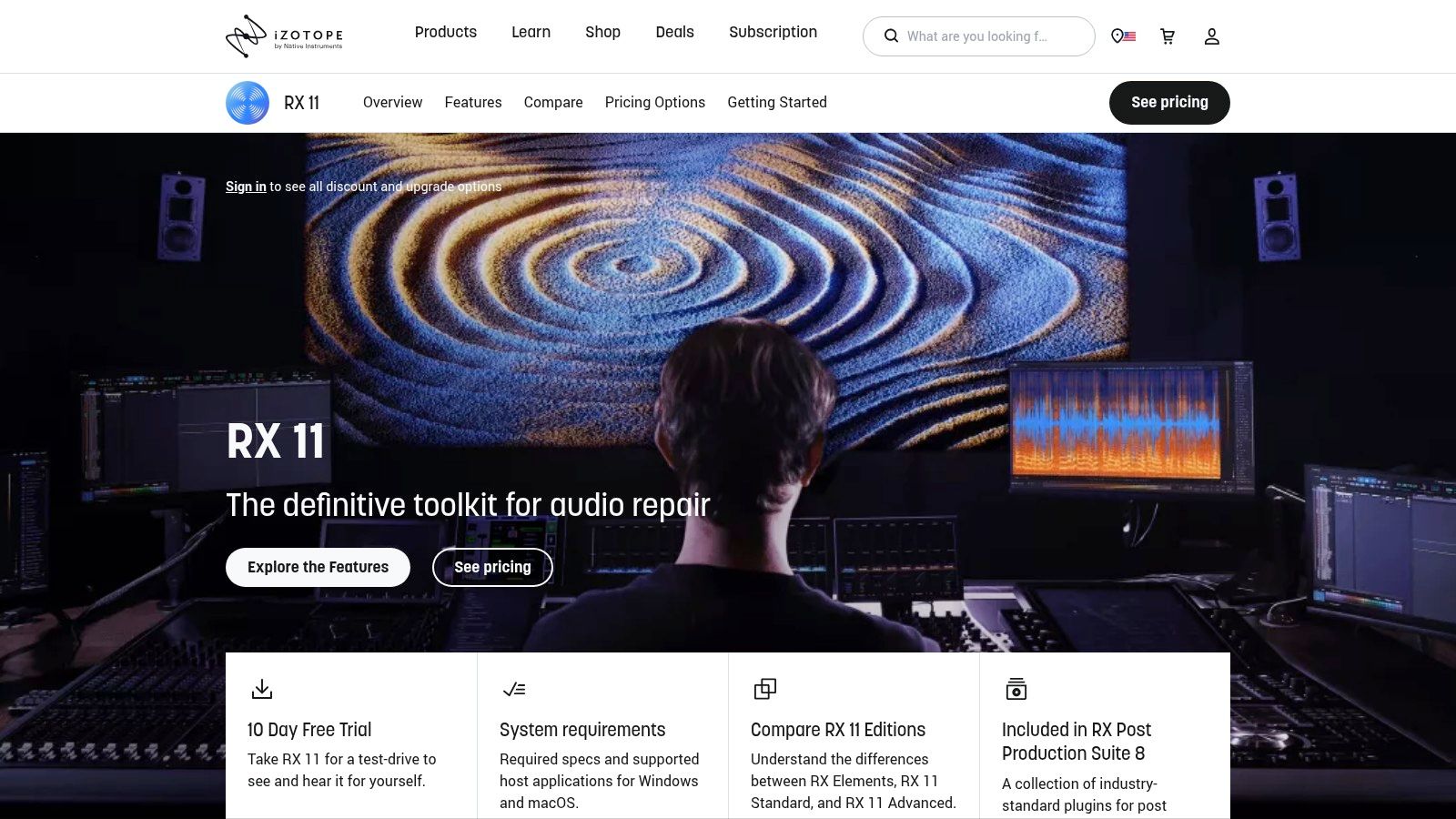
This suite is perfect for post-production engineers, podcasters needing pristine dialogue, and musicians restoring old recordings. Its flagship modules like Dialogue Isolate and Voice De-noise are exceptionally effective at separating speech from complex, variable background noise. While beginners can achieve great results with presets, the true strength of RX 11 is its deep customizability, which does present a steeper learning curve compared to single-knob tools. For a foundational understanding of noise types before diving into advanced software, you can learn how to remove background noise with different techniques.
Key Features and Pricing
RX 11 is available in three tiers, catering to different needs and budgets.
| Feature/Tier | RX 11 Elements | RX 11 Standard | RX 11 Advanced |
|---|---|---|---|
| Price | $129 | $399 | $1,199 |
| Standalone Editor | No | Yes | Yes |
| Dialogue Isolate | No | Yes | Yes |
| Spectral Editor | No | Yes | Yes |
| Ambience Match | No | No | Yes |
Pros:
- Unmatched precision with spectral repair for surgical audio cleaning.
- A complete, professional toolkit for nearly any audio restoration task.
- Strong community support and extensive learning resources.
Cons:
- The Advanced version is a significant financial investment.
- The sheer number of modules can be overwhelming for new users.
- The entry-level Elements version lacks the powerful standalone editor.
Visit iZotope RX 11
3. Adobe Audition
For creators embedded in the Adobe ecosystem, Adobe Audition offers a powerful and integrated digital audio workstation (DAW) that excels at audio cleanup, making it a strong contender for the best noise reduction software for audio. Its strength lies in its tight integration with Adobe Premiere Pro, allowing for a seamless round-trip editing workflow for video editors. Audition's Spectral Frequency Display is a standout feature, enabling users to visually identify and remove specific noises like phone rings or microphone bumps with precision.
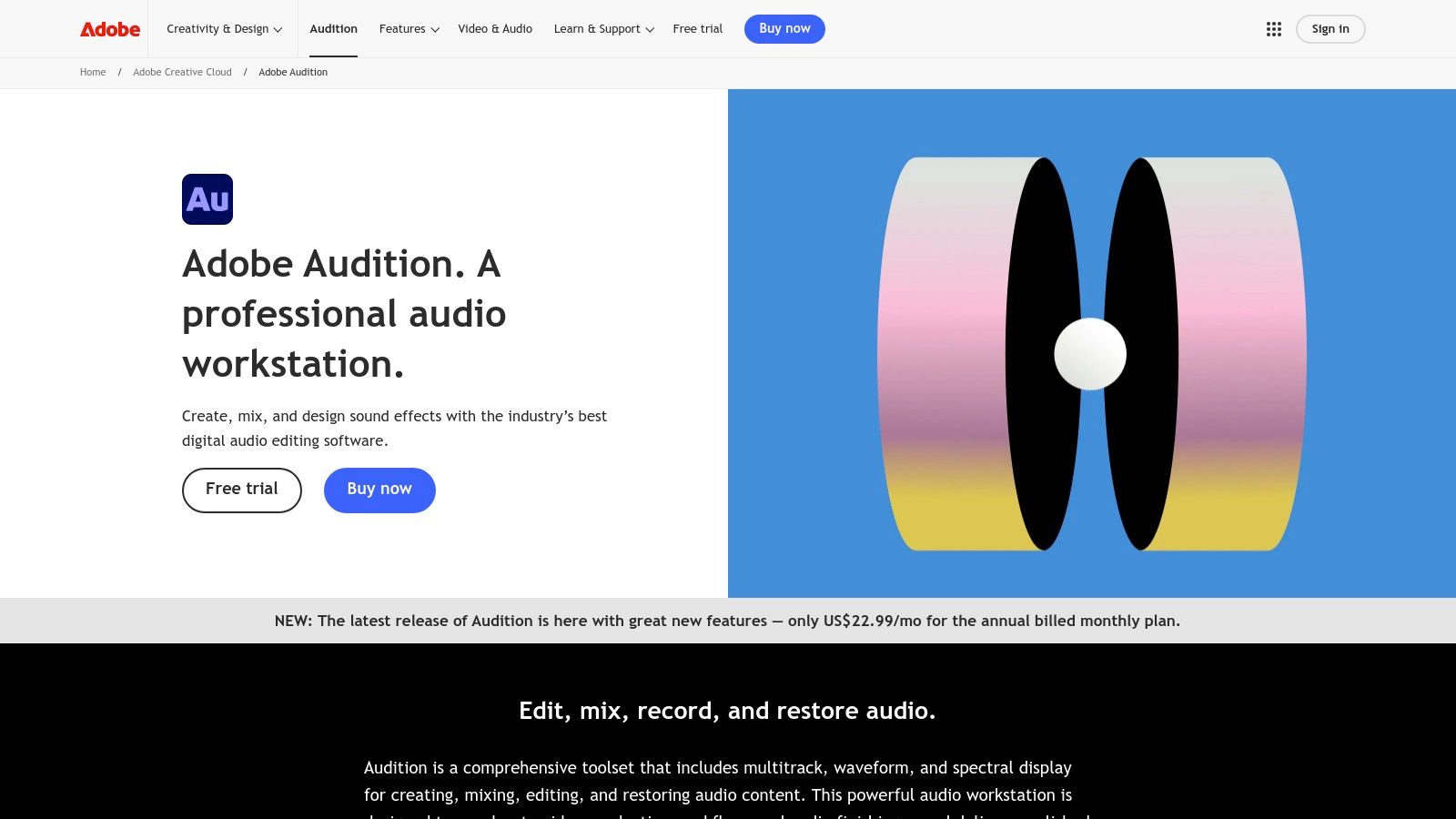
The platform is particularly well-suited for podcasters and video creators who need more than just noise reduction. The Essential Sound panel provides quick-access presets for dialogue repair, making it easy to apply noise reduction, de-reverb, and equalization without deep technical knowledge. For more advanced control, its classic noise reduction process allows you to capture a noise print from a section of silence and apply targeted reduction across an entire clip, a time-tested method for cleaning up consistent background hum or hiss.
Key Features and Pricing
Audition is available through an Adobe Creative Cloud subscription, either as a standalone app or as part of the All Apps plan.
| Feature/Plan | Audition Single App | Creative Cloud All Apps |
|---|---|---|
| Monthly Price | $22.99/mo | $59.99/mo |
| Spectral Frequency Display | Yes | Yes |
| Essential Sound Panel | Yes | Yes |
| Premiere Pro Integration | Yes | Yes |
| Multitrack Editing | Yes | Yes |
Pros:
- Seamless integration with Premiere Pro, ideal for video editors.
- Powerful spectral editing tools for surgical noise removal.
- Extensive training resources and tutorials are available from Adobe.
Cons:
- Requires a recurring Adobe subscription, with no perpetual license option.
- Fewer one-click, AI-driven repair modules compared to specialized suites.
- Can be overly complex for users only needing simple noise reduction.
Visit Adobe Audition
4. Steinberg SpectraLayers
Steinberg SpectraLayers offers a unique and powerful visual approach to audio editing, positioning it as one of the best noise reduction software for audio options for those who prefer surgical precision. Unlike traditional waveform editors, SpectraLayers treats audio as a visual canvas of layered frequencies. This allows you to identify and remove specific unwanted sounds-like a squeaky chair or a background siren-by directly manipulating the spectral data, similar to using an image editor.
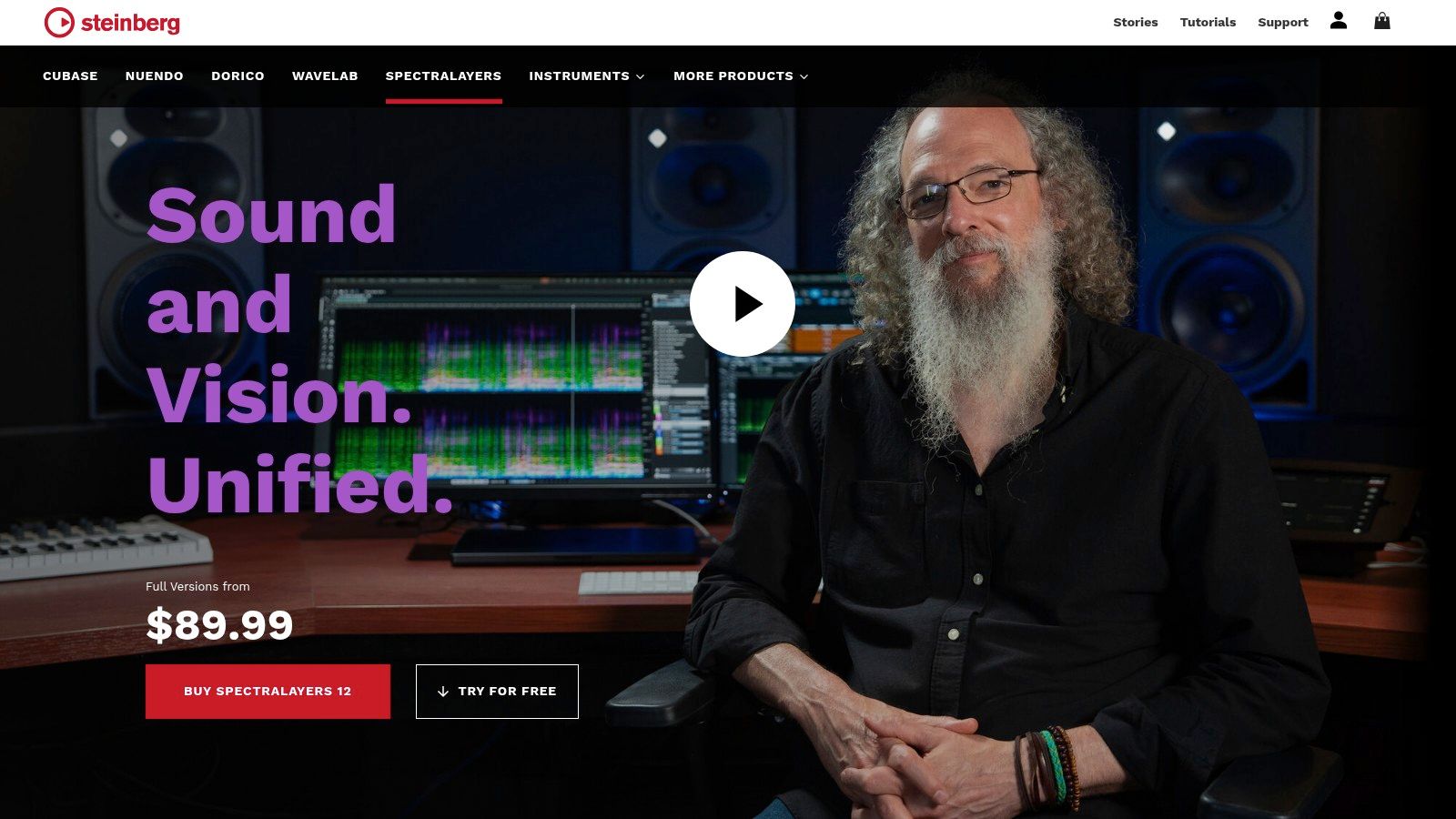
This layer-based workflow is exceptional for forensic audio work, complex sound design, and detailed dialogue cleanup. Its AI-powered tools, such as Voice Enhance and the improved Voice DeNoise, simplify common restoration tasks. Furthermore, its Unmix processes for separating vocals, instruments, and speech from a single track are remarkably effective, making it a strong contender in the field. For those interested in this technology, you can explore more about the best stem separation software available today.
Key Features and Pricing
SpectraLayers is available in two main tiers, providing a scalable solution for different user levels.
| Feature/Tier | SpectraLayers Elements | SpectraLayers Pro |
|---|---|---|
| Price | $79.99 | $299.99 |
| Layered Spectral Editing | Yes | Yes |
| AI Unmix Vocals/Stems | Yes (Limited) | Yes (Advanced) |
| AI Voice Enhance | Yes | Yes |
| Batch Processing | No | Yes |
| ARA Integration | Yes | Yes |
Pros:
- Unique layer-centric workflow is excellent for forensic edits and unmixing.
- Highly competitive pricing across both Elements and Pro tiers.
- Complements other restoration suites perfectly for surgical repair tasks.
Cons:
- Steep learning curve for users new to the concept of spectral editing.
- The most powerful features and best results often require the Pro edition.
- Can be less intuitive for quick, broad-stroke noise reduction compared to single-knob plugins.
Visit Steinberg SpectraLayers
5. Acon Digital – Restoration Suite 2
Acon Digital’s Restoration Suite 2 offers a focused and highly effective toolkit for common audio repair tasks, securing its spot as one of the best noise reduction software for audio options for those on a budget. Instead of an all-in-one editor, it provides four dedicated plug-ins: DeNoise 2, DeHum, DeClick 2, and DeClip 2. This modular approach allows for targeted processing directly within your DAW, making it a streamlined solution for podcasters, musicians, and video editors.
The suite excels at tackling specific problems efficiently. DeNoise 2 is particularly notable for its dynamic noise profiling, which adapts to changing background noise like wind or camera rustle, a common challenge in on-location recordings. The plug-ins are known for their low CPU usage and straightforward interfaces, allowing users to get excellent results quickly without a steep learning curve. While it lacks the surgical spectral editing of larger suites, its performance and affordability make it an exceptional value.
Key Features and Pricing
The suite is sold as a single bundle with a perpetual license, offering a cost-effective alternative to subscription models.
| Feature/Component | Restoration Suite 2 |
|---|---|
| Price | $99.90 |
| DeNoise 2 | Yes |
| DeHum | Yes |
| DeClick 2 | Yes |
| DeClip 2 | Yes |
| License Type | Perpetual |
Pros:
- High-quality results at a very budget-friendly price point.
- Simple, intuitive user interfaces that are easy to learn.
- Low CPU footprint, ideal for use on multiple tracks in a large project.
- No subscription required; buy it once and own it forever.
Cons:
- Lacks a standalone spectral editor for complex, surgical repairs.
- Not as feature-rich as comprehensive suites like iZotope RX or SpectraLayers.
- Limited to the four specific restoration tasks.
Visit Acon Digital – Restoration Suite 2
6. Waves Clarity VX / Clarity VX Pro
Waves Clarity VX brings the power of AI neural networks to voice cleaning with a focus on speed and simplicity. It excels at separating dialogue and vocals from background noise in real time, making it one of the best noise reduction software for audio options for podcasters, streamers, and video editors working within a Digital Audio Workstation (DAW). The standard Clarity VX plugin features a single-knob interface that intelligently removes noise without requiring complex adjustments, which is perfect for fast-paced workflows.
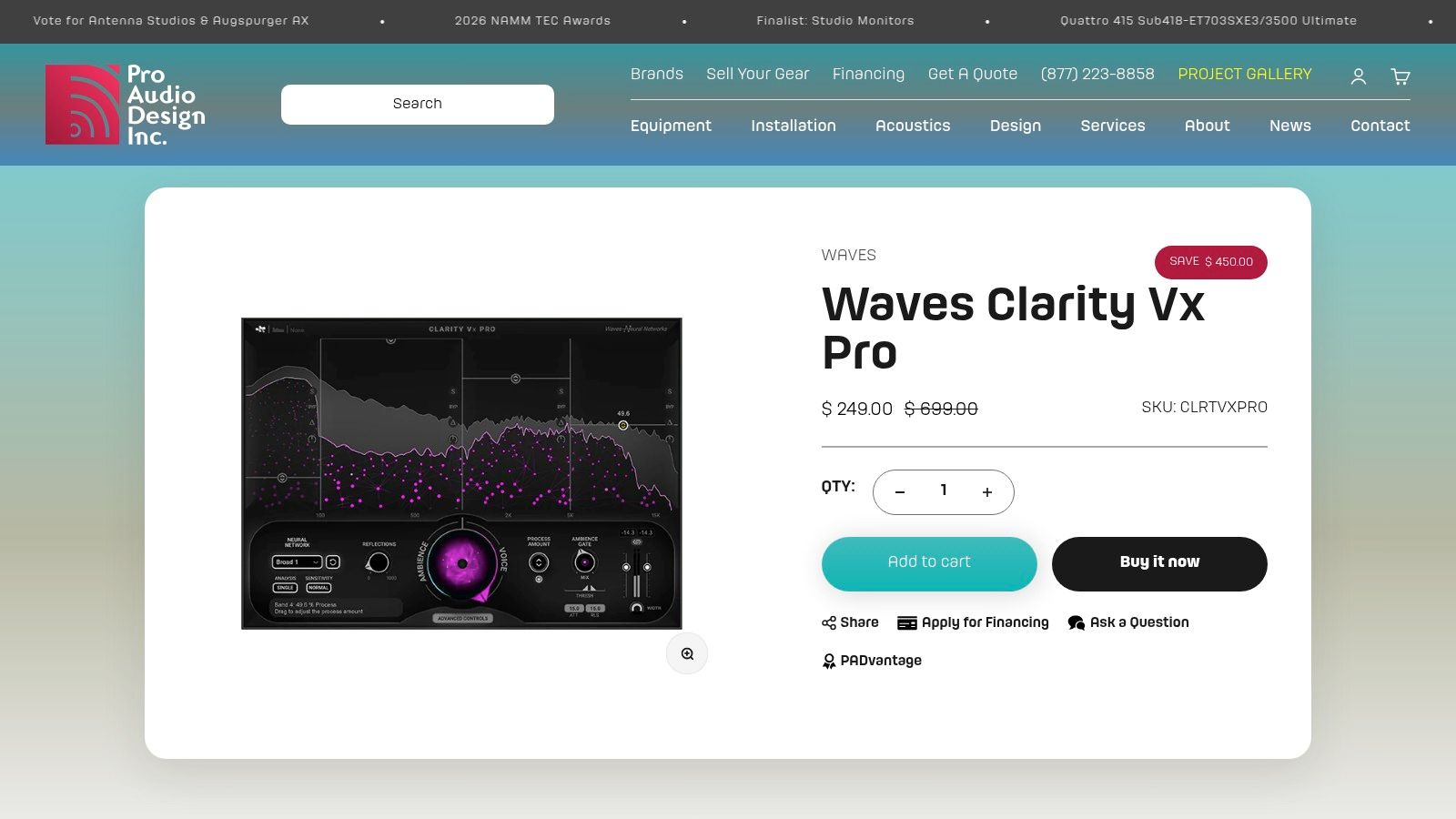
The "Pro" version expands on this by adding advanced features like multiband controls, allowing users to apply noise reduction to specific frequency ranges for more surgical and transparent results. Because it's a plugin, it requires a host application like Pro Tools, Logic Pro, or Adobe Premiere Pro to run. For those looking for more standalone options, a broader look at different types of audio repair software can provide additional context. Waves plugins are known for frequent and significant sales, making this powerful tool highly accessible.
Key Features and Pricing
Clarity VX is offered in two main versions, with pricing that often fluctuates due to promotions.
| Feature/Tier | Clarity VX | Clarity VX Pro |
|---|---|---|
| List Price | $149 | $799 |
| Single-Knob Operation | Yes | Yes |
| Multiband Controls | No | Yes |
| Ambience Keeping | No | Yes |
| Real-time Processing | Yes | Yes |
Pros:
- Extremely fast and simple to use, delivering great results with minimal effort.
- Real-time processing is ideal for immediate feedback within a DAW.
- Often available at deep discounts, providing excellent value.
Cons:
- Requires a host DAW or video editor; it is not a standalone application.
- As a plugin, it is subject to potential compatibility issues with OS or DAW updates.
- The standard version lacks the fine-tuning capabilities of the Pro model.
Visit Waves Clarity VX / Clarity VX Pro
7. Zynaptiq (UNVEIL, ZAP bundles)
Zynaptiq specializes in high-end, intelligent audio processing, and its UNVEIL plugin is a standout solution for a specific but crucial problem: excessive reverb. Rather than targeting hiss or hum, UNVEIL uses artificial intelligence and psychoacoustic models to de-reverberate audio in real-time, making it one of the best noise reduction software for audio when clarity is lost in echoey spaces. This makes it invaluable for cleaning up dialogue recorded in untreated rooms, churches, or large halls.
While UNVEIL is a focused tool, the ZAP V bundle expands the toolkit significantly, offering 14 different plug-ins for comprehensive repair and creative sound design. This suite is ideal for post-production professionals who need to tackle complex sonic artifacts beyond simple noise, like tonal filtering (UNFILTER) or transient-related issues (UNCHIRP). Zynaptiq’s approach is less about all-in-one solutions and more about providing surgically precise tools for difficult audio challenges, often working best alongside a broader noise reduction suite.
Key Features and Pricing
Zynaptiq's tools are premium plug-ins sold individually or in bundles with perpetual licenses.
| Product/Bundle | Key Functionality | Price |
|---|---|---|
| UNVEIL | Real-time de-reverberation and signal focusing | $389 |
| ZAP V Bundle | UNVEIL, UNFILTER, UNCHIRP, and 11 other plug-ins | $1,299 |
| REPAIR Bundle | Includes UNVEIL, UNFILTER, UNCHIRP | $699 |
Pros:
- Exceptional performance in removing reverb and clarifying dialogue.
- Perpetual licenses provide long-term value for professional users.
- Pairs extremely well with other denoisers for a complete restoration workflow.
Cons:
- Premium pricing makes it a significant investment compared to simpler tools.
- Has a narrower focus on specific artifacts like reverb, not general noise.
- Can have a steeper learning curve to master its advanced parameters.
Visit Zynaptiq
8. CEDAR Audio – DNS One
For professionals in broadcast and film post-production, CEDAR Audio’s DNS One is a legendary name and a benchmark for dialogue noise suppression. It stands as one of the best noise reduction software for audio solutions where real-time, zero-latency performance is non-negotiable. Unlike all-in-one restoration suites, DNS One is a highly specialized plug-in designed to do one thing exceptionally well: clean up dialogue from background noise like hiss, hum, and general ambiance without introducing artifacts.
This tool is engineered for the demanding environments of dubbing stages and live broadcast, where mixers need to clean audio on the fly. Its simple, robust interface belies a powerful algorithm that has been a studio secret weapon for years. The focus is on pristine audio quality and reliability under pressure, making it the go-to for high-stakes projects where reshoots are not an option. Its efficiency allows for multiple instances to be run across large mixing sessions without overburdening the CPU.
Key Features and Pricing
DNS One is a premium, specialized plug-in available for professional DAWs.
| Feature/Attribute | Details |
|---|---|
| Price | Typically retails around $3,000+ (Varies by reseller) |
| Primary Use Case | Real-time dialogue noise suppression for film, TV, and broadcast |
| Latency | Near-zero, designed for live mixing and dubbing |
| Formats | AAX, AU, VST3 |
| Authorization | iLok required |
Pros:
- Industry-standard, reference-grade results for dialogue cleaning.
- Extremely low latency makes it perfect for real-time workflows.
- Simple, intuitive controls for fast and effective operation.
- Proven reliability in high-end professional environments.
Cons:
- Significant financial investment aimed at professional studios.
- Highly specialized; not a comprehensive audio repair suite.
- Requires a physical iLok USB device for authorization.
Visit CEDAR Audio – DNS One
9. Descript – Studio Sound
Descript offers a unique, all-in-one platform for creators, positioning itself as one of the best noise reduction software for audio solutions for those who value speed and simplicity. Its standout feature, "Studio Sound," is a one-click AI process that automatically removes background noise and room echo while enhancing vocal clarity. This approach is integrated directly into a cloud-based editor that combines recording, automatic transcription, and text-based audio/video editing, making it an end-to-end powerhouse for podcasters and content creators.
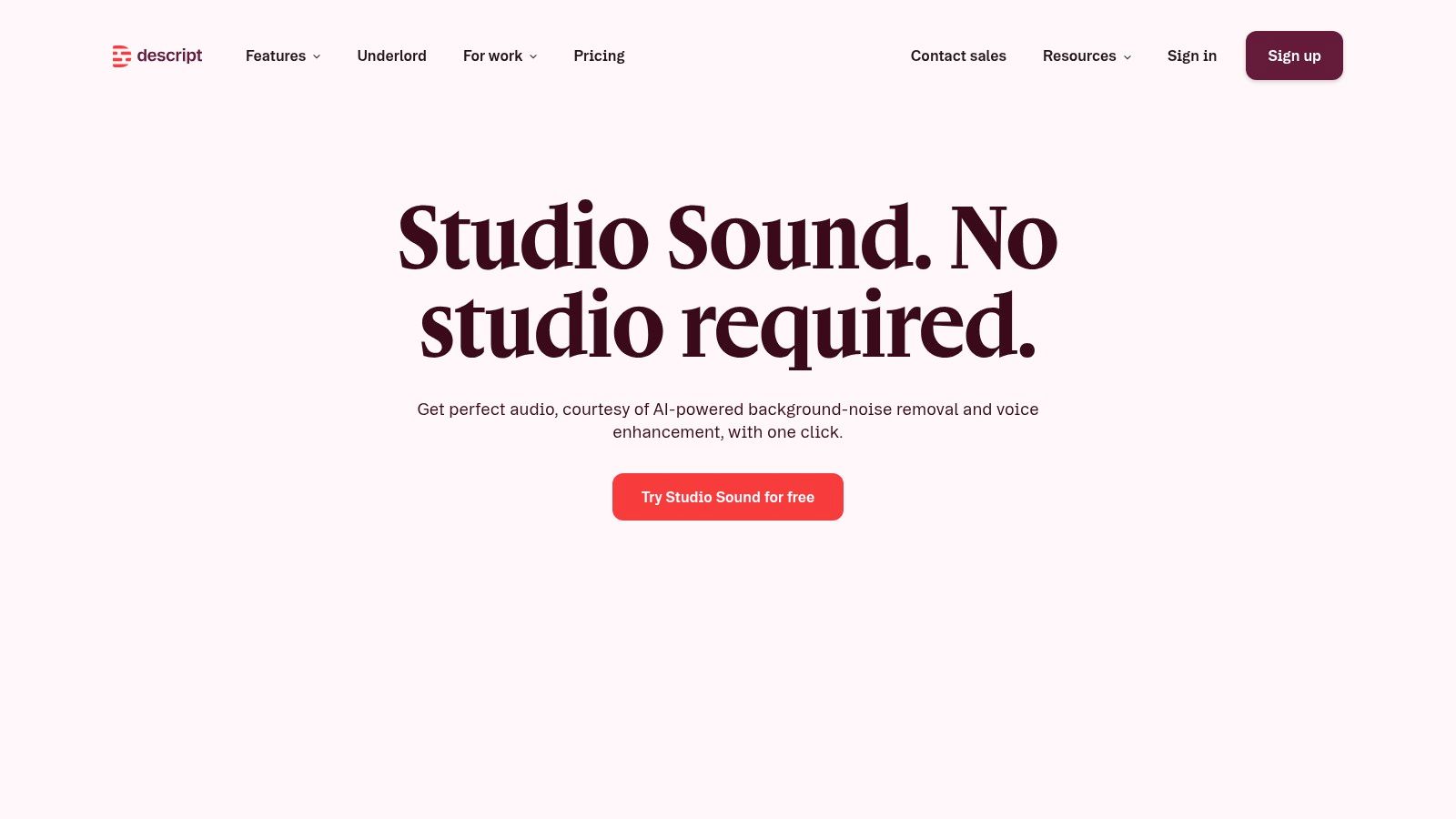
The platform is designed for users who are not audio engineers. Instead of navigating complex plugins and settings in a traditional DAW, you simply apply Studio Sound to your audio track. The AI analyzes the content and delivers a polished result in seconds, which is a massive workflow accelerator. While it lacks the surgical precision of dedicated tools like RX, its ease of use and integration with publishing, captioning, and clip creation tools make it an incredibly efficient choice for creators focused on content production over technical audio editing.
Key Features and Pricing
Descript's pricing is subscription-based, with different tiers unlocking more features and usage limits.
| Feature/Tier | Free | Creator | Pro |
|---|---|---|---|
| Price | $0/month | $15/month | $30/month |
| Studio Sound | Yes (1 hour/month) | Yes (10 hours/month) | Yes (30 hours/month) |
| Transcription | 1 hour/month | 10 hours/month | 30 hours/month |
| Watermark-free export | No | Yes | Yes |
| Cloud-based | Yes | Yes | Yes |
Pros:
- Extremely fast, one-click noise reduction perfect for beginners.
- Integrated workflow combines recording, editing, transcription, and publishing.
- No need for a separate DAW or complex plugin setup.
Cons:
- Less control and precision compared to dedicated audio repair suites.
- Cloud-based processing can sometimes introduce artifacts on heavily damaged audio.
- Effectiveness is highly dependent on the source material.
Visit Descript – Studio Sound
10. Adobe Podcast – Enhance Speech
Adobe Podcast offers one of the most accessible and effective browser-based tools for dialogue cleanup, making it a strong contender for the best noise reduction software for audio when you need a quick, zero-install solution. Its core feature, Enhance Speech, uses AI to analyze voice recordings, remove background noise and echo, and EQ the track to sound as if it were recorded in a professional studio. The simplicity is its greatest strength; you simply upload a file and let the algorithm do the work.
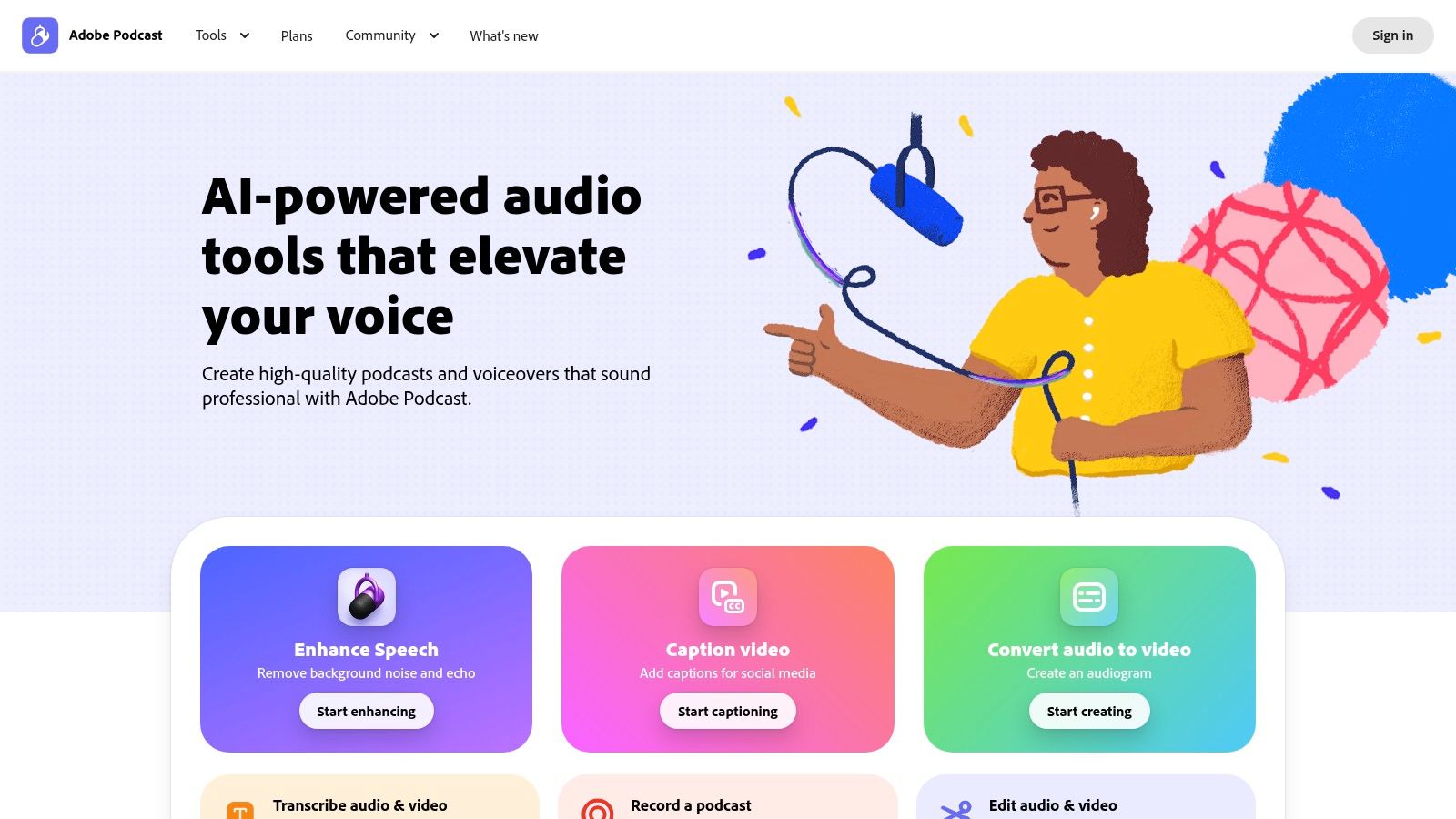
This platform is ideal for podcasters, YouTubers, and students who need to quickly clean up dialogue from interviews or lectures without a dedicated Digital Audio Workstation (DAW) or expensive plugins. While the free version is quite generous, it comes with daily limits. The premium tier expands these limits and adds crucial features like adjustable enhancement strength and bulk uploads, making it a viable tool for professionals with high-volume, quick-turnaround projects who value speed and simplicity over surgical precision.
Key Features and Pricing
Adobe Podcast offers a free tier and a premium plan for users with greater needs.
| Feature/Tier | Free Tier | Premium Plan |
|---|---|---|
| Price | Free | $9.99/month |
| Daily Usage Limits | Yes (1 hr total, 30 min max/file) | Higher limits (4 hrs total, 1 hr max/file) |
| Enhancement Strength | Non-adjustable | Adjustable |
| Bulk Uploads | No | Yes |
| Video File Support | Yes | Yes |
Pros:
- Completely browser-based, requiring no installation.
- Exceptionally fast and easy for cleaning up voice recordings.
- Generous free tier is perfect for occasional users.
Cons:
- Free version has daily processing and file duration limits.
- Lacks the surgical control of dedicated desktop suites like iZotope RX.
- As a web service, it can occasionally experience slowdowns or hiccups.
Visit Adobe Podcast – Enhance Speech
11. Auphonic
Auphonic is a web-based automated audio post-production service that excels at simplifying the final steps of content creation, particularly for podcasts and interviews. It positions itself as one of the best noise reduction software for audio solutions for creators seeking efficiency. Rather than providing surgical tools for manual repair, Auphonic uses intelligent algorithms to automatically level volume, normalize loudness to broadcast standards (LUFS), and apply adaptive noise and hum reduction.
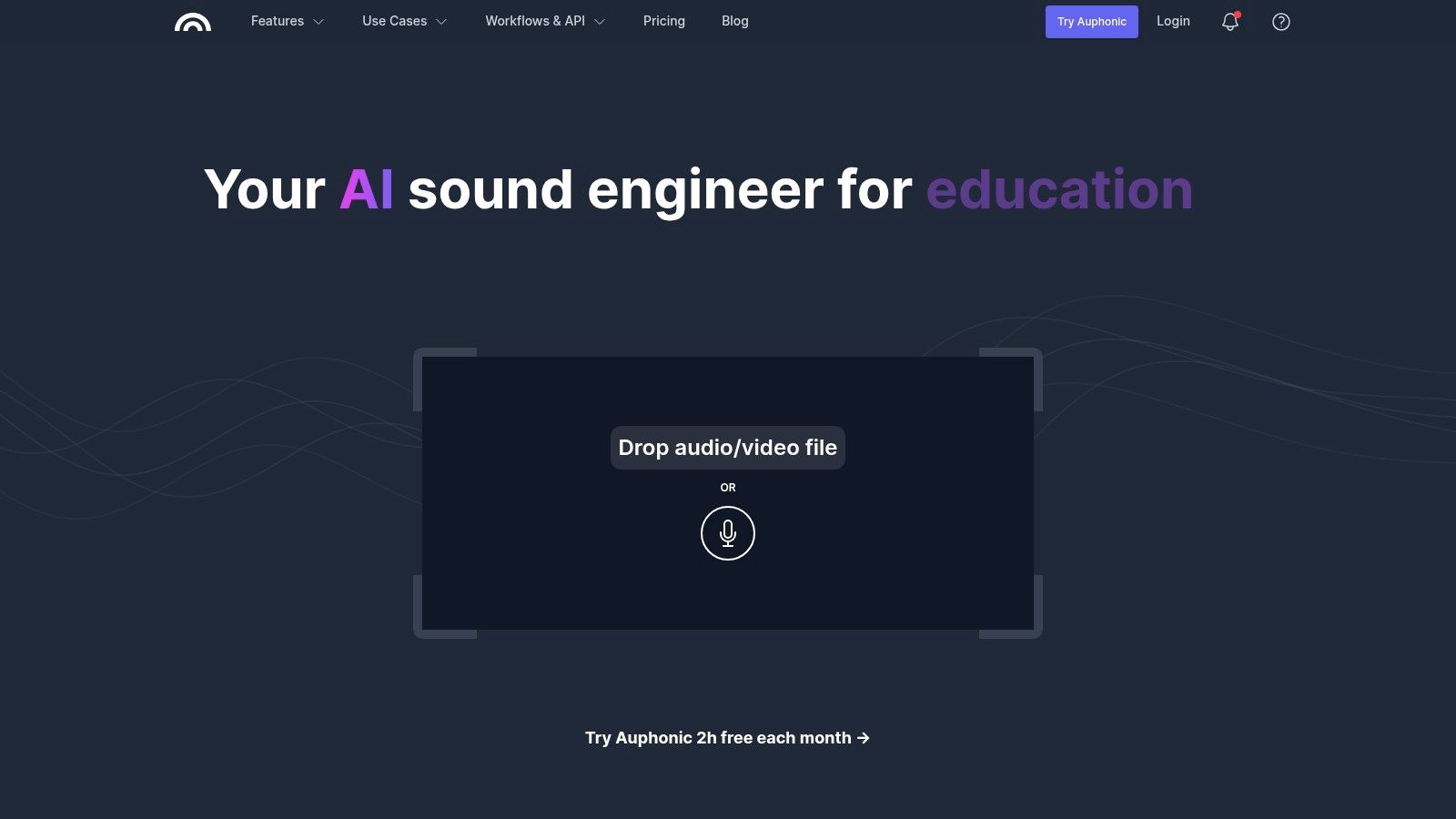
This "set it and forget it" approach is ideal for content producers who need to process large volumes of audio quickly without deep technical knowledge. Its strength lies in its batch processing and integration capabilities, allowing you to connect it directly to services like YouTube, Dropbox, or podcast hosts. Simply upload your raw audio, select your desired processing presets, and Auphonic delivers a polished, ready-to-publish file.
Key Features and Pricing
Auphonic operates on a flexible credit-based system, where credits correspond to the duration of audio processed. It offers free monthly credits and scalable subscription or one-time purchase options.
| Feature/Tier | Free Tier | Recurring Plans | One-Time Credits |
|---|---|---|---|
| Price | Free | Starting at $11/mo (9 hours) | Starting at $12 (5 hours) |
| Monthly Credits | 2 hours | 9 - 100 hours | N/A |
| Multitrack Processing | Yes | Yes | Yes |
| API Access | Yes | Yes | Yes |
| Batch Processing | Yes | Yes | Yes |
Pros:
- Excellent for automating podcast production and scaling content output.
- Affordable and flexible pay-as-you-go pricing model is great for beginners.
- Delivers consistent, deliverable-quality results with minimal user input.
Cons:
- Cloud-based processing can experience delays during peak usage times.
- Lacks the granular, surgical control found in dedicated desktop editors.
- Primarily focused on dialogue, may be less effective for complex music restoration.
Visit Auphonic
12. Sweetwater – Noise Reduction / Restoration Plug-ins (retailer)
While not a single piece of software, Sweetwater serves as a critical resource for purchasing and comparing many of the best noise reduction software for audio tools on the market. As a major U.S.-based retailer, it offers a curated selection of industry-leading plug-ins from developers like Waves, Sonnox, McDSP, and more. This makes it an ideal one-stop shop for building a professional audio restoration toolkit from trusted brands, ensuring you receive legitimate licenses with instant electronic delivery.
The primary advantage of using Sweetwater is its excellent, U.S.-based customer support and sales engineering team. They can provide expert advice to help you choose the right plug-in for your specific needs, whether you're a podcaster cleaning up dialogue or a musician restoring old recordings. The platform frequently runs promotions and offers financing options, making high-end software more accessible. It’s a reliable marketplace for cross-shopping deals and getting expert guidance before you invest.
Key Features and Offerings
Sweetwater provides a trusted marketplace with value-added services for audio professionals.
| Feature/Service | Description |
|---|---|
| Brands Carried | Waves, Sonnox, McDSP, WaveArts, and more. |
| Delivery | Instant electronic delivery of software licenses. |
| Support | U.S.-based sales, chat, and phone support from audio experts. |
| Deals | Frequent manufacturer-aligned promotions and financing options. |
Pros:
- A convenient and trusted marketplace to buy multiple top-tier plug-ins.
- Knowledgeable sales engineers provide personalized product recommendations.
- Fast, secure license delivery and reliable customer service.
Cons:
- The selection is curated and may not include all niche or boutique plug-ins.
- Pricing is subject to manufacturer promotions and can fluctuate.
- It's a retailer, not a developer, so support is for sales, not technical software issues.
Visit Sweetwater – Noise Reduction / Restoration Plug-ins
Top 12 Audio Noise-Reduction Software — Feature Comparison
| Tool | Core features ✨ | Quality / UX ★ | Price / Value 💰 | Target audience 👥 | Standout USP ✨ |
|---|---|---|---|---|---|
| Isolate Audio 🏆 | Natural-language isolation; 2-track outputs; Precision Mode; cloud | ★★★★☆ — fast, studio-ready | Free (5 sep/mo) · Pro $19/mo · Enterprise · 💰 | 👥 Musicians, podcasters, editors, creators | ✨ Describe any sound (not fixed stems); natural‑language separations |
| iZotope RX 11 | Spectral editor + 40+ repair modules; plug-ins & ARA | ★★★★★ — industry standard for repair | Paid (Standard / Advanced) · premium · 💰 | 👥 Post pros, restoration engineers | ✨ Deep, surgical restoration toolkit |
| Adobe Audition | Spectral frequency editing; noise‑print reduction; multitrack; Premiere integration | ★★★★☆ — reliable editor | Adobe CC subscription · 💰 | 👥 Video/podcast editors in Adobe ecosystem | ✨ Tight Premiere Pro workflow & diagnostics |
| Steinberg SpectraLayers | Layered spectral editing; AI unmixing; Voice Enhance | ★★★★☆ — visual, surgical edits | Perpetual tiers (Elements/Pro) · 💰 | 👥 Forensic editors, sound designers | ✨ Layer-centric unmixing & surgical control |
| Acon Digital – Restoration Suite 2 | DeNoise, DeHum, DeClick, DeClip plugins; low CPU | ★★★★ — efficient & simple | Perpetual, affordable · 💰 | 👥 Podcasters, editors, budget musicians | ✨ Lightweight, budget-friendly restoration |
| Waves Clarity VX / Pro | AI voice models; real-time plugin; Pro adds multiband | ★★★★ — one‑knob speed | Plugin pricing; frequent discounts · 💰 | 👥 DAW users needing quick vocal cleanup | ✨ Real-time, single‑knob voice denoising |
| Zynaptiq (UNVEIL, ZAP) | UNVEIL de-reverb; UNFILTER/UNCHIRP; ZAP bundles | ★★★★☆ — excellent on reverb | Premium perpetual · 💰 | 👥 Pros needing de‑reverb & clarity | ✨ High-end de‑reverb & signal focusing |
| CEDAR DNS One | Low-latency real-time dialogue suppression plugin | ★★★★★ — broadcast/film grade | Premium, pro-grade · 💰 | 👥 Broadcast & film post-production | ✨ Near-zero latency, reference results |
| Descript – Studio Sound | One-click Studio Sound; cloud editor + transcription | ★★★★ — very accessible | Free / Paid tiers with unlimited on higher plans · 💰 | 👥 Creators & podcasters (non‑engineers) | ✨ Integrated text-based editing + publish |
| Adobe Podcast – Enhance Speech | Browser-based Enhance Speech; adjustable strength; bulk on Premium | ★★★☆ — quick web fixes | Free daily caps; Premium lifts limits · 💰 | 👥 Occasional editors, fast fixes | ✨ Zero-install, browser-based enhancement |
| Auphonic | Loudness, leveling, noise & reverb reduction; multitrack batch | ★★★★ — automated, deliverable-ready | Pay-as-you-go or subscription; free hours · 💰 | 👥 Podcasters, batch workflows, publishers | ✨ Automated batch processing & publishing |
| Sweetwater (retailer) | Curated plugin marketplace; instant license delivery; US support | ★★★★ — trusted reseller experience | Varies by product; promos & financing · 💰 | 👥 Buyers shopping multiple brands | ✨ One-stop curated marketplace & US support |
Choosing Your Ideal Noise reduction Workflow
Navigating the crowded market for the best noise reduction software for audio can feel overwhelming, but as we've explored, the landscape offers a specialized tool for nearly every possible scenario. The journey from noisy, distracting audio to pristine, professional sound is no longer reserved for elite studios with massive budgets. The key is to match the tool not just to the problem, but to your specific workflow, technical expertise, and creative goals.
Our deep dive has revealed a clear distinction between different philosophies of audio repair. On one end, you have the comprehensive, surgical suites like iZotope RX 11 and Steinberg SpectraLayers. These are the undisputed champions for professionals who need granular, visual control over every frequency and artifact, making them indispensable for high-stakes music restoration, forensic audio, and complex post-production tasks. For users already embedded in a specific ecosystem, the native tools within Adobe Audition offer a seamless and powerful solution without ever leaving your DAW.
On the other end of the spectrum lies the revolution of AI-driven simplicity. Tools like Waves Clarity VX, Descript's Studio Sound, and Adobe Podcast's Enhance Speech have democratized clean audio. They are built for speed and efficiency, delivering remarkable results on dialogue with just a single click or dial. For podcasters, YouTubers, and video editors on a tight deadline, these tools are game-changers, stripping away the complexity and steep learning curve traditionally associated with audio restoration.
Finding Your Perfect Fit: A Decision Framework
Your choice hinges on a few core questions. Do you need to remove a specific, unusual sound, or are you fighting common issues like hum, hiss, and background chatter? Is your primary goal speed, or is it absolute, uncompromising control?
Consider these guiding principles when making your decision:
- For Maximum Control and Flexibility: If your work demands surgical precision for tasks like music restoration, detailed audio repair, or complex sound design, a full suite like iZotope RX 11 or a spectral editor like Steinberg SpectraLayers is a necessary investment. Their visual editing capabilities give you the power to see and eliminate problems with unmatched accuracy.
- For Speed and Simplicity (Primarily Dialogue): If you're a podcaster, content creator, or video editor focused on cleaning up voice recordings, the AI-powered solutions are your best bet. Waves Clarity VX and Descript's Studio Sound offer incredible power in a simple interface, saving you hours of manual work.
- For Integrated Workflows: If you already live in the Adobe Creative Cloud, mastering Adobe Audition’s built-in noise reduction tools is the most efficient path. The integration with Premiere Pro alone makes it a top contender for video professionals.
- For Unpredictable and Unique Noises: This is where traditional tools can struggle. When you're faced with a non-standard noise like a dog barking mid-sentence, a crew member's cough, or a specific musical element you want to remove from a mix, you need a different approach.
This is precisely the challenge Isolate Audio was designed to solve. It moves beyond generic "noise" categories and allows you to target any sound using natural language. Instead of learning complex modules for "de-plosive" or "de-click," you simply type "remove the cough" or "isolate the lead vocal." This intuitive, AI-powered workflow represents the next evolution in finding the best noise reduction software for audio, offering a level of specificity and ease-of-use that complements even the most advanced professional suites.
Ultimately, the right software is the one that empowers you to tell your story, produce your music, or share your research without sonic distractions. Use the free trials, experiment with the different workflows we've outlined, and listen critically to the results. By aligning your choice with your unique needs, you can transform your audio from problematic to polished, ensuring your message is always heard with perfect clarity.
Ready to experience a smarter, more intuitive way to clean up your audio? Instead of wrestling with complex plugins, simply describe the sound you want to remove. Discover how Isolate Audio uses cutting-edge AI to understand your instructions and deliver incredibly clean results. Try it for yourself and hear the future of audio repair at Isolate Audio.