
Discover best stem separation software: Top Tools for Creators
Stem separation technology has evolved from a niche studio process to an essential tool for creators across all disciplines. Whether you're a musician creating practice tracks, a DJ crafting live remixes, a podcaster cleaning up dialogue, or a video editor isolating sound effects, the ability to deconstruct mixed audio is revolutionary. Modern AI has pushed the boundaries, offering cleaner, faster, and more accessible results than ever before. But with a growing market of web apps, plugins, and standalone software, choosing the right tool can be overwhelming. This guide cuts through the noise to analyze the 12 best stem separation software options available today, evaluating each for its unique strengths, ideal use cases, and practical limitations, so you can find the perfect fit for your creative workflow.
We've done the heavy lifting to help you make an informed decision without wading through marketing jargon. You'll find a detailed analysis of tools ranging from simple web-based platforms like LALAL.AI and Moises to powerful, integrated solutions like iZotope RX 11 and Steinberg SpectraLayers. We also explore specialized options for DJs, such as Serato Stems and Algoriddim's Neural Mix. Each entry includes screenshots, direct links, and an honest assessment of its performance, format support, and pricing.
Our goal is to provide a comprehensive resource that directly addresses the needs of various users, from music producers and audio engineers to video editors and academic researchers. By comparing the top contenders side-by-side, this guide will help you select the most effective software to unlock new creative possibilities, streamline your post-production process, and achieve professional-quality audio separation for any project.
1. Isolate Audio
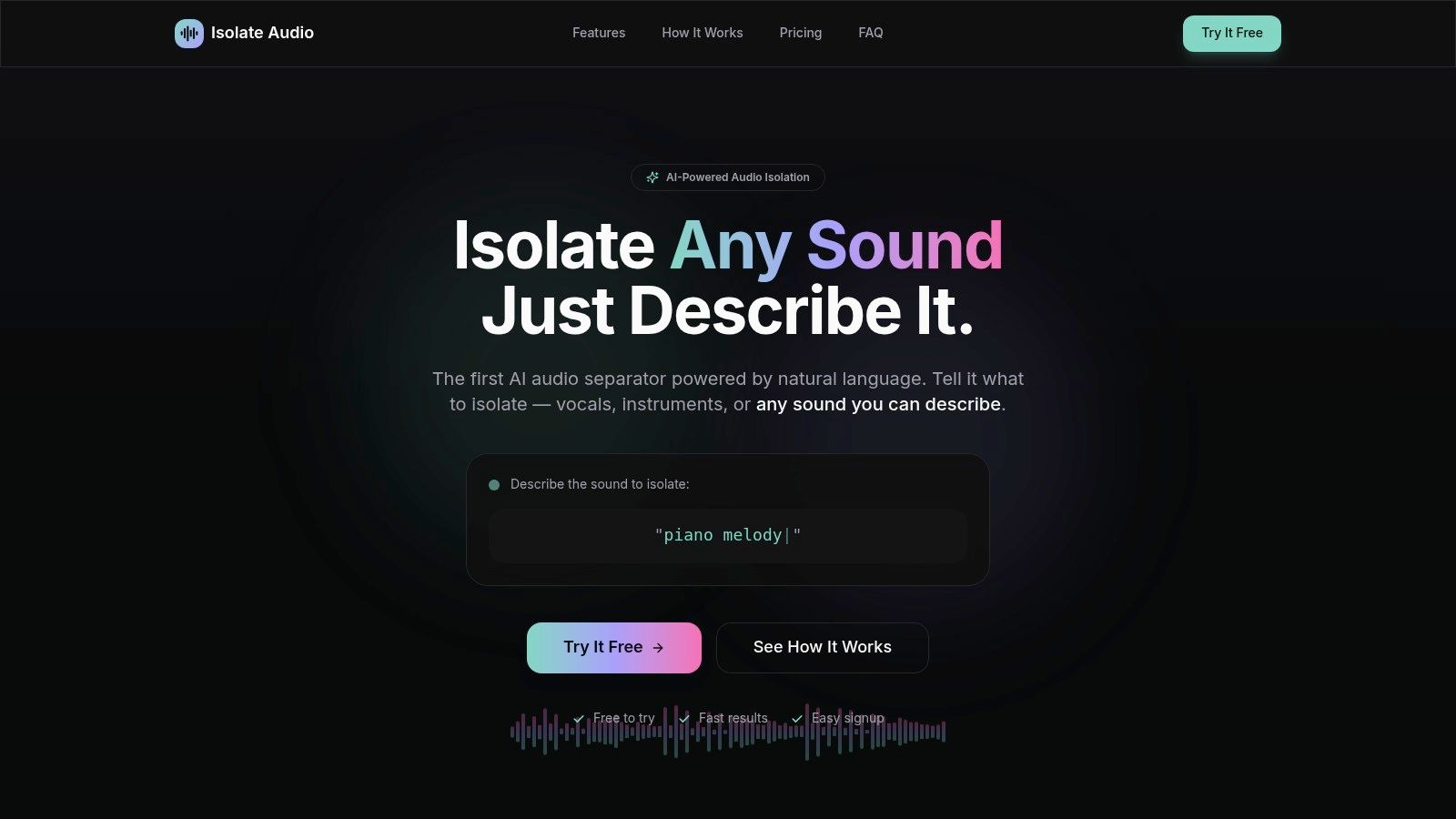
Isolate Audio earns its top position by fundamentally redefining what stem separation can be. Instead of limiting users to the standard four or five predefined stems like vocals, drums, or bass, this cloud-based platform uses a sophisticated AI model that understands natural language. This unique approach makes it one of the most flexible and powerful tools on the market, positioning it as a top contender for the best stem separation software available today.
The core innovation is its prompt-based interface. Users can simply describe the sound they want to extract, such as "acoustic guitar fingerpicking," "distant police siren," or "lead synthesizer melody." The platform processes the audio or video file and delivers two clean tracks: the isolated sound and the remaining audio. This workflow is a game-changer for creators who need to isolate specific, nuanced sounds that traditional splitters cannot target.
Key Features and User Experience
Isolate Audio is designed for speed and simplicity. The entire process is browser-based, eliminating the need for software installation and leveraging cloud computing for fast turnarounds. It supports a wide range of audio (MP3, WAV, FLAC) and video (MP4) formats.
- Natural Language Processing: The ability to isolate any sound with a text prompt is its standout feature, opening up creative possibilities for sound designers, remixers, and video editors.
- Quality & Precision Control: Users can choose between Best, Balanced, and Fast presets to manage the trade-off between processing time and audio fidelity. The Pro plan includes a Precision Mode for tackling especially complex or dense mixes where instruments heavily overlap.
- Practical Outputs: For every separation, you receive both the isolated stem and the "background" track, which is invaluable for creating backing tracks, karaoke versions, or remix-ready instrumentals.
- Scalable Tiers: The platform caters to a broad audience, from hobbyists with the Free plan to professionals and businesses with the Pro and Enterprise tiers, which offer lossless formats, API access, and bulk processing.
Pricing Structure
| Tier | Price | Key Features |
|---|---|---|
| Free | $0/month | 5 separations/month, MP3 output, 5-minute file limit. |
| Pro | $19/month | Unlimited separations, WAV/FLAC output, 30-minute file limit, Precision Mode, priority processing. |
| Enterprise | Custom Pricing | API access, bulk processing, custom limits, dedicated support, and service-level agreements (SLAs). |
Who is Isolate Audio For?
This tool is exceptionally well-suited for professionals and creators who need more than just basic stems. Musicians can extract a specific guitar solo for practice, podcasters can remove an unwanted cough from an interview, and video editors can isolate crucial dialogue from a noisy background. While the AI can struggle with extremely dense audio, its performance on most material is impressive, and its unique capabilities make it an indispensable resource.
Website: https://isolate.audio
2. LALAL.AI
LALAL.AI stands out as a premier web-based tool for AI-powered audio separation, prized for its accessibility and high-quality results. It requires no software installation, making it an excellent choice for users on any operating system who need quick, reliable stem separation without technical overhead. The platform uses its proprietary "Phoenix" neural network to precisely extract vocals, accompaniment, and a wide array of individual instruments, including drums, bass, piano, acoustic guitar, electric guitar, and synthesizer.
The user experience is incredibly straightforward: upload a file, select the stems you want to isolate, and let the AI handle the rest. This simplicity makes it one of the best stem separation software options for musicians creating backing tracks, podcasters cleaning up interview audio, or DJs hunting for the perfect acapella. Its refined algorithms deliver clean extractions with minimal artifacts, a crucial factor for professional use. If you want a deeper dive into how this technology works, you can explore detailed guides on how to separate instruments from any song.
Key Features & Ideal Use Cases
- Platform: Web-based (accessible via any browser)
- Pricing: Offers a free trial, with paid plans based on processing minutes. Packages start at $18 for 90 minutes.
- Primary Use: Ideal for producers, DJs, and content creators who need fast, high-fidelity acapellas or instrumentals on the fly. Its multi-instrument models are also perfect for musicians learning songs by isolating specific parts.
- Pros: No installation required, clean and intuitive user interface, high-quality separation for common instruments.
- Cons: File size and processing minutes are tied to plan tiers, which can be limiting for users with large-volume projects.
Website: https://www.lalal.ai
3. Moises.ai
Moises.ai goes beyond simple stem separation, positioning itself as an all-in-one musical practice and creation suite. This platform is not just about isolating tracks; it integrates powerful tools like AI chord detection, a smart metronome, tempo adjustment, and pitch changing. Available across web, desktop, and mobile apps, it provides a seamless workflow for musicians who need to deconstruct, learn, and remix songs from anywhere. Its comprehensive feature set makes it one of the best stem separation software choices for active learners and music educators.

The platform’s strength lies in its ecosystem. A musician can upload a track on their desktop, separate the bass and drums to create a backing track, see the automatically generated chords, and then practice along using the mobile app with a click track. This integrated experience sets it apart from competitors focused solely on separation. Premium plans unlock higher-quality models and the ability to isolate more specific stems like background vocals, piano, and strings, making it a versatile tool for both practice and light production work.
Key Features & Ideal Use Cases
- Platform: Web-based, dedicated Desktop apps (macOS, Windows), and Mobile apps (iOS, Android)
- Pricing: Free tier with limited monthly uploads and features. Premium plans start around $3.99/month for unlimited uploads, advanced stem models, and access to all practice tools.
- Primary Use: Perfect for musicians, music students, and educators who need to analyze song structures, create backing tracks for practice, and rehearse with interactive tools. The included mixer is great for creating quick remixes.
- Pros: All-in-one practice toolkit (chords, tempo, metronome), excellent cross-platform availability, user-friendly interface for both separation and practice features.
- Cons: Some of the most advanced stem separation models (e.g., separating strings) are locked behind the highest subscription tiers.
Website: https://moises.ai
4. iZotope RX 11 (Music Rebalance)
iZotope RX 11 is the industry-standard suite for audio repair, and its Music Rebalance module brings that same level of professional precision to stem separation. Positioned not as a standalone stem separator but as an integrated tool within a powerful post-production environment, RX 11 is designed for engineers, producers, and audio professionals who require meticulous control over audio elements. It uses advanced machine-learning algorithms to separate a mix into vocals, bass, percussion, and other instruments, allowing for rebalancing rather than just raw extraction.
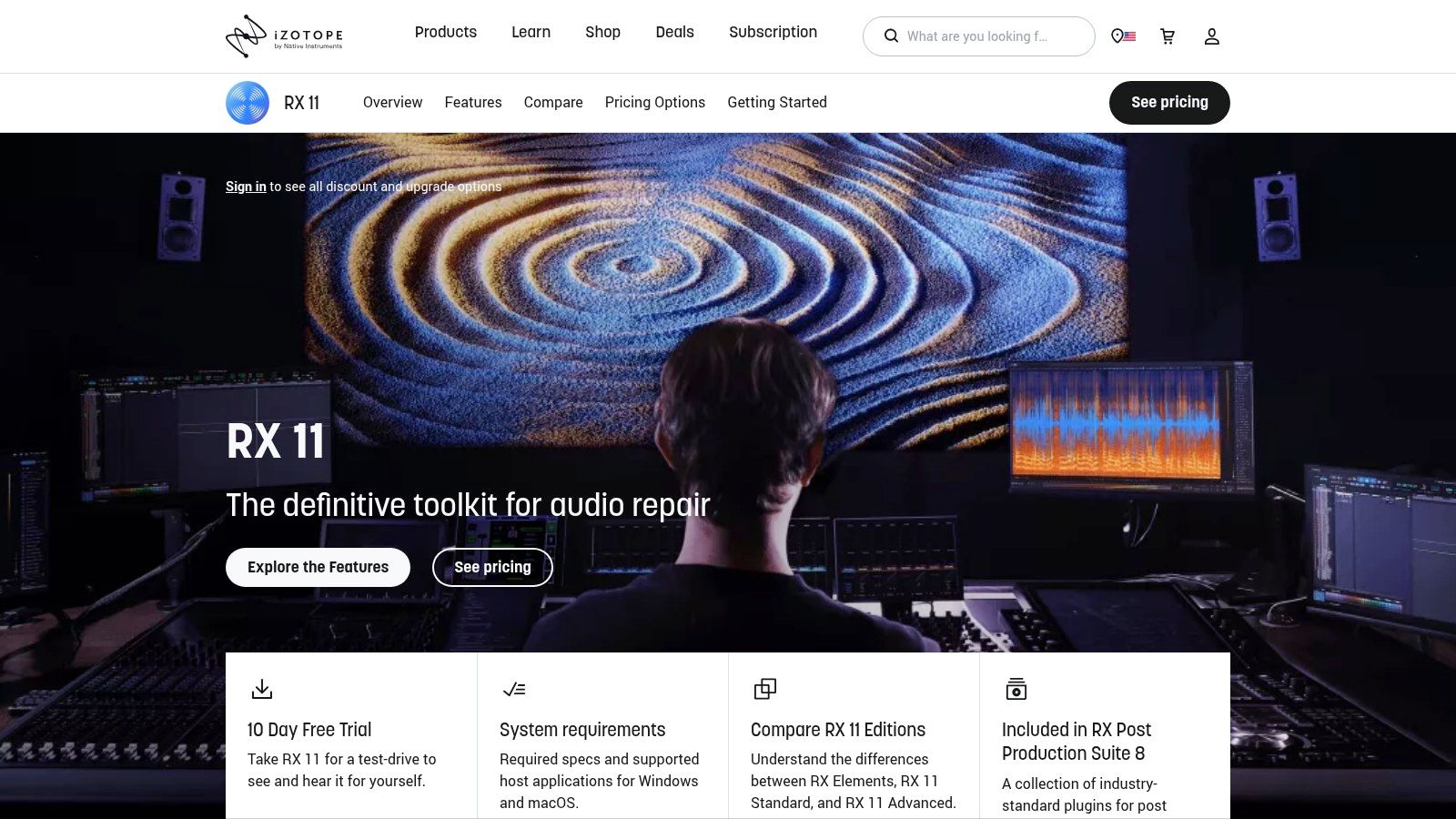
The key advantage of Music Rebalance is its seamless integration into professional workflows, particularly via ARA 2 support in DAWs like Logic Pro and Pro Tools. This allows users to make non-destructive adjustments to stems directly on their timeline, a massive time-saver for tasks like lowering instrumental backing to clarify dialogue in a film or subtly boosting a vocal in a remaster. While its focus is on rebalancing, the module can effectively isolate stems for remixing or sampling. This makes it one of the best stem separation software solutions for those who already operate within a professional DAW-centric environment.
Key Features & Ideal Use Cases
- Platform: Desktop software (macOS, Windows); standalone editor or plug-in (VST3, AU, AAX).
- Pricing: Included with RX 11 Standard ($399) and Advanced ($1,199) editions.
- Primary Use: Perfect for post-production engineers needing to clean up dialogue against music, mastering engineers rebalancing a final mix, and remix producers who require high-quality stems within their DAW.
- Pros: Industry-standard audio quality, powerful integration with DAWs via ARA, and part of a comprehensive audio repair suite.
- Cons: High upfront cost compared to specialized web tools and a steeper learning curve to utilize the full potential of the RX suite.
Website: https://www.izotope.com/en/products/rx
5. Hit'n'Mix RipX DAW / RipX DAW Pro
Hit'n'Mix RipX DAW takes a unique approach by positioning itself not just as a stem separator, but as a complete "audio separation DAW." This software is designed for users who want to go beyond simple extraction and dive into deep, surgical editing of the separated audio components. RipX deconstructs mixed audio into individual note and sound layers, allowing users to manipulate pitch, timing, and even replace sounds within a full mix. This makes it an incredibly powerful tool for remixers, sound designers, and producers seeking creative control.
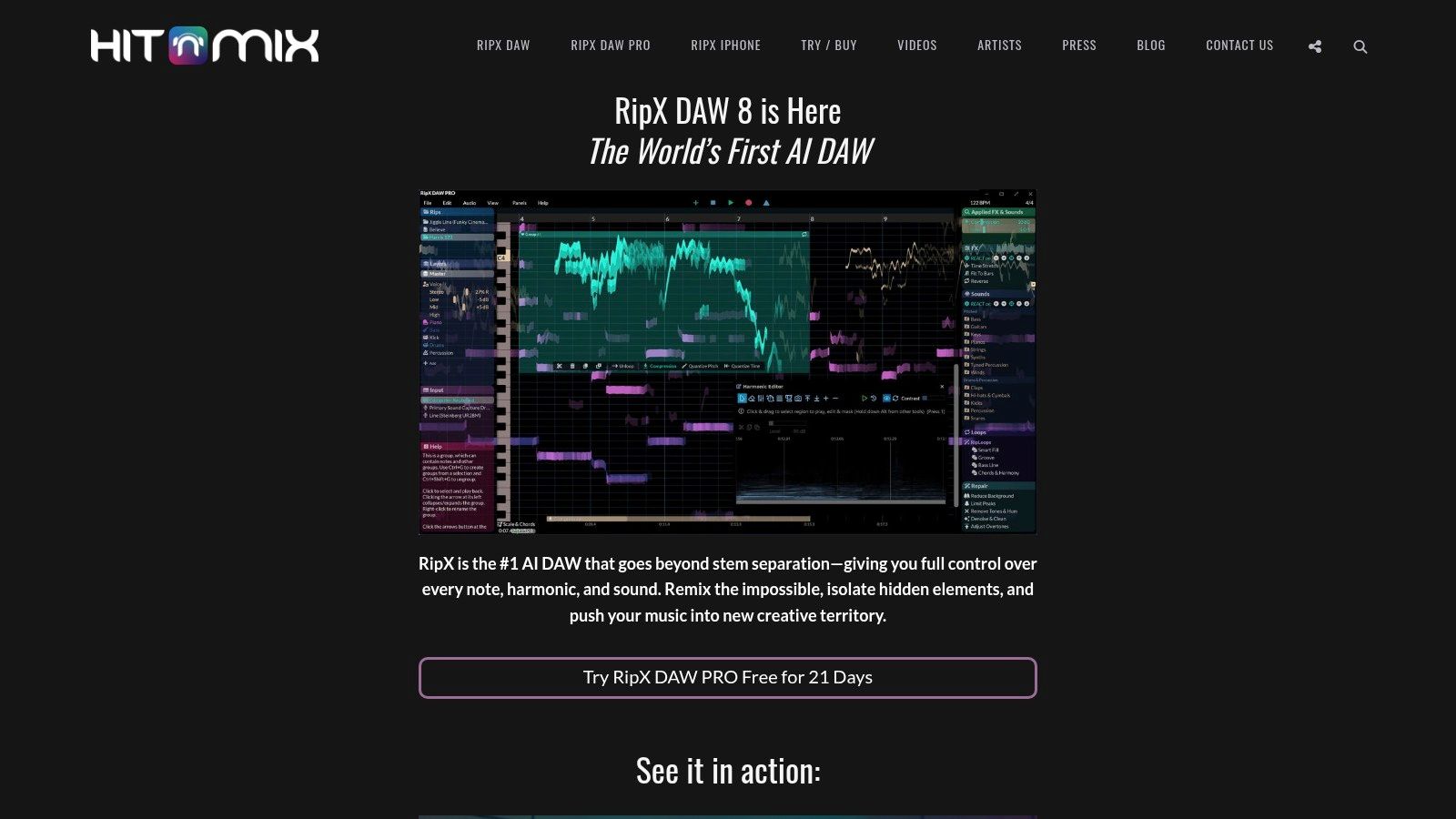
Unlike simple web-based tools, RipX provides an integrated workflow where separation is just the first step. The PRO version unlocks an "Audioshop" toolkit, offering advanced tools for harmonic editing, noise cleanup, and sound replacement. This makes it one of the best stem separation software options for complex audio restoration or complete song deconstruction. While the initial separation quality can vary with the source material, its strength lies in the post-separation editing power it provides, giving users granular control over every sonic element.
Key Features & Ideal Use Cases
- Platform: Desktop application (Windows/macOS)
- Pricing: Perpetual licenses with a free trial. RipX DAW starts at around $99, with an upgrade path to RipX DAW PRO.
- Primary Use: Perfect for remix artists, sound designers, and audio engineers who need to deeply edit, repair, or creatively manipulate elements within a mixed track.
- Pros: Integrated AI DAW workflow for editing stems after separation, powerful surgical editing tools, perpetual licensing is a plus for long-term users.
- Cons: Has a steeper learning curve than simple online converters, and separation performance can be highly dependent on the source audio's complexity.
Website: https://hitnmix.com
6. Acon Digital Remix
Acon Digital Remix is a specialized audio plugin that brings stem separation directly into your Digital Audio Workstation (DAW). Unlike web-based tools that require uploading and downloading files, Remix operates in real-time as a VST, AU, or AAX plugin, allowing for immediate, on-the-fly adjustments within your existing projects. It splits a stereo mix into five distinct stems: Vocals, Piano, Bass, Drums, and Other, making it a powerful tool for remixing, post-production, and creative sound design without leaving your production environment.
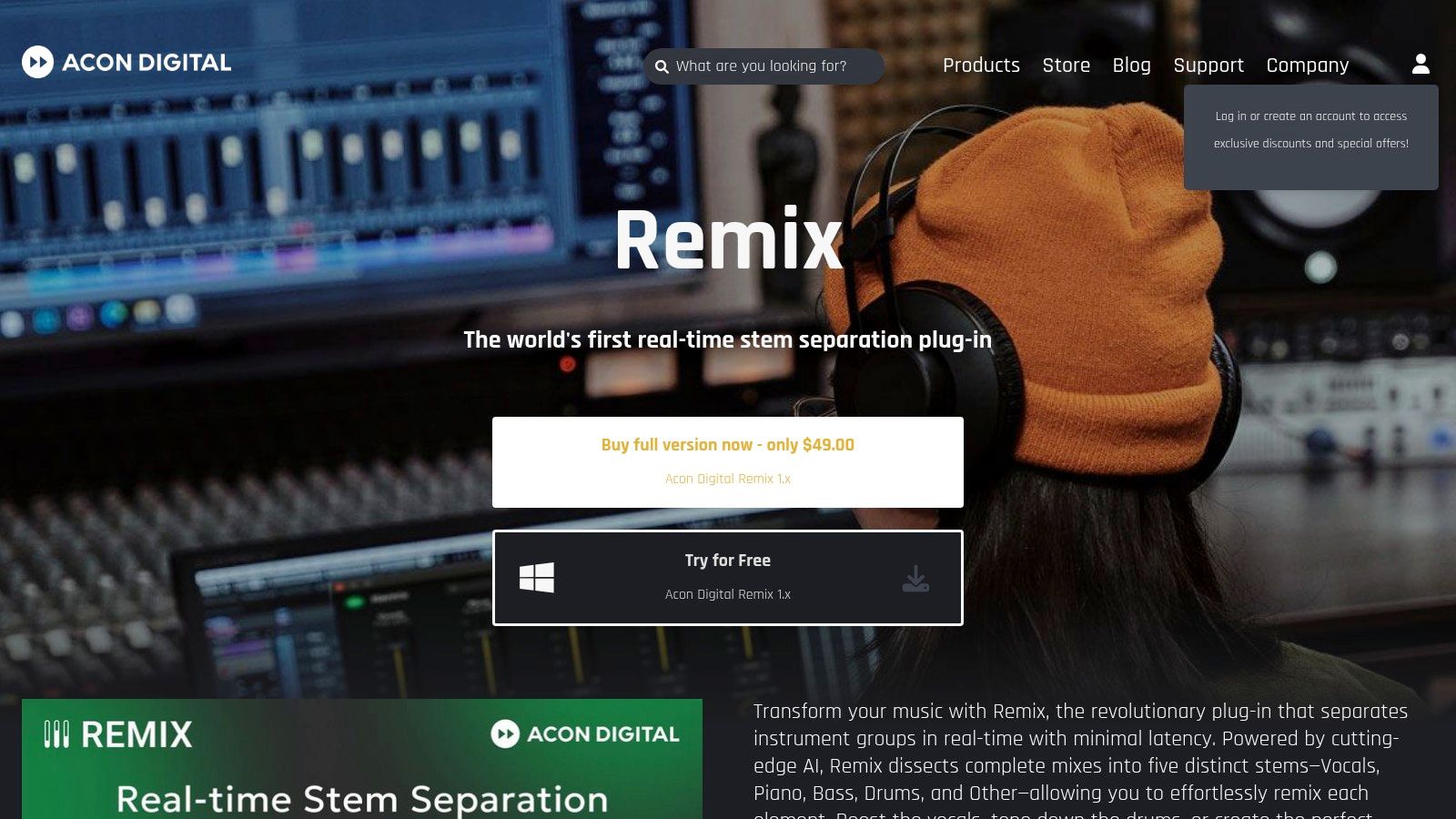
The primary advantage of this approach is workflow integration. Producers can simply place the plugin on an audio track and instantly route each stem to a separate channel for individual processing, such as adding effects or adjusting levels. This makes Acon Digital Remix one of the best stem separation software choices for users who prioritize speed and a seamless DAW-centric workflow. Its real-time capability is perfect for quickly creating karaoke backings, isolating parts for analysis, or crafting instrumentals without ever breaking your creative flow.
Key Features & Ideal Use Cases
- Platform: DAW Plugin (AU, VST, VST3, AAX)
- Pricing: A one-time purchase for a perpetual license, typically around $49.90.
- Primary Use: Excellent for music producers and remix artists who need to integrate stem separation directly into their DAW workflow for real-time mixing and processing. It is also great for post-production engineers cleaning up dialogue or sound effects.
- Pros: Immediate, real-time separation without offline rendering, affordable perpetual license, lightweight and integrates with all major DAWs.
- Cons: Separation quality can be less precise on very dense or sonically overlapping mixes compared to dedicated offline processors. Multi-output routing can be complex to set up in some DAWs.
Website: https://acondigital.com/products/remix
7. Algoriddim djay Pro (Neural Mix)
Algoriddim’s djay Pro shifts the focus of stem separation from the studio to the stage, integrating its powerful Neural Mix technology directly into a comprehensive DJ software suite. Rather than pre-processing files, djay Pro allows for real-time isolation of vocals, drums, and harmonic elements during a live performance. This unique, performance-oriented approach makes it one of the best stem separation software choices for DJs who want to create dynamic, on-the-fly remixes, mashups, and transitions.
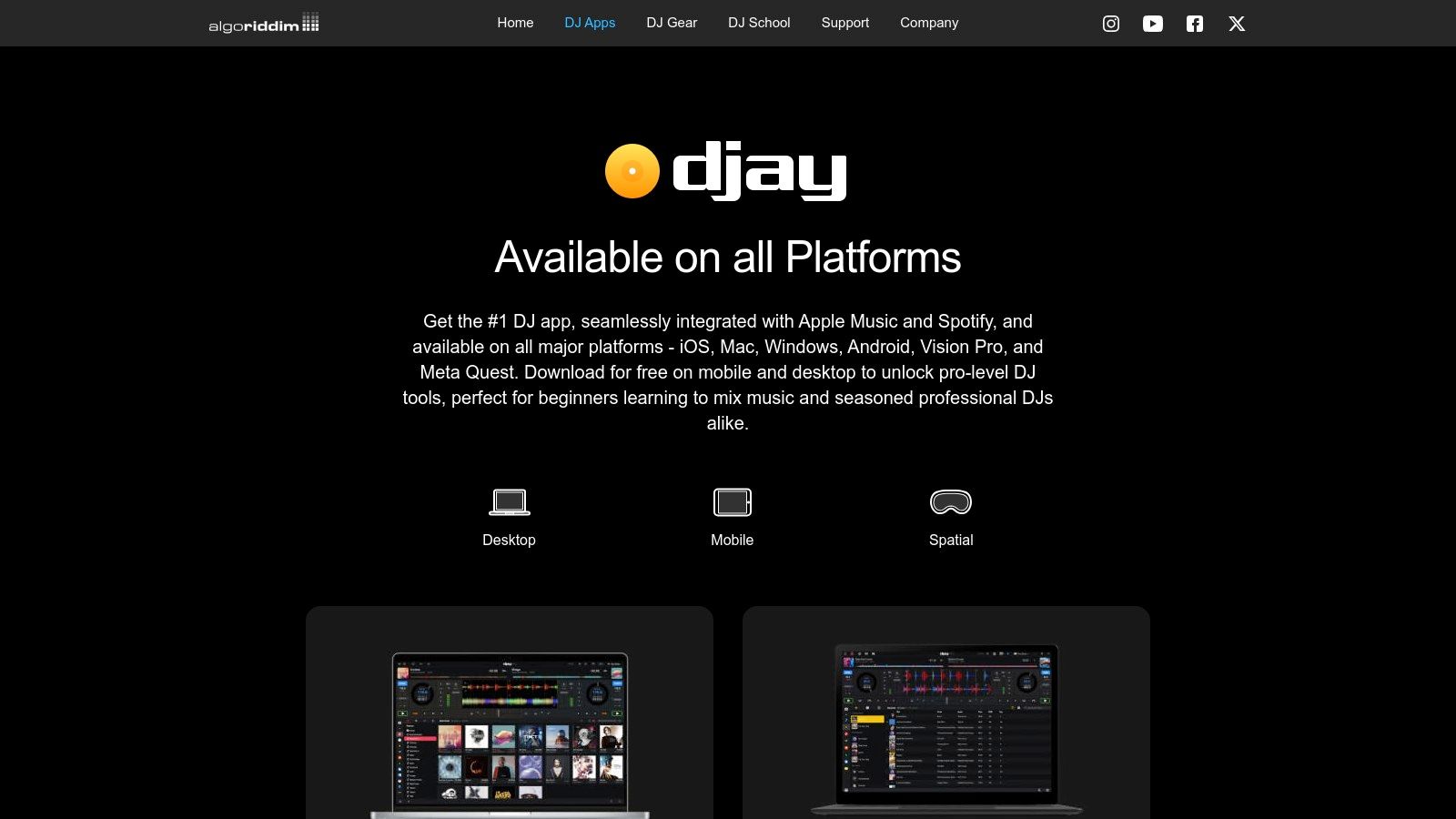
The Neural Mix feature is seamlessly integrated with familiar DJ controls like faders and FX routing, allowing users to intuitively blend stems between tracks, apply effects to just the vocals, or drop out the drums for a dramatic breakdown. Available across Mac, iOS, Windows, and mobile devices, it brings creative stem mixing capabilities to a wide range of setups, from professional controllers to a simple iPad. This focus on immediate, hands-on manipulation sets it apart from more production-focused tools.
Key Features & Ideal Use Cases
- Platform: Desktop app (macOS, Windows) and mobile app (iOS, Android)
- Pricing: Free version with limited features; full Neural Mix functionality requires a djay Pro subscription (e.g., $49.99/year).
- Primary Use: Perfect for live DJs who need to manipulate individual track elements in real time for creative mixing and performance. It's also great for mobile DJs who want powerful features on an iPad or iPhone.
- Pros: Polished, performance-ready stem workflow for live DJing, cross-platform availability, integrates with many popular DJ controllers.
- Cons: Primarily designed for performance, not for exporting high-fidelity studio stems; full features require a Pro subscription.
Website: https://www.algoriddim.com/djay
8. Serato (Stems in DJ Pro / Studio / Sample)
Serato integrates its powerful Stems technology directly into its ecosystem, offering real-time separation tailored for different creative workflows. Unlike standalone converters, Serato Stems is embedded within its DJ, production, and sampling software, allowing for on-the-fly manipulation. This design makes it a top-tier choice for performers and producers who need to isolate vocals, melody, bass, or drums as part of a dynamic, hands-on process rather than a simple file conversion.
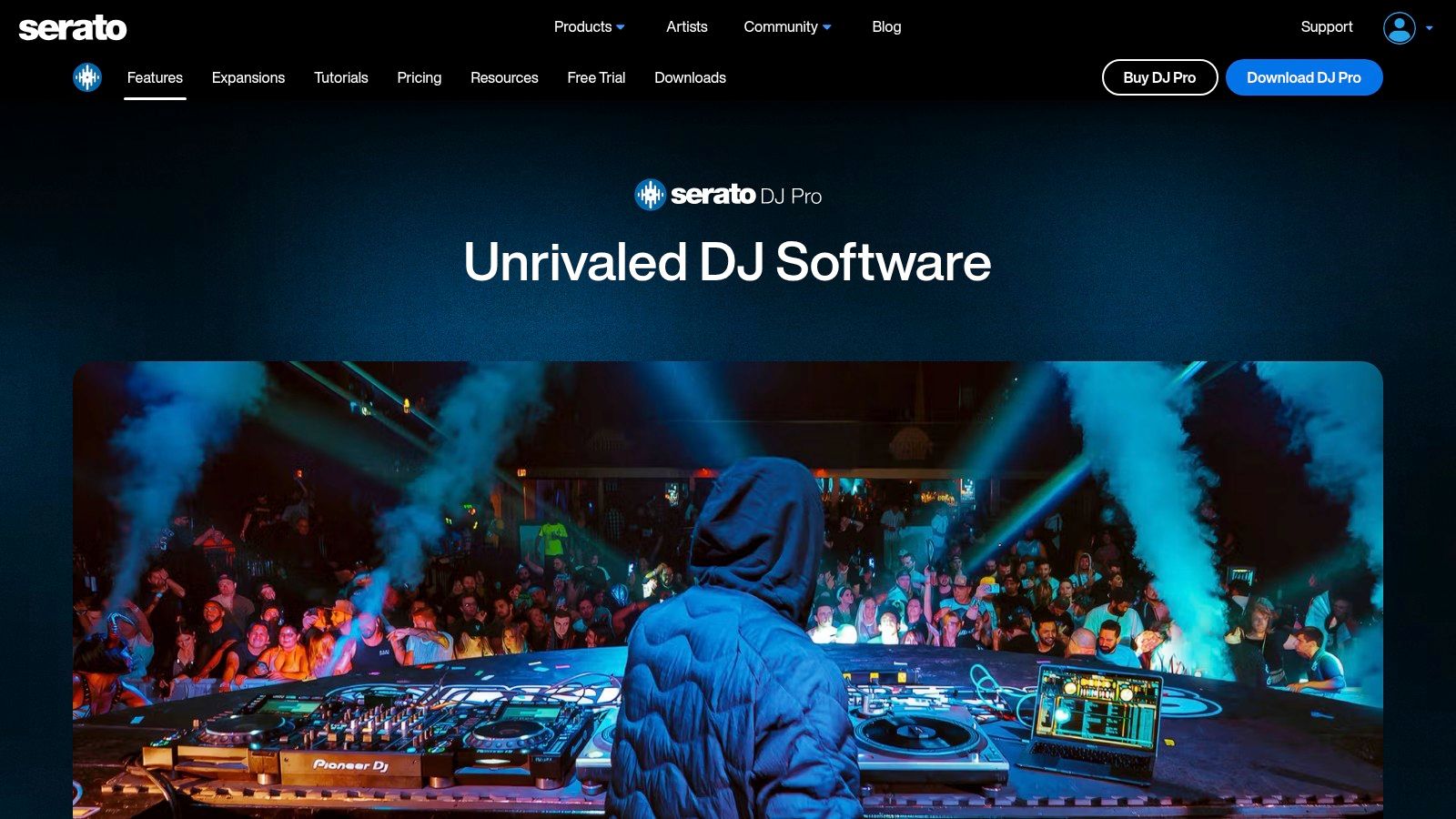
The primary strength of Serato's approach is its immediacy. DJs using Serato DJ Pro can create instant acapellas or instrumentals during a live set, while producers in Serato Studio can extract and export high-quality stems for use in their projects. This integration with dedicated hardware controllers provides tactile control over isolated elements, transforming stem separation from a utility into a performance instrument. For those new to the concept, you can learn more about how audio tracks are deconstructed by exploring articles that explain what are stems. Serato’s implementation is a perfect example of this technology in a practical, performance-oriented context, making it one of the best stem separation software solutions for live artists.
Key Features & Ideal Use Cases
- Platform: Desktop software (macOS, Windows) integrated into Serato DJ Pro, Studio, and Sample.
- Pricing: Stems feature is free in all Serato software. DJ Pro costs $249 (or subscription), while Studio has free and paid tiers ($9.99/mo or $249 perpetual).
- Primary Use: Perfect for performance DJs who want to create live mashups and remixes, and for producers within the Serato ecosystem needing to sample specific parts of a track.
- Pros: Excellent hardware integration for real-time control, seamless workflow for existing Serato users, no per-minute processing fees.
- Cons: CPU-intensive, which can be an issue on older computers during live performance; some controls require specific connected hardware.
Website: https://serato.com/dj/pro
9. VirtualDJ (Stems 2.0 / real-time stems)
VirtualDJ distinguishes itself by integrating stem separation directly into a live performance environment. As a veteran in the DJ software space, its Stems 2.0 technology is tailored for DJs who need to manipulate tracks on the fly, offering real-time isolation of vocals, instruments, bass, and drums. This functionality allows for spontaneous acapella intros, instrumental breakdowns, or per-stem effects, transforming a standard DJ set into a dynamic, live remix session. The system is designed for immediacy, making it a powerful tool for creative mixing without needing pre-prepared files.
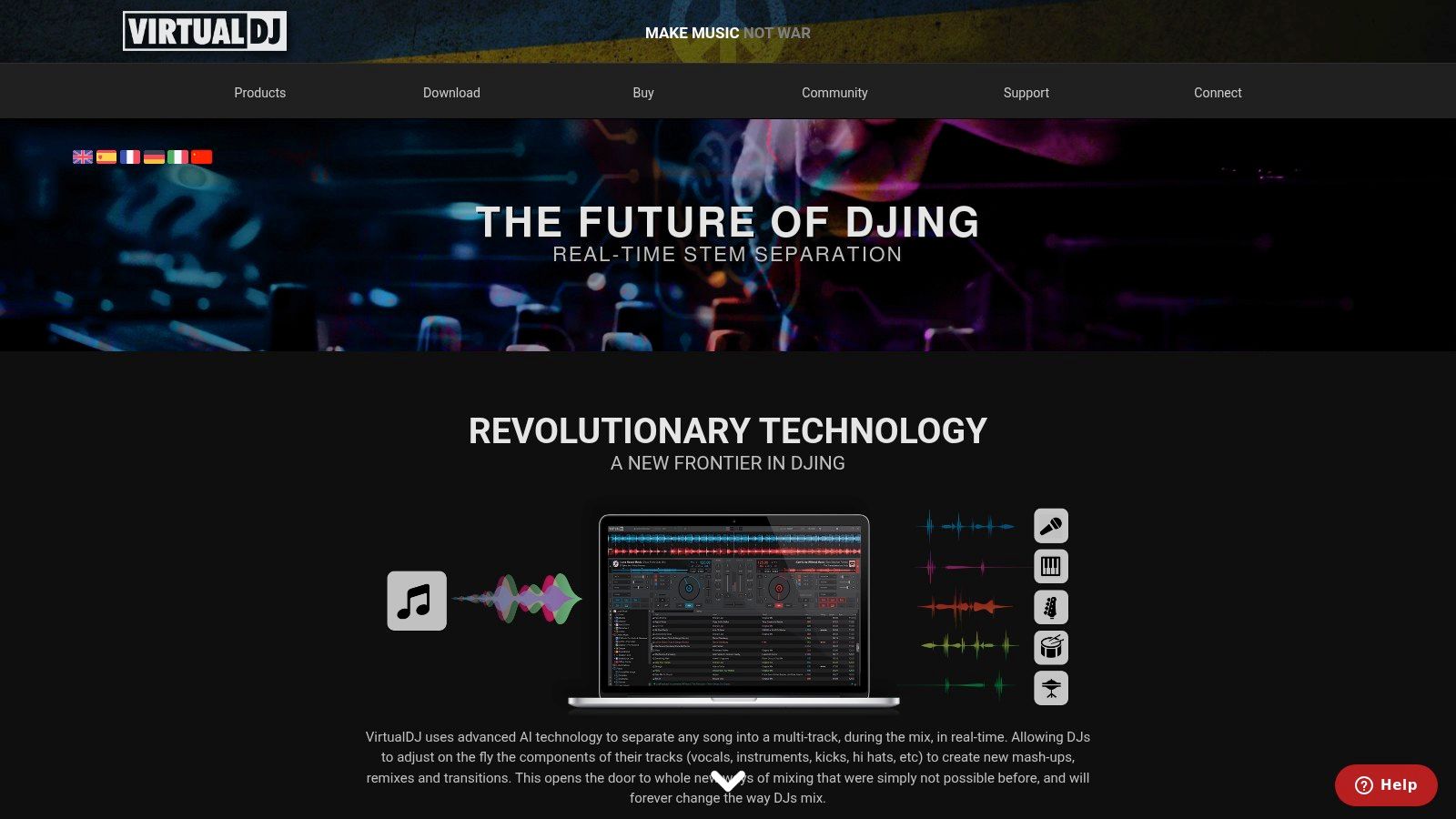
The platform offers two primary workflows: instant, on-the-fly separation and a pre-preparation option that analyzes tracks and saves stems in a dedicated folder for quicker loading during a performance. This dual approach makes VirtualDJ one of the best stem separation software choices for both improvisational and meticulously planned sets. The quality and speed of the real-time separation are heavily dependent on the user's hardware, with modern GPUs providing the smoothest experience. DJs can leverage this tech for everything from simple mashups to complex layering, and those new to the craft can find inspiration by learning how to remix using these advanced tools.
Key Features & Ideal Use Cases
- Platform: Desktop software (Windows, macOS)
- Pricing: Free for home use. Professional licenses are available with a one-time purchase ($299) or monthly subscription ($19/month).
- Primary Use: Perfect for live DJs who want to create real-time mashups, acapellas, and instrumentals during their sets without relying on pre-edited tracks.
- Pros: Mature real-time stem implementation, fast processing on powerful hardware, robust prep workflows for performance.
- Cons: Separation quality and performance are highly dependent on the user's CPU/GPU, with the best features in the latest software versions.
Website: https://www.virtualdj.com/stems/
10. AudioShake
AudioShake positions itself as an enterprise-grade stem separation service, targeting major labels, publishers, and media companies. Its focus is on delivering studio-quality stems suitable for professional applications like official remixes, Dolby Atmos mixing, sync licensing, and localization for film and TV. This B2B approach means its algorithms are fine-tuned for the highest possible fidelity, making it a powerful tool for large-scale catalog processing and professional post-production workflows.
While its core business serves large enterprises, AudioShake also provides access for indie artists and producers who need top-tier results. The platform goes beyond simple separation, offering services like lyric transcription and alignment, which are invaluable for creating lyric videos or preparing tracks for publishing. For users who prioritize pristine, artifact-free audio for commercial release, AudioShake is undeniably one of the best stem separation software solutions available, bridging the gap between automated AI tools and manual studio engineering.
Key Features & Ideal Use Cases
- Platform: Web-based
- Pricing: Offers pay-as-you-go options for indie users. Enterprise and professional pricing is customized and requires contact with their sales team.
- Primary Use: Perfect for major labels preparing back catalogs for immersive audio, music supervisors needing clean instrumentals for sync, and mixing engineers creating official remixes.
- Pros: Studio-grade results trusted by major industry players, enterprise-level workflows and support, additional services like lyric transcription.
- Cons: Full professional and enterprise pricing is not publicly listed, and access to top tiers may require direct sales contact, making it less accessible for casual users.
Website: https://www.audioshake.ai
11. Steinberg SpectraLayers (Pro)
Steinberg SpectraLayers Pro transitions from simple stem separation into the realm of advanced spectral editing. It's a powerful standalone application and plugin designed for surgical audio work, offering far more than basic track isolation. Instead of just providing stems, SpectraLayers visualizes the entire frequency spectrum of an audio file, allowing users to "unmix" complex audio sources with incredible precision. This makes it one of the best stem separation software choices for post-production, audio restoration, and creative sound design.
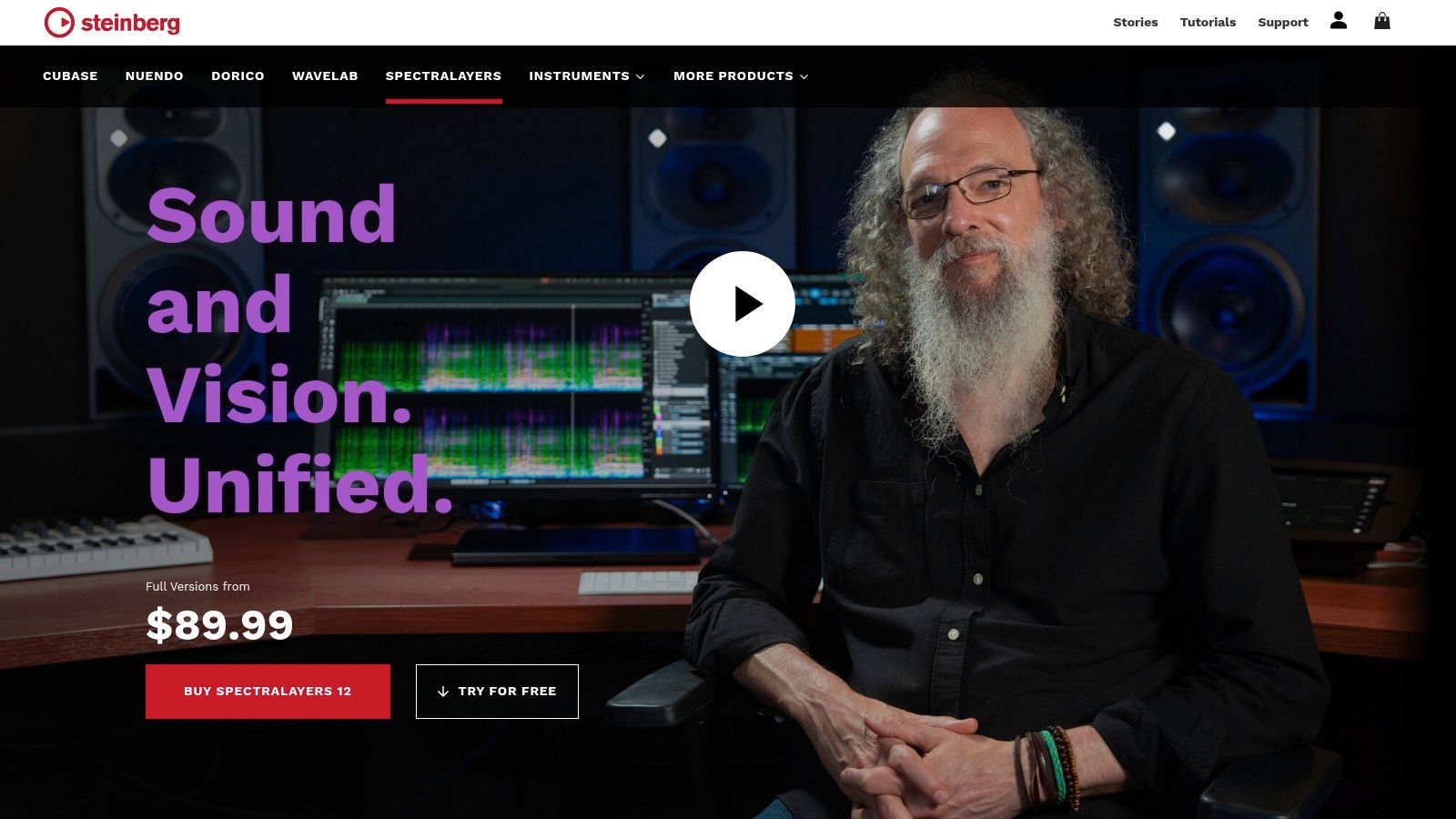
The platform features dedicated "Unmix" processes for songs, drums, vocals, and other instruments, which serve as a starting point for deeper editing. Its true strength lies in giving users the tools to manually refine these separations, fix audio bleed, or remove specific unwanted sounds like coughs or clicks from a recording. With seamless ARA integration, it can function directly within DAWs like Cubase, Nuendo, and Studio One, making it an indispensable tool for audio professionals who require meticulous control over every sonic element.
Key Features & Ideal Use Cases
- Platform: Desktop software (macOS, Windows)
- Pricing: One-time purchase. SpectraLayers Pro costs around $299.99, with a more limited "Elements" version available for $99.99.
- Primary Use: Perfect for audio engineers, forensic audio specialists, and sound designers who need to perform surgical repairs, creative sound manipulation, or precise post-production unmixing beyond standard stem outputs.
- Pros: Deep spectral control for surgical edits, professional-grade unmixing algorithms, and seamless ARA 2 integration with major DAWs.
- Cons: Has a significant learning curve compared to simple web tools and its offline processing workflow is less immediate than cloud-based alternatives.
Website: https://www.steinberg.net/spectralayers
12. Apple Logic Pro — Stem Splitter
For producers and musicians embedded in the Apple ecosystem, Logic Pro’s built-in Stem Splitter is a game-changer. This feature integrates AI-powered stem separation directly into the digital audio workstation (DAW), eliminating the need for third-party plugins or external websites. It allows users to extract vocals, drums, bass, and other instruments from any audio region with just a few clicks. The processing happens on-device, leveraging the power of Apple silicon for a fast and private workflow.
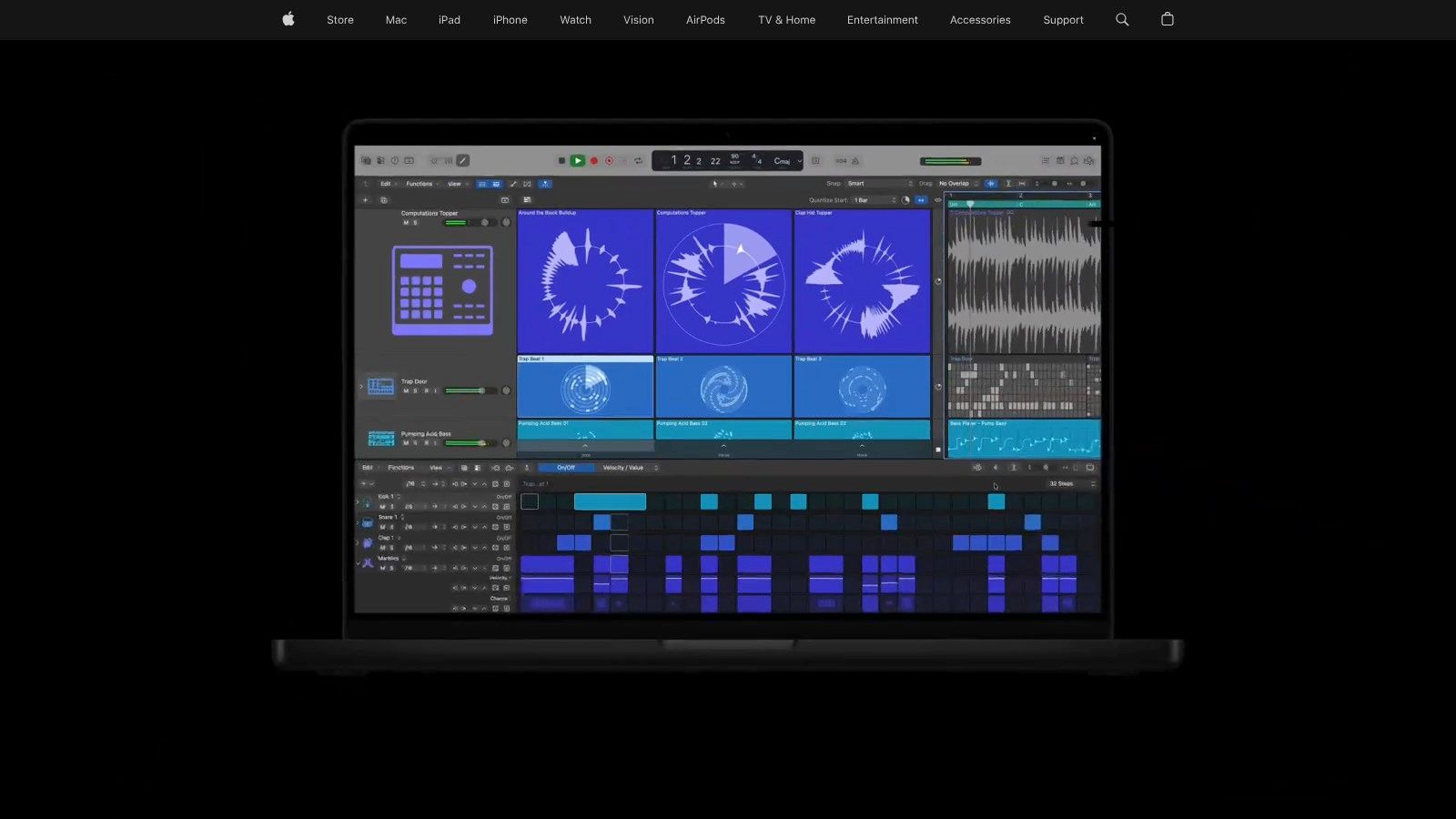
This native integration makes Stem Splitter one of the best stem separation software solutions for remixing, creating backing tracks, or sampling within an existing Logic Pro session. Users can instantly drag the newly created stems into their project, maintaining a seamless creative flow. The ability to work entirely offline without uploading sensitive audio files is a significant advantage for professionals. This tool is a powerful addition for any Logic user looking to manipulate audio without leaving their primary production environment.
Key Features & Ideal Use Cases
- Platform: macOS (Integrated into Logic Pro)
- Pricing: Included with Logic Pro ($199.99 one-time purchase).
- Primary Use: Perfect for music producers, remix artists, and songwriters using Logic Pro who need to quickly isolate parts of a track for sampling, arrangement changes, or creating instrumentals without disrupting their workflow.
- Pros: Fully integrated into a professional DAW, no additional subscriptions required, on-device processing ensures privacy and speed, optimized for Apple silicon.
- Cons: Exclusive to Logic Pro on macOS and requires a Mac with Apple silicon, limiting its accessibility. Feature availability is tied to specific Logic and OS versions.
Website: https://www.apple.com/logic-pro
Top 12 Stem Separation Software Comparison
| Tool | Core features | Quality / UX ★ | Price & Value 💰 | Target audience 👥 | Unique selling points ✨ |
|---|---|---|---|---|---|
| 🏆 Isolate Audio | Natural‑language separation (audio + video), Best/Balanced/Fast + Precision Mode | ★★★★☆ — fast cloud results; variable on dense mixes | Free (5 sep/mo) → Pro $19/mo (unlimited, lossless, priority) 💰 | Musicians, podcasters, editors, DJs, researchers 👥 | Natural‑language prompts; returns isolated element + remainder; API & enterprise scaling ✨ |
| LALAL.AI | Multi‑stem models (vocals, drums, bass, instruments); web upload | ★★★★☆ — quick, simple web UI | Pay‑per‑use / plan minutes; clear limits 💰 | Musicians, podcasters, creators 👥 | Multi‑stem presets and fast web workflow ✨ |
| Moises.ai | Multi‑stem separation + practice tools (chords, tempo, mixer); cross‑platform | ★★★★☆ — strong practice UX; mobile apps | Free + Premium tiers; usage/API options 💰 | Musicians, educators, practice-focused creators 👥 | Chord/beat detection, metronome, mixer & cross‑platform apps ✨ |
| iZotope RX 11 (Music Rebalance) | Music Rebalance module, ARA support, ML models for pro repair | ★★★★★ — studio‑grade, deep control | Higher upfront license cost (Standard/Advanced) 💰 | Audio engineers, post production pros 👥 | Industry‑standard repair suite; DAW integration and precise rebalancing ✨ |
| Hit'n'Mix RipX DAW / Pro | Stem‑aware DAW with surgical editing ('Audioshop' tools) | ★★★★☆ — powerful remix/edit workflow | Perpetual licenses; upgrade path 💰 | Remixers, sound designers, advanced editors 👥 | AI‑centric DAW workflow with precise stem editing ✨ |
| Acon Digital Remix | Real‑time five‑stem plugin (multi‑output), sensitivity controls | ★★★★☆ — immediate on‑track separation | Affordable perpetual license 💰 | Mix engineers, DAW users, karaoke creators 👥 | On‑track real‑time separation plugin with multi‑output routing ✨ |
| Algoriddim djay Pro (Neural Mix) | Neural Mix real‑time stems (vocals/drums/harmonics), performance controls | ★★★★☆ — performance‑ready, low latency | Low monthly Pro subscription for full features 💰 | DJs and live performers 👥 | Neural Mix faders, per‑stem FX, strong controller integration ✨ |
| Serato (DJ Pro / Studio / Sample) | Real‑time stems, stems export, hardware integrations | ★★★★☆ — DJ‑grade, integrated ecosystem | Studio/Pro tiers; some features hardware‑gated 💰 | DJs, producers, hardware users 👥 | Established DJ ecosystem with deep hardware support ✨ |
| VirtualDJ (Stems 2.0) | On‑the‑fly stem extraction, Stems Folder workflow, GPU optimization | ★★★★☆ — very fast on modern hardware | License/subscription options; depends on features 💰 | DJs needing live stem control 👥 | Mature stems workflow, optimized GPU performance for live use ✨ |
| AudioShake | Enterprise‑grade high‑quality stems, lyric transcription, storage/volume pricing | ★★★★★ — studio / catalog grade | Enterprise pricing; volume discounts (contact sales) 💰 | Labels, publishers, media companies, pros 👥 | Catalog‑scale processing, SLAs, professional delivery & metadata ✨ |
| Steinberg SpectraLayers (Pro) | Advanced spectral editor, multiple 'Unmix' modules, batch processing | ★★★★★ — surgical spectral control | Pro license (higher cost) 💰 | Post, restoration engineers, sound designers 👥 | Deep spectral editing and Unmix modules for precision restoration ✨ |
| Apple Logic Pro — Stem Splitter | On‑device stem extraction, presets, integrated export in Logic | ★★★★☆ — native, low‑latency on Apple silicon | Included with Logic Pro one‑time purchase 💰 | Logic Pro users / Mac (Apple silicon) 👥 | On‑device extraction (no upload), built into DAW workflow ✨ |
Choosing the Right Stem Separator for Your Workflow
Navigating the crowded landscape of stem separation software can feel overwhelming, but the journey to finding the perfect tool is about matching technology to your specific creative or technical goals. As we've explored, the "best stem separation software" isn't a single, definitive answer. Instead, it's a spectrum of powerful solutions, each excelling in a different arena. The key takeaway is that the right choice hinges entirely on your primary workflow, technical requirements, and budget.
What was once a niche, computationally expensive process is now an accessible and dynamic part of modern audio production. From AI-powered web platforms to deeply integrated DAW features and real-time DJ tools, the power to deconstruct and reimagine audio is more available than ever. Your final decision should be guided by a clear understanding of your own needs.
Recapping the Core Categories
To simplify your choice, let's revisit the main user profiles and their ideal starting points:
- For DJs and Live Performers: Real-time processing is non-negotiable. Your focus should be on Serato Stems, Algoriddim djay Pro, and VirtualDJ. These tools are built for instantaneous, on-the-fly acapella and instrumental creation directly within a performance environment.
- For Music Producers and Remix Artists: High-fidelity results and workflow integration are paramount. RipX DAW Pro offers an unparalleled "audio as MIDI" editing experience, while iZotope RX 11 and Steinberg SpectraLayers Pro provide surgical, spectral-level control for professional post-production. Moises.ai and LALAL.AI offer a fantastic balance of quality, speed, and convenience for quick sampling and arrangement ideas.
- For Podcasters and Video Editors: Clarity and dialogue isolation are the primary goals. iZotope RX 11's Music Rebalance and Dialogue Isolate modules are industry standards for cleaning up noisy recordings. For more unconventional separation tasks, like isolating a specific speaker's laugh or removing a recurring background sound, a new class of tool is emerging.
- For Creative Sound Designers and Researchers: When your needs go beyond the standard "vocals, drums, bass, other," traditional tools fall short. If you need to isolate a car horn from a street recording, a specific bird call from a forest soundscape, or a single guitar riff from a dense mix, you require a different approach. This is where natural language-based separation shines.
Final Considerations Before You Choose
Before you commit, ask yourself these final questions to ensure you're investing in the right platform for your future projects:
- Workflow Integration: Do you need a standalone application, a web-based tool for quick access, or a plugin that lives inside your primary DAW like Logic Pro or an AVID suite?
- Output Quality vs. Speed: Is your priority getting a "good enough" stem in seconds for a DJ set, or do you need the most artifact-free, high-fidelity separation possible for a commercial release, even if it takes longer to process?
- Flexibility and Control: Are you content with predefined stems (vocals, drums, etc.), or do you need the granular ability to target and isolate any sound imaginable within a track?
- Budget: Are you looking for a free or subscription-based model for ongoing projects, or are you ready to make a one-time investment in a professional, perpetual license?
Answering these questions will illuminate the path forward, transforming a long list of options into a clear choice. The evolution of this technology means that no matter your discipline, there's a tool that can fundamentally change how you interact with audio. By selecting the right stem separation software, you’re not just acquiring a utility; you're unlocking a new dimension of creative freedom and technical problem-solving.
Ready to move beyond predefined stems and isolate literally any sound you can describe? Isolate Audio leverages cutting-edge AI that responds to natural language prompts, giving you the ultimate creative control. Stop being limited by buttons for "vocals" or "drums" and start targeting the exact audio you need. Try it for free today and experience the future of audio separation at Isolate Audio.